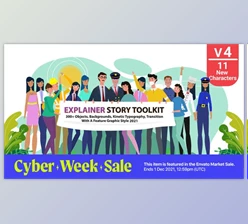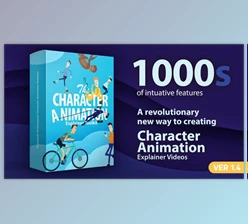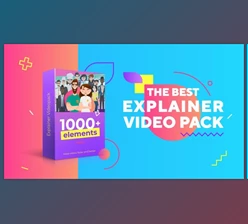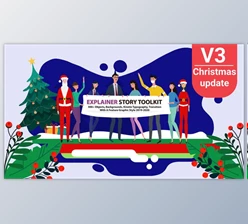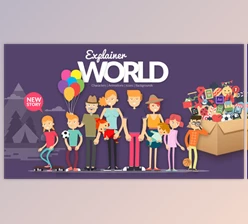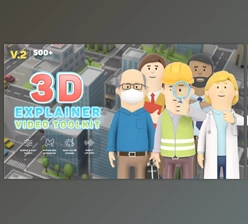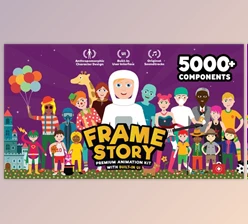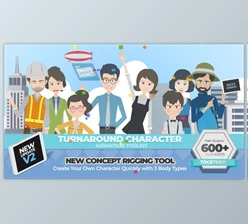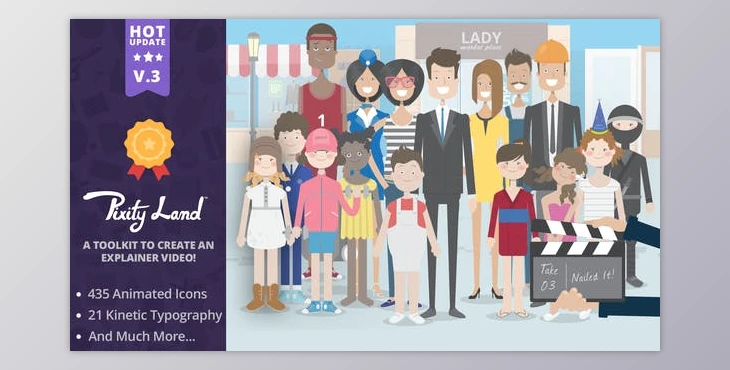
The Pixity Land Character Animation Explainer Toolkit offers a trendy and clean solution for creating animated explainers for startups or businesses. With over 500 unique components, including icons, backgrounds, infographic elements, and more, users can easily customize their animations by changing colors and modifying each element individually.
How can users easily customize their animations by changing colors and modifying each element individually in After Effects?
They can use "Pixity Land | Character Animation Explainer Toolkit V3" to design their project.
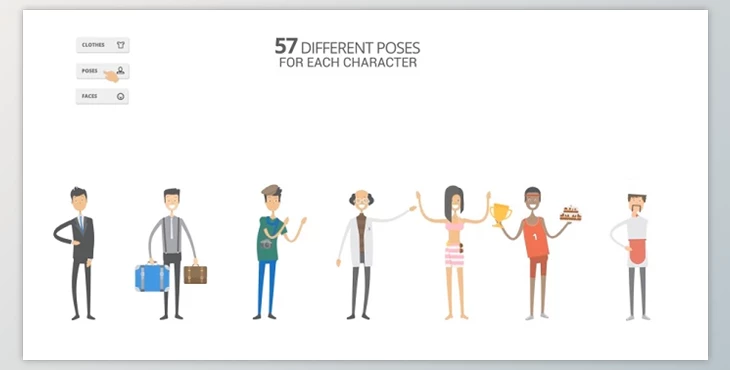
The toolkit also features an "infinite character system" for creating versatile characters with various poses, expressions, clothing options, and accessories. Notable features include a variety of icons, backgrounds, typographies, motion shapes, transitions, and character customization options for both adults and children.
"Pixity Land Character Animation Explainer Toolkit " Samples:
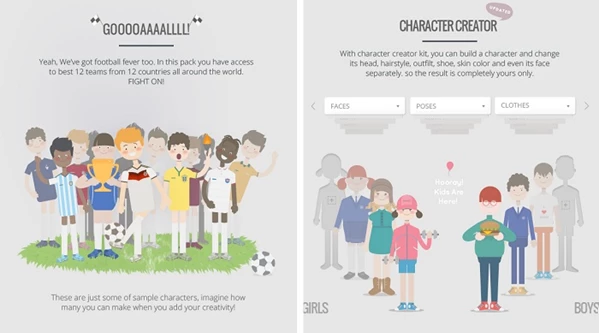
The toolkit does not require any plugins and comes with comprehensive documentation, tutorials, and preset templates. However, it may run slow on certain Macintosh systems.
Package information
This After Effects project, last updated on December 13, 2017, and originally published on March 18, 2014, is compatible with versions CC, CS6, CS5.5, and CS5. The package includes After Effects project files.