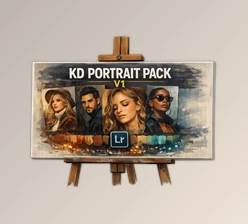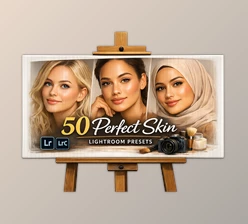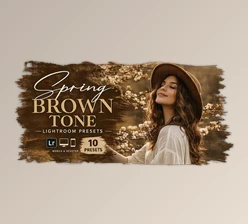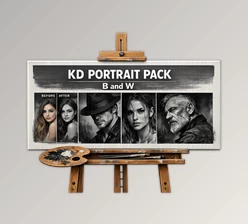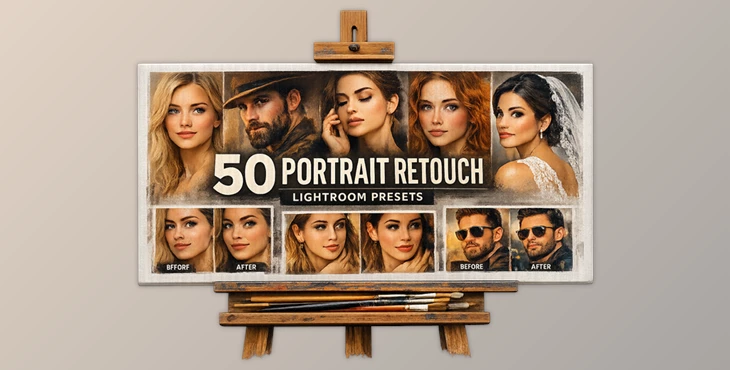
Downloadable Files
You can download Portrait Retouch Lightroom Presets for free at the end of this page.
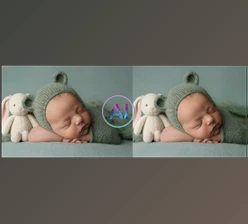
Make Every Portrait Look More Professional
Can you take a great portrait photo, but always struggle to get that professional look? The Portrait Retouch Lightroom Presets will completely transform the way you edit your portraits.
No more spending hours editing your portraits to get that perfect look. Portrait Retouch Lightroom Presets will allow you to create beautiful, professional portraits with the click of a mouse.
Perfect for photographers looking to edit their portraits quickly and efficiently. These Portrait Retouch Lightroom Presets will allow you to produce stunning portraits in just a few minutes.
What Are Portrait Retouch Lightroom Presets?
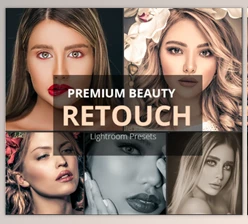
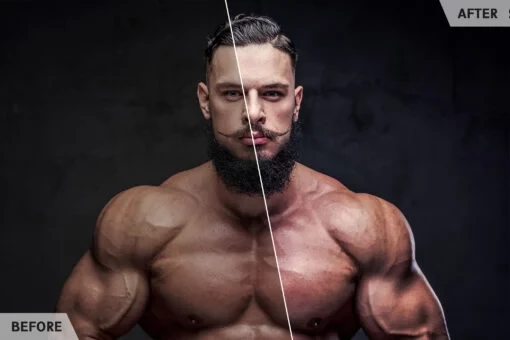
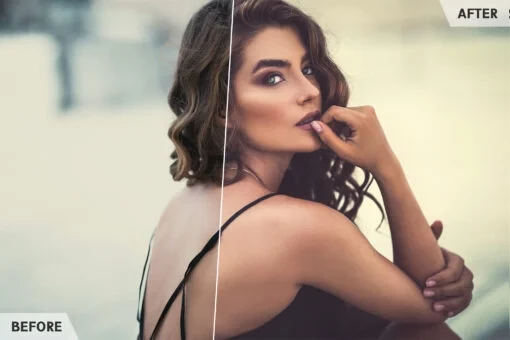
Portrait Retouch Lightroom Presets are a set of editing settings designed specifically for portrait photography. These editing settings will automatically enhance your portraits to create a professional look.
The enhancements include, but are not limited to:
- Smooth skin
- Enhanced color saturation
- Enhanced contrast
- Enhanced brightness and shadows
- Enhanced clarity and sharpness
These editing settings are perfect for the following types of photography:
- Fashion
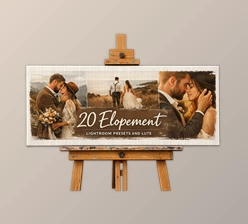
- Wedding portraits
- Studio
- Lifestyle
- Beauty
- Social media
Beginners and professionals can utilize these editing settings to enhance their portraits without knowing much about editing portraits in Lightroom.
Features
One-Click Portrait Enhancement
This is one of the most important features of the Portrait Retouch Lightroom Presets. With the click of a mouse, your portraits will be automatically enhanced to include smooth skin, enhanced colors, improved lighting, and improved details.
Natural Skin Retouching
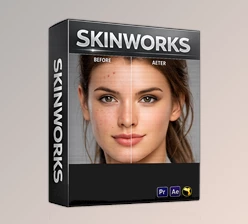
Skin can often look fake and overenhanced with editing software. These skin retouching settings will automatically enhance the skin in your portraits to look soft and smooth, but still retain the natural look of the individual’s skin.
Professional Color Correction
Lighting conditions can heavily affect portrait photography. Indoor lighting, cloudy weather, or mixed light sources often create unwanted color tones. These presets help:
- Correct color imbalances
- Improve skin tone accuracy
- Add cleaner highlights
- Create richer and more cinematic colors
This gives photos a more premium and visually appealing look.
Sharper Details and Better Depth
Portrait images become more engaging when important details stand out clearly. These presets improve clarity and sharpness in areas like:
- Eyes
- Hair
- Facial features
- Clothing textures
At the same time, the overall image maintains a soft and balanced aesthetic that enhances visual depth.
Compatible with Windows and Mac
The bundle works smoothly on both Windows and macOS, making it accessible for nearly every Lightroom user. Installation is simple, and presets can be applied instantly inside Lightroom. This flexibility makes editing more convenient across different devices and workflows.
Real Editing Scenarios
These presets work perfectly for:
- Romantic wedding portraits
- Fashion and editorial photography
- Instagram influencer content
- Outdoor golden-hour sessions
- Beauty and makeup photography
- Professional studio portraits
Instead of building these looks manually from scratch, photographers can achieve professional results in minutes.
Pro Tips for Better Results
Start with Good Lighting
Even the best presets perform better when the original image has decent lighting. Natural light and soft shadows usually produce the most beautiful portrait results.
Adjust Exposure Before Applying Presets
If a photo is too dark or too bright, making small exposure corrections before applying the preset can improve the final result significantly.
Keep Skin Retouching Natural
Professional portraits look best when skin still retains natural texture. Avoid excessive retouching and use the presets to enhance rather than completely alter the image.
Combine Presets with Small Adjustments
Although the presets are designed for one-click editing, adding small personal adjustments to contrast, warmth, or shadows can help create a more customized final look.
Final Thoughts
If you are looking for a way to produce professional portraits of your clients or subjects without spending countless hours learning editing techniques and retouching portraits, Portrait Retouch Lightroom Presets will be an invaluable addition to your editing software.
Whether you edit for your clients or for your social media accounts, these Portrait Retouch Lightroom Presets will make your editing workflow much faster and ultimately allow your portraits to look better and more professional.

Files Password : gfxplugin.com OR 123456