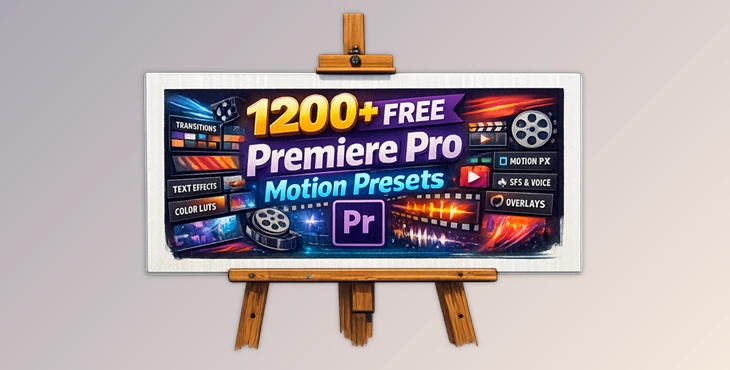
Downloadable Files
You can download FREE PRESETS FOR PREMIERE PRO for free at the end of this page.
Give Your Videos a Cinematic Upgrade
Creating professional videos in Adobe Premiere Pro can sometimes feel repetitive and time-consuming, especially when you need smooth transitions, animated text, stylish overlays, and eye-catching motion effects.
This is exactly where FREE PRESETS FOR PREMIERE PRO becomes incredibly useful. Whether you are editing YouTube videos, social media reels, cinematic projects, gaming content, or commercial videos, this massive preset collection helps you transform ordinary footage into something much more dynamic and engaging within minutes.
Instead of building every animation manually, you can simply drag and drop ready-made presets directly into your timeline and instantly achieve professional-looking results.
Why Motion Presets Matter in Video Editing
Motion presets are a great time-saving tool within Premiere Pro. Instead of having to manually select editing effects, presets allow editors to apply effects to their videos instantly.
Some of these effects include:
- Smooth transitions between videos
- Animated text elements
- LUTs for cinematic editing
- Motion editing effects
These small edits can make a world of difference between editing projects that seem too basic to be shared with the public and pro-standard editing projects. Using motion editing presets also helps editors to maintain a faster editing workflow that is perfect for those with tight project deadlines.
Features
1200+ Ready-to-Use Effects
As the name suggests, the Premiere Pro motion presets contain over 1200 professionally-designed editing effects that can be dragged and dropped into your project. These editing effects are designed for beginners as well as professionals.
Voice Changer Effects
These voice-changer effects allow editors to add special effects to their videos using the voices of other individuals. Some of the available voice effects include robotic voices, deep tones, distorted sounds, and futuristic voices.
Video Transitions
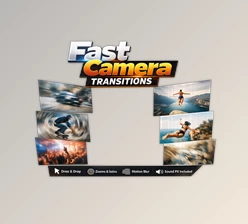
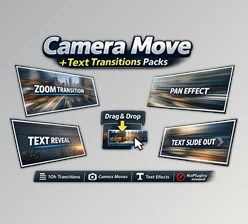
These video transitions allow editors to make smooth transitions between edits in their videos. Available transitions include zoom, glitch, spin, blur, and cinematic transitions.
Photo and PNG Effects
Add motion effects to your static images and PNG files. These effects are perfect for creating YouTube thumbnails, intros for your editing projects, motion graphics, and more.
Text Animation
Animated text is one of the most important elements in modern video editing. The pack includes:
- Kinetic typography
- Smooth title reveals
- Dynamic subtitles
- Modern intro text animations
- Social media captions
Well-designed text animation improves readability while making videos more visually appealing.
Text Effects
Besides animation, the preset pack also contains creative text styling effects that can give titles and captions a more cinematic look. Examples include:
- Glitch typography
- Neon effects
- RGB distortions
- Blur text effects
- Modern cinematic styles
These effects work especially well for gaming edits, music videos, and modern promotional content.
Essential Motion Presets
Essential Motion presets simplify complex animation workflows inside Premiere Pro. They allow editors to create:
- Smooth object movement
- Dynamic scaling
- Professional keyframe animations
- Clean motion graphics
This helps users achieve advanced visual results without spending hours adjusting manual keyframes.
LUTs for Cinematic Color Grading
Color grading can completely change the emotional tone of a video. The included LUTs help creators quickly achieve:
- Cinematic film looks
- Warm tones
- Moody atmospheres
- Teal & orange grading
- High-contrast visual styles
Good color grading makes footage feel more polished and professional instantly.
Filters & Overlays
The preset collection also contains creative overlays and filters that add atmosphere and texture to videos. Examples:
- Light leaks
- Film grain
- Dust overlays
- VHS effects
- Retro visual styles
These details help videos feel more artistic and cinematic.
Mixed Effects Collection
The mixed effects section combines multiple creative styles for editors who want experimental or trendy visuals. Perfect for:
- TikTok edits
- YouTube montages
- Music videos
- Fast-paced reels
- Creative trailers
This section is ideal for creators who enjoy trying unique editing styles.
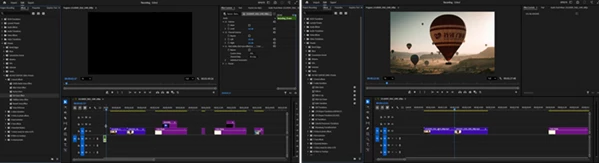
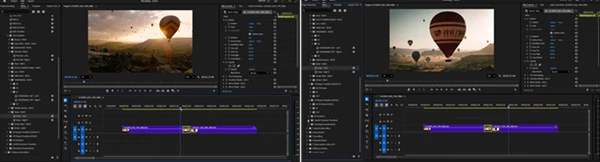
Simple Workflow for Faster Editing
Using the preset pack is very simple:
- Import the preset pack into Premiere Pro.
- Drag and drop your favorite effect onto clips or text layers.
- Customize settings if needed.
- Export your final video.
This streamlined workflow saves significant editing time while still allowing creative flexibility.
Pro Tips for Better Results
Combine Effects Carefully
Using too many effects at once can make videos feel overwhelming. Try combining only a few strong presets for cleaner visuals.
Match Transitions with Music
Syncing transitions to beats or sound effects creates a much more satisfying viewing experience.
Use LUTs Subtly
Cinematic color grading works best when it enhances footage naturally rather than overpowering it.
Keep Text Readable
Animated text should still remain easy to read. Smooth movement usually works better than excessive motion.
Build Your Own Style
Instead of relying on presets exactly as they are, customize timing and intensity to create a more unique editing identity.
Final Thoughts
For any video editor looking to improve their editing software and save time in their editing processes, these FREE PRESETS FOR PREMIERE PRO will come in incredibly useful. From text and voice effects to editing transitions and color grading, FREE PRESETS FOR PREMIERE PRO contains just about everything editors could need for their Premiere Pro projects.
Whether you are a new editor or an experienced one, these editing presets will allow you to edit your projects in more dynamic ways and create visually impressive editing projects for your audiences.

Files Password : gfxplugin.com OR 123456