Downloadable Files
You can download GradientHub for free from the end of this page.
Bring Your Gradients to Life
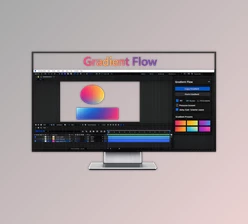
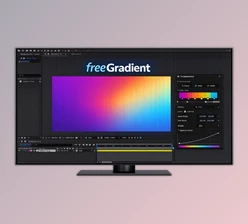
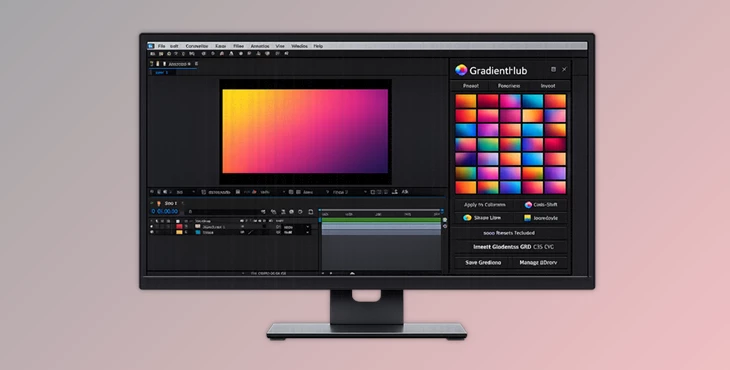
Working with gradients in After Effects can be frustrating and limiting. But GradientHub allows you to browse, organize, import, and apply gradients to After Effects projects and their elements.
GradientHub makes it easy to apply gradients to projects using Colorama, Shape Layers, Layer Styles, and more. This saves time and allows for more creative possibilities with your projects. From social media content to commercials, GradientHub can be used on a variety of projects to ensure brand consistency and save time.
What is GradientHub?
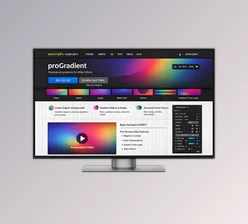
GradientHub is a powerful extension that allows After Effects users to browse hundreds of gradients, import their own gradient files, and save their gradients for later use.
GradientHub supports the following gradient file formats:
- Photoshop.GRD files
- CSS gradients
- SVG gradients
For instance, if your client provides gradients in CSS format from their website design, GradientHub will allow you to import and apply these gradients directly into your After Effects project files. This will improve your After Effects workflow and ensure your projects look visually accurate and professional.
A Faster Creative Workflow
GradientHub is designed for artists who work heavily with colors and animated visuals. Instead of wasting time searching through complicated settings or recreating color palettes, you get a fully visual browser with thumbnail previews.
This makes experimentation much easier. You can quickly test different looks on:
- Motion graphics
- Logo animations
- Text effects
- Shape animations
- UI design animations
- Promotional videos
The ability to instantly switch between gradients helps designers discover more creative combinations and polished visual styles.
Features
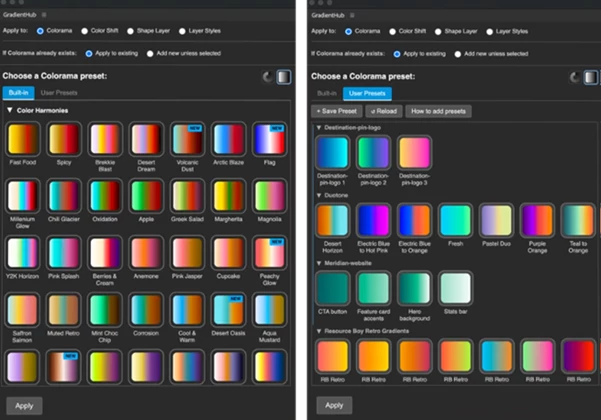
Massive Gradient Library
GradientHub includes over 500 built-in, curated gradients ready to use immediately. These presets cover modern, cinematic, neon, pastel, retro, and many other visual styles. This gives artists a strong starting point for almost any project.
Import External Gradient Files
One of the standout features is support for importing external gradient formats:
- .GRD
- .CSS
- .SVG
This opens access to thousands of free gradients available online and makes cross-software workflow incredibly simple. Designers can keep their branding and color systems fully consistent between Photoshop, web design, and After Effects.
Universal Gradient Conversion
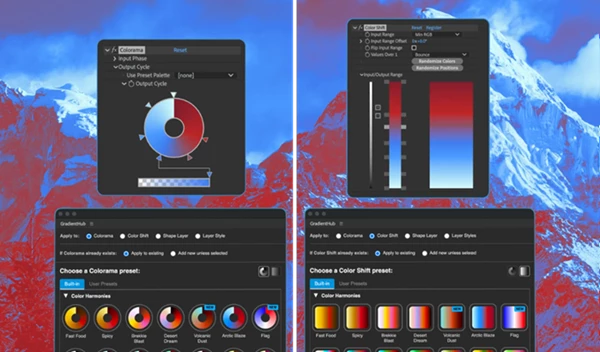
Regardless of how a gradient was created, GradientHub can apply it to different targets inside After Effects. A gradient saved from:
- Colorama
- Shape Layers
- Layer Styles
- Color Shift
can all be reused across other supported systems. This flexibility removes unnecessary technical limitations and speeds up production.
Custom Gradient Saving
Users can save their own gradients and organize them into categories and subcategories. GradientHub even auto-generates thumbnails, making large libraries easy to browse visually. For professional motion designers handling multiple clients, this becomes extremely valuable for maintaining organized branding assets.
Visual Thumbnail Browser
The visual browser is one of the biggest productivity improvements. Instead of remembering gradient names, users can instantly recognize styles visually and apply them in seconds. This makes creative exploration much faster and more enjoyable.
Real Creative Uses
GradientHub can improve many types of projects:
- Animated social media content
- YouTube intros
- Brand commercials
- Modern UI animations
- Futuristic typography
- Music visualizers
- Product promos
- Neon motion graphics
- Retro design animations
For example, creators making synthwave or cyberpunk visuals can quickly test dozens of neon gradients until they find the perfect atmosphere. Meanwhile, commercial designers can instantly match company brand colors without rebuilding gradients manually.
Tips for Better Results
Build Personal Libraries
Create custom categories for your favorite gradients based on project type or color mood. This saves even more time during future projects.
Match Brand Identity
When working for clients, import their official CSS or SVG gradients directly into After Effects to maintain exact brand consistency.
Experiment Quickly
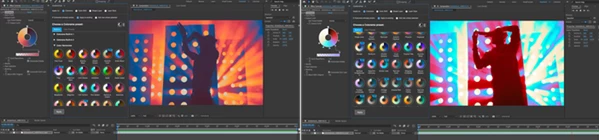
Because GradientHub works visually, try multiple gradients before finalizing your composition. Small color changes can completely transform the emotional feel of a scene.
Combine With Animation Effects
Gradients become even more powerful when combined with:
- Glow effects
- Blur
- Light leaks
- Particle systems
- Animated masks
This helps create cinematic and high-end motion graphics.
Final Thoughts
GradientHub is a powerful tool that will significantly improve the After Effects experience for all designers working with gradients.
For users looking to improve their After Effects workflow, GradientHub comes with a variety of features that will help designers of all experience levels save time and money on their projects. Any designer who works with colorful motion graphics projects or visual effects will benefit from using GradientHub.