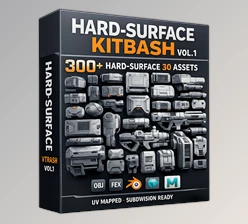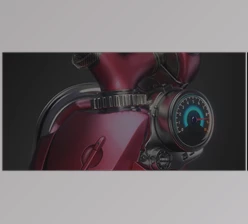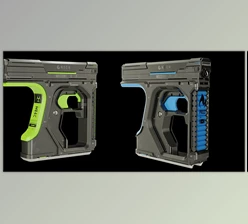
Downloadable Files
You can download the Nd product for free at the end of this page.
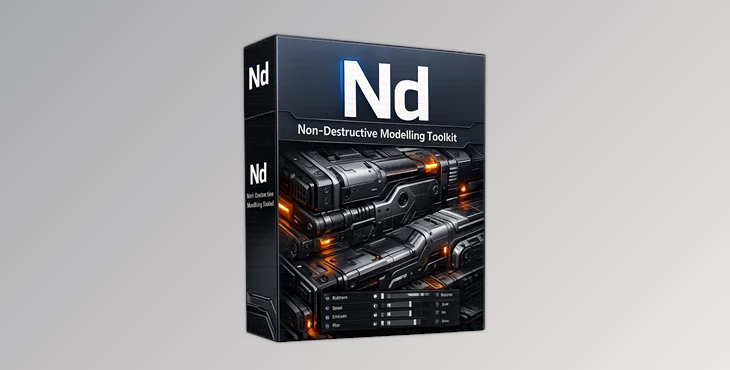
Meet ND — A Smarter Way to Model in Blender
If you spend hours creating hard-surface models in Blender, you already know how repetitive and destructive some workflows can become. One wrong step can force you to redo parts of your project, wasting both time and creative energy.
That’s exactly where ND becomes incredibly useful. ND is a professional Blender add-on focused on non-destructive and hard-surface 3D modelling. Instead of slowing you down with repetitive adjustments, it gives artists and designers a faster, cleaner, and more flexible workflow. Whether you create sci-fi assets, game props, mechanical designs, or industrial models, ND helps make the entire modelling process smoother and far more enjoyable.
What Is ND and Why Is It Useful?
ND is a collection of tools that will enhance the modelling experience for Blender users who desire more control, speed and flexibility in their 3D creations.
With the idea of non-destructive editing, artists can continue to edit their creations without damaging the previous steps that they have completed during the modelling process. Imagine the ability to create a sci-fi weapon or game asset and be able to edit its dimensions or bevels without having to start the modelling process all over again. Such capabilities will improve the outcome of an artist’s project if they are able to:
- Work on their models with more flexibility and control
- Edit their models without having to destroy their previous steps
- Clean up their models to improve the viewing experience
- Add more flexibility for creating hard-surface models
- Export their models to other software packages
These advantages will save their projects hours of work.
Why ND Feels Different
Many Blender add-ons focus on adding isolated tools. ND focuses on improving the entire workflow experience. It introduces streamlined operations, smart generators, and modelling enhancements that help users stay creative instead of constantly managing technical limitations.
The add-on is especially popular among hard-surface artists because it reduces repetitive manual tasks while keeping full artistic control.
Features
Non-Destructive Workflow Tools
ND provides tools specifically designed to keep modelling flexible. Instead of committing permanently to every action, artists can revisit and modify important elements later in the process. This is especially valuable for:
- Mechanical modelling
- Sci-fi asset creation
- Industrial product visualization
- Game-ready props
- Vehicle design
Hard-Surface Modelling Enhancements
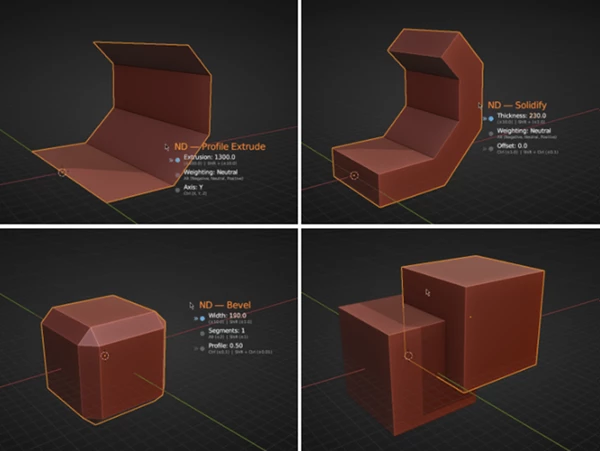
Creating sharp edges, clean bevels, panels, cuts, and surface details becomes much faster with ND. The add-on helps artists produce cleaner geometry while maintaining professional-quality results. This means less time fixing topology issues and more time focusing on design.
Workflow Generators and Operations
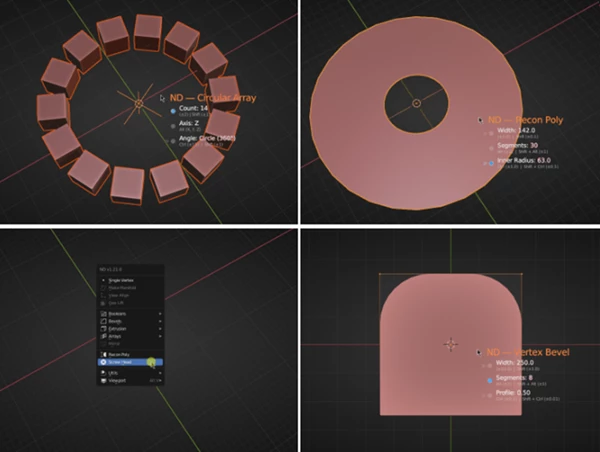
ND includes generators and workflow utilities that automate repetitive modelling steps. Instead of manually recreating similar operations repeatedly, users can build complex shapes and details far more efficiently. This improves production speed while keeping projects organized.
Better Integration With External Software
ND also enhances post-modelling workflows for tools like:
- Substance Painter
- Marmoset Toolbag
- Game engines
- Rendering pipelines
This makes exporting and preparing assets easier for texturing, rendering, and real-time applications. For example, game artists can create assets in Blender with ND, texture them in Substance Painter, preview them in Marmoset Toolbag, and export them into Unreal Engine or Unity with a cleaner workflow overall.
Real Creative Benefits
One of the biggest strengths of ND is how naturally it fits into real production environments. For example:
- A game artist can rapidly prototype weapons and props.
- A product designer can iterate on mechanical concepts faster.
- A motion designer can create detailed hard-surface animations more efficiently.
- A freelance Blender artist can deliver projects faster without sacrificing quality.
Instead of fighting technical limitations, artists spend more time designing and refining ideas.
Tips for Getting Better Results With ND
Keep Your Modifier Stack Organized
Since ND works beautifully with non-destructive workflows, keeping modifiers named and organized helps maintain project clarity during large productions.
Combine ND With Good Topology Practices
Even though ND speeds up modelling dramatically, clean topology still matters. Using proper edge flow and spacing will improve shading and subdivision results.
Use Incremental Detailing
Start with large shapes first, then gradually add secondary and tertiary details using ND tools. This approach keeps designs cleaner and easier to modify later.
Test Assets Early in External Software
If your final destination is a game engine or rendering software, export test versions early. ND makes iteration easier, so checking assets during production helps avoid later surprises.
Final Thoughts
Overall, the software is dedicated to enhancing an artist’s hard-surface modelling process in Blender by allowing them to produce their models faster while retaining the flexibility and control to edit their models throughout the project. If you are a Blender user who produces mechanical, sci-fi, game or industrial models, this software will drastically improve your modelling experience.
The best part of the software is the ability to maintain your creative freedom when modelling. If you enjoy using Blender and non-destructive and hard-surface modelling add-ons, then this software is definitely worth exploring.

Files Password : gfxplugin.com OR 123456