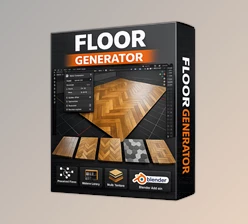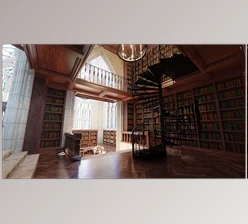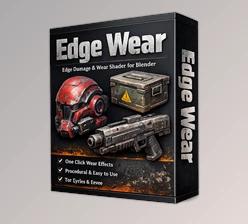
Downloadable Files
You can download Ultimate Blender Procedural Material Pack for free at the end of this page.
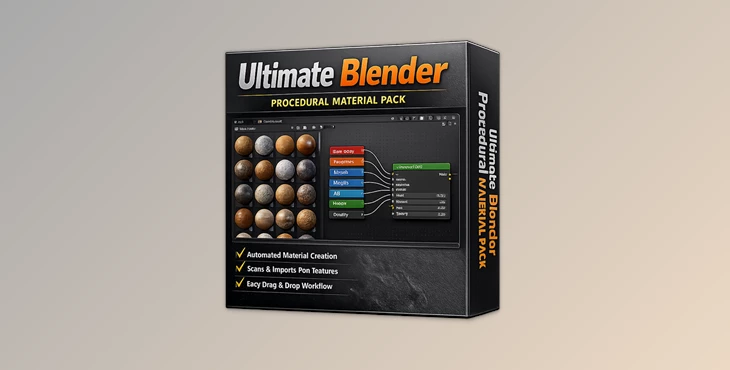
Ultimate Blender Procedural Material Pack
Creating realistic materials for 3D scenes in Blender can take up to as much time as modeling the scene itself. From the complexity of the shaders required to accurately display the surface of 3D models to the time it takes to adjust the materials for realism, the process of creating 3D materials can take up to as much time as modeling them.
This is where the Ultimate Blender Procedural Material Pack can really help artists who work with Blender.
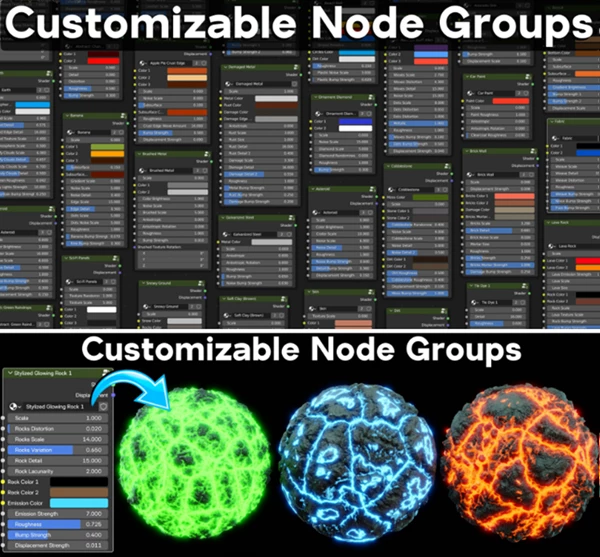
All of the materials included in this Blender pack are also customizable, so that each user can adjust the materials to create unique materials for their own projects.
Why Procedural Materials Matter
Procedural materials are textures and shaders generated mathematically instead of relying on static image files. This means they can scale infinitely without losing quality and can be adjusted dynamically at any time.
Unlike traditional texture-based workflows, procedural materials provide:
- Higher flexibility
- Faster iteration
- Smaller project sizes
- Non-destructive editing
- Infinite texture detail
For example, if you're designing a futuristic sci-fi hallway, you can instantly tweak metallic reflections, scratches, noise patterns, or surface imperfections without repainting textures manually. The same flexibility applies to wood, stone, concrete, fabrics, liquids, and countless other materials.
This level of control allows artists to achieve more realistic and polished renders while reducing production time dramatically.
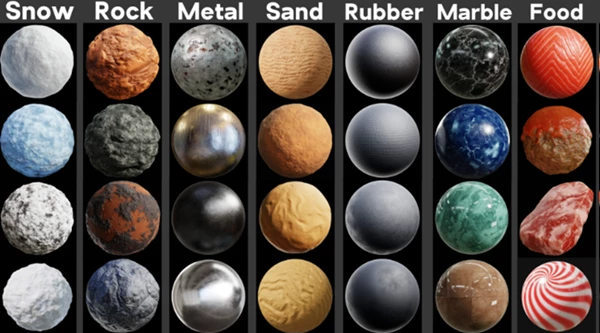
A Massive Ready-To-Use Blender Material Library
What Makes This Pack Special?
Ultimate Blender Procedural Material Pack is more than just a simple material collection. It’s a fully organized production-ready asset library created specifically for Blender users.
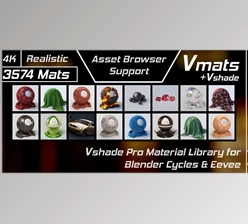
Every material is already configured for Blender’s Asset Browser, meaning you can drag and drop materials directly into your scene without extra setup.
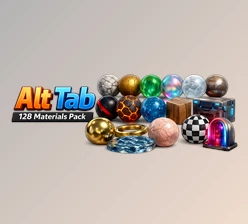
The pack currently includes 335 customizable procedural materials, covering a wide range of surfaces and styles suitable for professional rendering projects.
Features
335 Fully Customizable Procedural Materials
Every material inside the pack is built as a custom node group with editable parameters. Instead of being locked into a fixed look, users can easily personalize materials for their own projects.
You can customize options such as:
- Scale
- Rotation
- Colors
- Metallic intensity
- Surface details
- Distortion
- Noise settings
- Roughness
- Bump and normal strength
- Displacement effects
- And much more
This flexibility makes the pack useful for both realistic and stylized workflows.
Pre-Configured Blender Asset Browser Support
One of the most convenient features is the full integration with Blender’s Asset Browser.
After setting the library path inside Blender Preferences, all materials instantly appear as organized assets with:
- Custom thumbnails
- Sorted catalogs
- Easy drag-and-drop workflow
- Faster project organization
This creates a much smoother experience, especially for artists working on large scenes or multiple projects simultaneously.
Includes Original Scene Files and HDRIs
The product also contains:
- Original 3D scene files
- HDRI lighting files
- Thumbnail images
- Tutorial setup video
These extras help users understand how the materials were showcased and allow them to recreate professional lighting conditions for their own renders.
Optimized for Cycles and Eevee
The materials were primarily designed for Blender Cycles, offering detailed and physically accurate rendering quality.
However, they also work inside Eevee, making them useful for:
- Real-time previews
- Motion graphics
- Faster viewport rendering
- Game asset presentations
Additionally, Blender 4.2 introduced displacement support in Eevee, meaning displacement-based materials now function properly in both render engines.
Real Creative Uses
Faster Environment Design
Instead of manually creating dozens of surfaces for walls, floors, rocks, or props, artists can quickly build entire environments using the included material library.
This is especially useful for:
- Architectural visualization
- Interior design renders
- Game environments
- Cinematic scenes
Better Product Visualization
Procedural materials help product renders look cleaner and more realistic. Materials like brushed metal, plastic, leather, glass, and concrete can instantly improve presentation quality.
For designers and freelancers, this means faster client delivery and more professional results.
Ideal for Motion Graphics
Because procedural textures are resolution-independent, they work perfectly for close-up camera shots and animated motion graphics where texture stretching can become visible.
Pro Tips for Better Results
Combine procedural materials together for more realistic visualizations.
Use the HDRIs properly to enhance your models’ visual representations.
Ensure that the scale of the procedural materials is correctly adjusted so that they look realistic when added to your 3D scenes.
For the best results, use displacement maps with materials in Blender 4.2 or newer versions.
Final Thoughts
For anyone who works within Blender and creates scenes using 3D models, the Ultimate Blender Procedural Material Pack is another fantastic addition to one’s Blender software.
With customizable procedural materials, support for Blender’s Asset Browser, included scene files, HDRIs, and support for both Cycles and Eevee render engines, this material pack is ideal for beginners as well as more experienced Blender users.
Whether you’re working on cinematic scenes, product visualizations, game projects, or motion graphics projects, these customizable procedural materials will help to significantly improve your workflow and the quality of your Blender scenes.

Files Password : gfxplugin.com OR 123456