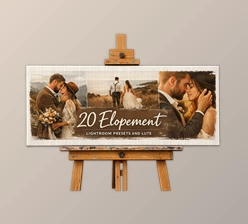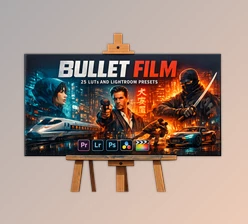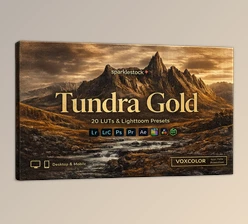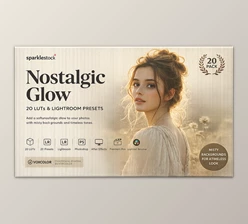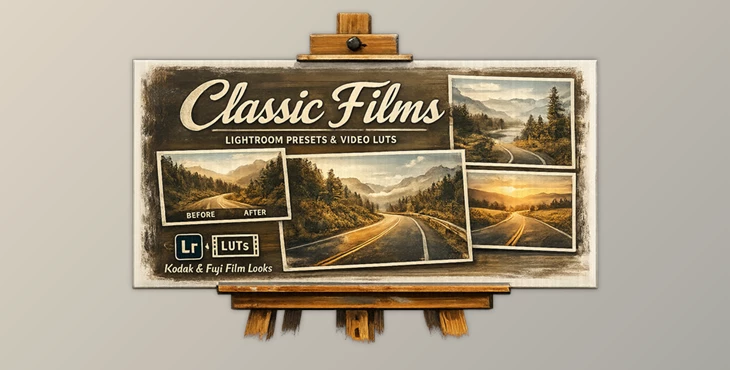
Downloadable Files
You can download the Classic Films product for free at the end of this page.
🎞️ Introduction – Turn Ordinary Photos into Timeless Stories
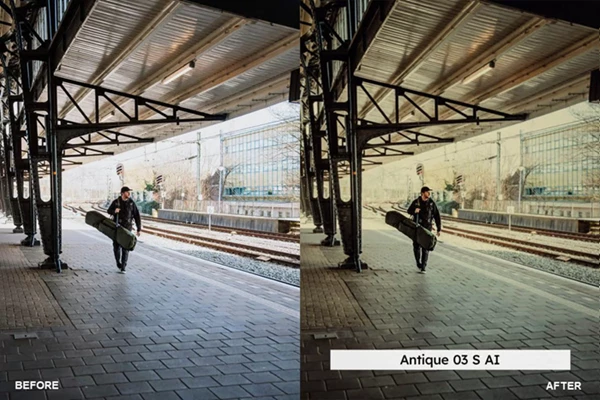
Have you ever looked at photos taken on classic films and admired the way the colors and tones give each photograph a unique feel? Classic Films is a powerful tool that allows you to transform your digital photos with the same analog look and feel. It’s an easy and exciting way to give your digital media a timeless touch.
📸What Is Classic Films & Why It Matters
Classic Films includes a professional collection of presets and LUTs inspired by classic Kodak and Fuji film stocks. The goal of this editing tool is to recreate the feel of the classic film stocks in your digital editing software.
Why These Features Improve Your Results
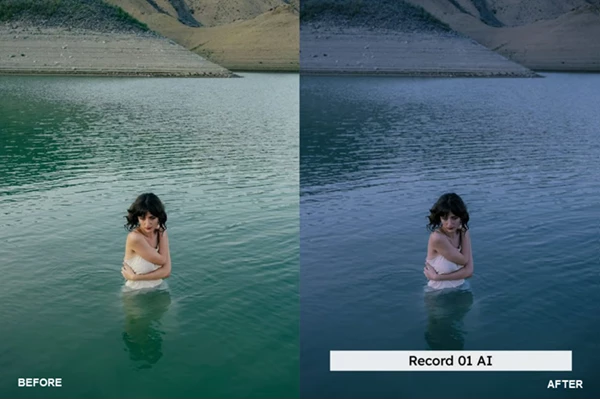
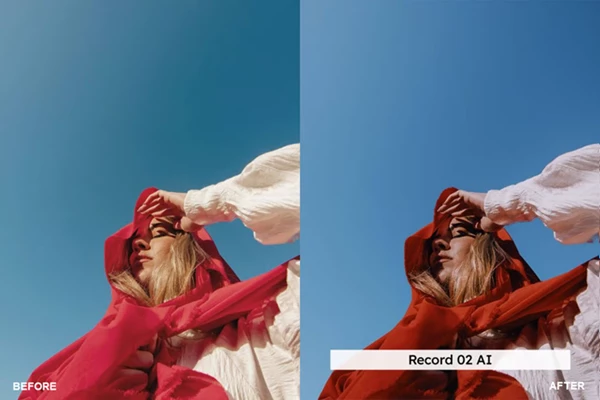
- Film-Accurate Colors - Gives your digital media the look and feel of classic film stocks
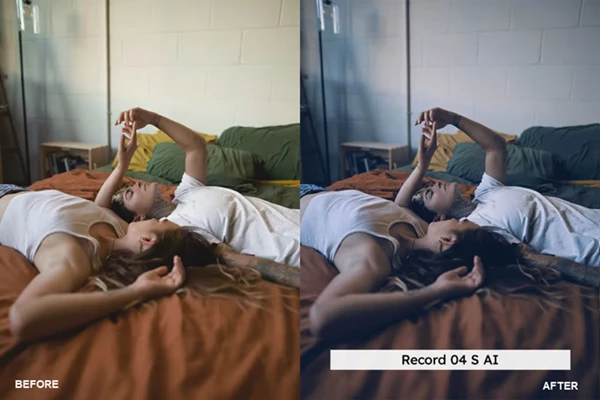
- Cinematic Mood - Enhances the emotion and depth of your digital media
- Consistent Style - Allows your digital media to consistently have the same treatment and look
These features allow you to give your digital media a professional look with minimal effort.
🎨 Professional Tool – Classic Films
Classic Films was created to give photographers and filmmakers in any field a simple, stunning editing solution.
🔧 Features
- 20 Lightroom Desktop & Mobile Presets
- 20 Skin Tone Protected Presets
- 20 High-Quality LUTs
- 20 Skin Tone Protected LUTs
- AI-Powered Lightroom Presets
Lightroom Advantages
✔ AI-powered editing for quick and impressive results
✔ Adjustable intensity using the preset amount slider
✔ Full compatibility with desktop, mobile, and web
LUT Advantages
✔ Includes 3DL, CUBE, ICC, MGA, and PNG formats
✔ High-quality output with no banding or artifacts
Advanced Enhancements
⭐ VOXCOLOR Skin Tone Protection – Keeps skin tones natural and realistic
⭐ VOXCOLOR SmoothTones – Creates smooth color and tonal transitions
💻 Compatibility
Works seamlessly with Lightroom CC, Lightroom Classic, Photoshop, Adobe Camera Raw, Premiere Pro, Final Cut Pro, DaVinci Resolve, Capture One Pro, and more.
🎬 Real Impact
Whether you’re editing a portrait session, creating social media content, or color grading a video project, Classic Films helps you achieve a polished, cinematic look with minimal effort.
💡 Pro Tips for Better Results
- Experiment with the intensity sliders to fine-tune the effect of each preset
- Use the presets according to your digital media’s lighting conditions
- Use the skin tone protected presets when editing portraits to maintain the subject’s skin tones
- Use the presets and LUTs together to maintain a consistent editing style
- Use the different available presets to learn about their features and to create your editing style
These tips will allow you to produce your digital media with more natural and professional results.
✨ Final Thoughts – Elevate Your Creative Workflow
Classic Films is a tool that photographers and editors can use in their software applications to give their digital media a classic film look. This tool allows editors to produce high-quality digital media easily with minimal editing efforts.
For those looking to add a cinematic look and feel to their digital media, the Classic Films tool is definitely worth adding to your software applications.

Files Password : gfxplugin.com OR 123456