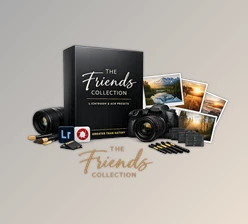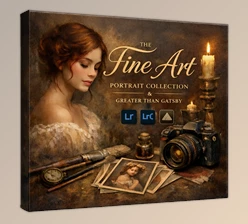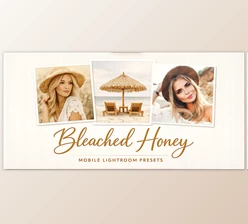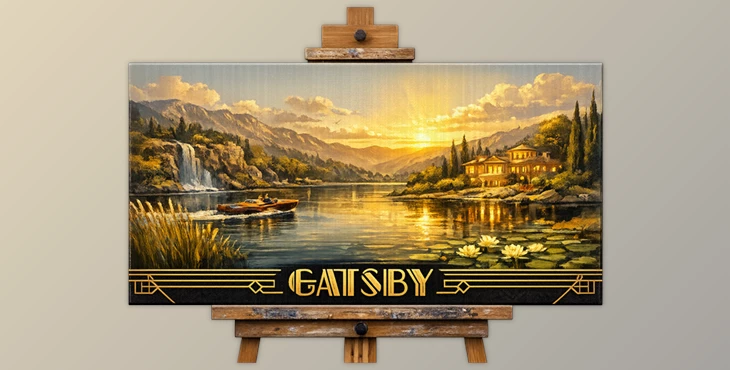
Downloadable Files
You can download the Gatsby product for free at the end of this page.
✨ Add Cinematic Luxury to Your Visuals
Ever wondered how to give your photos and videos that rich, cinematic look seen in movies? Gatsby presets and LUTs bring exactly that feeling to your work.
Inspired by The Great Gatsby (2013), this collection adds a sense of luxury, vintage charm, and subtle rebellion to every frame. It’s perfect for creators who want their visuals to feel more emotional and visually striking.
🎯 What Is It & Why It Matters
Gatsby is a collection of presets and LUTs designed to enhance your visuals. It gives your visuals a cinematic feel without having to learn the ropes of editing software.
Why these features improve your results:
- Filmic tones give your visuals a polished, high-end look
- Scene-inspired colors create emotional depth and storytelling
- Consistency across edits helps maintain a professional portfolio
Practical examples:
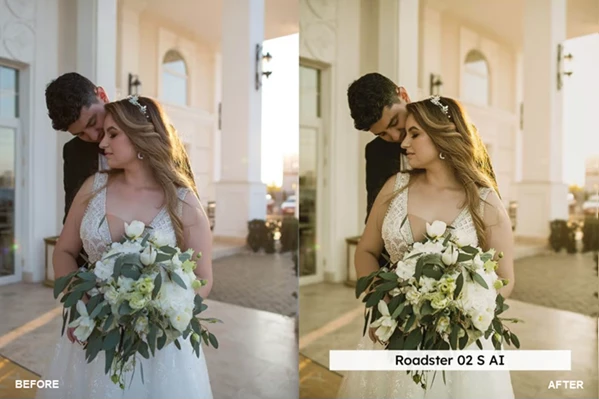
- Wedding photographers can create romantic, timeless albums
- Travel creators can give their content a luxury editorial feel
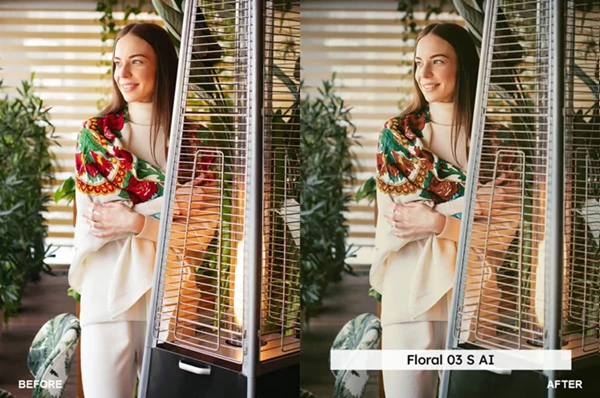
- Portrait photographers can maintain natural skin tones while enhancing colors
These tools help you save time while delivering more impactful and visually appealing results.
🎬 Professional Tool: Gatsby Presets & LUTs
Gatsby is an all-in-one editing tool for both photographers and videographers looking for professional results.
Features
- 20 Lightroom Presets (Desktop & Mobile)
- 20 Skin Tone Protected Presets
- 20 LUTs for Video Editing
- 20 Skin Tone Protected LUTs
- AI-Powered Editing: Automatically enhances images with smart adjustments
- VOXCOLOR Skin Tone Protection: Keeps skin tones natural and realistic
- SmoothTones Technology: Provides smooth transitions with no harsh color shifts
- Wide Compatibility: Works with Lightroom, Photoshop, Premiere Pro, DaVinci Resolve, Final Cut Pro, and more
- Multiple LUT Formats: Includes 3DL, CUBE, ICC, MGA, and PNG formats
Real-world impact:
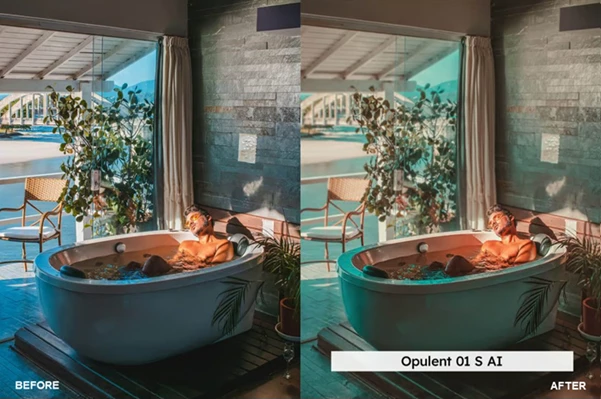
- The Opulent presets recreate warm, vintage hotel tones
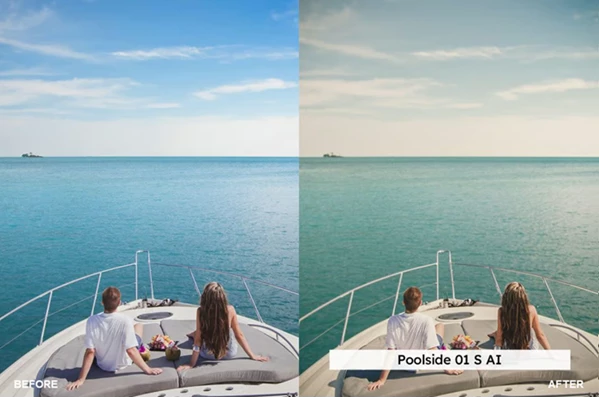
- The Poolside presets capture cool cinematic moods inspired by iconic scenes
- Portrait edits look more natural and refined thanks to skin tone protection
🎯 Pro Tips for Best Results
- Adjust the strength of the presets using the slider
- Choose the appropriate preset for your lighting conditions
- Do not over-edit your projects
- Use the skin tone protection features for portrait projects
- Ensure that your projects have good base images to obtain the best editing results with the Gatsby tools
These tips will improve the results of your editing projects.
🌟 Final Thoughts
With Gatsby presets and LUTs, you will produce professional visuals that tell compelling stories with your projects. The luxury design of the editing tools will make your projects memorable. If you want to give your projects an opulent and cinematic look, Gatsby is a tool worth trying out for yourself.

Files Password : gfxplugin.com OR 123456