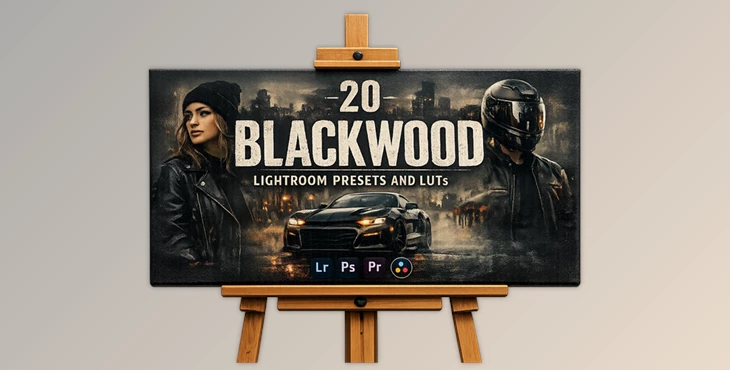
Downloadable Files
You can download Blackwood for free at the end of this page.
🔥 A Gritty Makeover for Your Urban Shots
If you are currently struggling with giving your urban photography the gritty look that it deserves, then Blackwood may be the perfect addition to your editing software.
This preset pack will give your urban photographs a gritty edge with warm highlights and deep tones that will make them stand out from the crowd.
🎯 What Is Blackwood and Why It Matters?
Blackwood is a collection of editing presets and LUTs that will give your urban photography a gritty edge. Instead of spending hours editing your photography to achieve this look, all you have to do is simply apply this preset.
Why it works so well:
- Desaturated tones reduce visual noise and distractions.
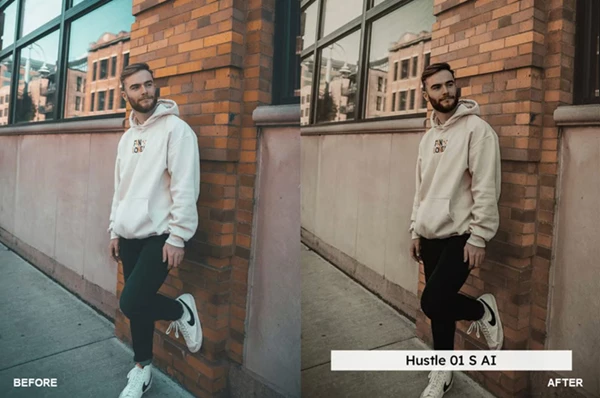
- Warm highlights (reds & yellows) keep key elements like skin tones and road details vibrant.
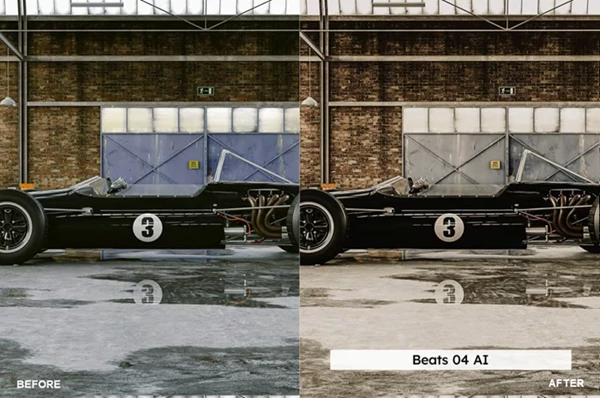
- High contrast adds depth and drama to flat images.
Real-world examples:
- A dull city street becomes cinematic with deep shadows and glowing lights.
- A motorcycle shot gains intensity with stronger contrast and warm reflections.
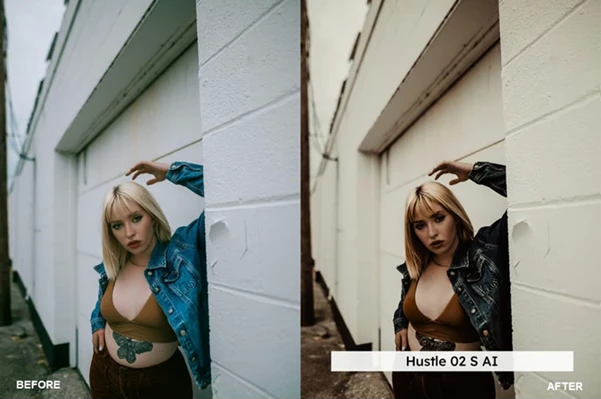
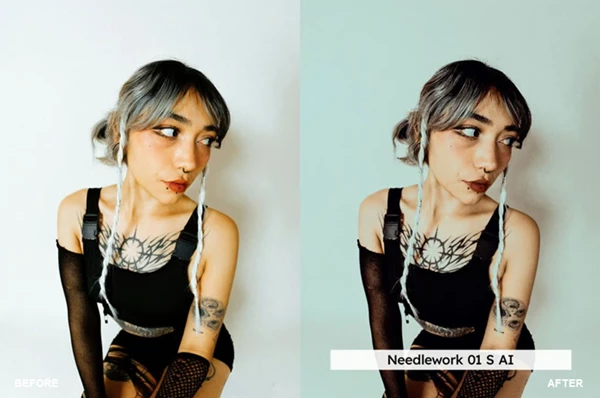
- Portraits stay natural thanks to skin tone protection, while the background gets that urban edge.
These features improve your results by balancing artistic style with realistic color preservation—so your images look both creative and professional.
🛠️ Meet the Tool: Blackwood
Blackwood is a toolkit that photographers and editors use to speed up their editing process and produce high-quality edits across different devices and platforms.
✨ Features
- 20 Lightroom Presets (Desktop & Mobile)
- 20 Skin Tone Protected Presets
- 20 LUTs + 20 Skin Tone Protected LUTs
- AI-Powered Presets
- Preset Amount Slider Support
- Wide Compatibility
- VOXCOLOR Enhancements
- Skin Tone Protection for natural portraits
- SmoothTones for seamless color transitions
Real Impact Examples
- Car photography can be edited to have a premium feel with Blackwood.
- The city sky at night can be enhanced to be more dramatic.
- Any video project can have its color grading enhanced to match the edit style.
💡 Pro Tips for Better Results
- Start with a subtle amount of the preset, then enhance as needed.
- Use Blackwood for urban or nighttime photography for best results.
- Underexpose your shots slightly for better results with Blackwood.
- Use the skin tone protected presets for portraits to keep the skin looking natural.
- Use Blackwood in conjunction with good photography composition for the best results.
These editing tips will ensure that your edits look as natural as possible on your subjects.
🚀 Final Thoughts
Blackwood is a powerful editing tool with an easy-to-use interface for your editing projects. From presets to LUTs, you will save a lot of time and produce a lot more edits that will stand out from others in your field.
If you enjoy urban photography edits, then this tool is definitely something to try. At times, all it takes is a few clicks of the mouse to transform the look of your photography projects.

Files Password : gfxplugin.com OR 123456