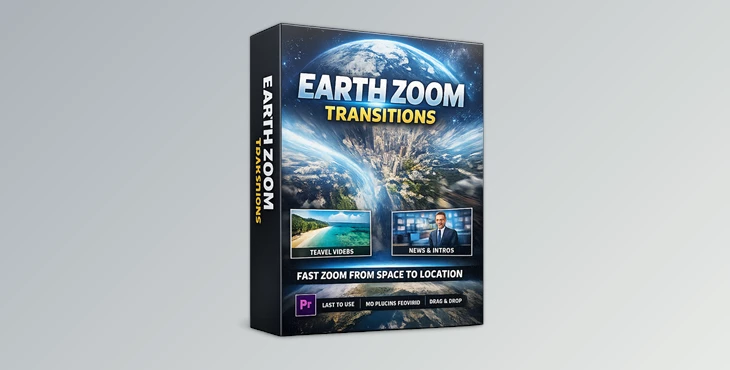
Downloadable Files
You can download the product Earth Zoom Transitions for free at the end of this page.
🌍 A Cinematic Journey from Space to Your Story
If you have ever wanted to create a video that starts from space and zooms into your scene of importance, then this product is for you. It gives you the ability to instantly include zoom transitions into your project, giving it that same scale and excitement from documentaries and travel videos.
Perfect for telling your story, adding an introduction to locations in your project, or simply to show off to your audience, Earth Zoom Transitions will be of great aid in editing your videos.
🚀 What Is It & Why It Matters
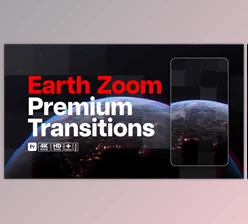
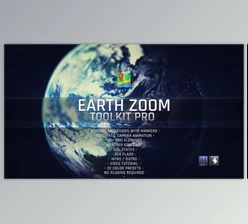
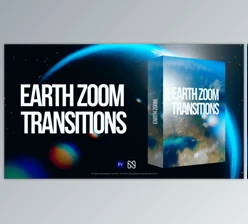
At its core, Earth Zoom Transitions is a Premiere Pro template designed to simulate satellite-style zoom movements—from a global view of Earth down to a specific location.
Why is this powerful?
Because with this effect, you can:
- Create a feeling of scale and movement
- Make your transitions more intentional and story-driven
- Enable your projects to seamlessly connect to different locations
Some of the best ways to use Earth Zoom Transitions are for travel vlogs that zoom from Earth to your destination or even for YouTube channels that use this effect for their intros to immediately grab the audience’s attention.
🎬 Meet the Tool: Earth Zoom Transitions
The Earth Zoom Transitions tool is built for Adobe Premiere Pro 2025 and above. This ensures that users will find it easy to add this tool to their editing projects without the need to purchase any additional software or plugins.
✨ Features
- 100% Premiere Pro Template
- Compatible with Premiere Pro 2025+
- Fast rendering to match your project’s deadline
- No plugins required
- Drag and drop to get started quickly
- Built-in sound effects (SFX included)
- Video tutorial included to help you learn the tool even faster
- Free font links included
- Video footage links included
🎥 What It Helps You Do
- Create epic zoom transitions in your projects
- Add global storytelling elements to your videos
- Enhance your intros, promos, or scene changes
🎯 Example in Action
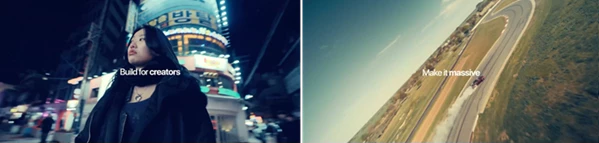
For example, this tool will allow you to start your video with a shot of Earth from space, zoom into a specific city, and continue to your subject - greatly elevating your video’s production quality.
💡 Pro Tips for Better Results
Want your transitions to look even more cinematic? Try these:
- Match your story flow: Use zoom transitions when moving between locations—not randomly. It keeps things natural.
- Sync with music: Align the zoom with beats or sound effects for a more impactful feel.
- Don’t overuse it: These transitions are powerful—use them strategically for maximum effect.
- Blend with color grading: Matching tones before and after the transition makes it feel seamless.
- Use SFX wisely: The included sound effects can dramatically enhance realism—don’t skip them.
🎉 Final Thoughts
Earth Zoom Transitions is a powerful editing tool that will transform your editing projects into cinematic videos. It will help you stand out from others in your field by elevating your projects’ production quality. Whether you are editing for travel videos, documentaries, or YouTube intros, Earth Zoom Transitions can improve the visual impact on your projects. Give it a try and experiment with its features to make your editing projects look as professional as possible.

Files Password : gfxplugin.com OR 123456