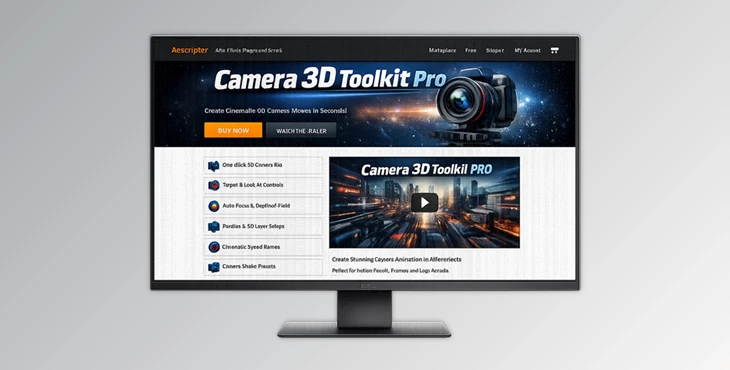
Downloadable Files
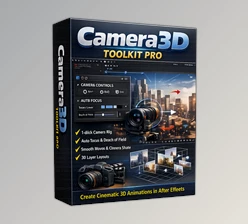
You can download Camera 3D Toolkit Pro for free from the end of this page.
✨ A Quick Hook: Bring Your Scenes to Life Effortlessly
Imagine being able to create 3D camera movements without touching a single keyframe. Sounds like magic, right? That’s exactly what Camera 3D Toolkit Pro does for you!
No matter what kind of project you’re working on, from motion graphics to promos and social media content, this tool will help your scenes come to life with a few clicks of the mouse. Fast, intuitive, and loaded with features to make your life easier, this tool is perfect for novices and professionals alike.
🎯 What Is It & Why It Matters
Camera 3D Toolkit Pro is a tool that automates 3D camera animation for your projects. Instead of manually animating your 3D scenes and cameras, this powerful tool does it for you - instantly!
Why is this important?
Because realistic camera movement is what makes your visuals feel film-like!
Real-world examples:
For example, you could use the tool to create:
- Product showcases that focus on the relevant features.
- Social media advertisements that add depth and dimension to your products
- Cinematic intros with dramatic shake and motion effects
These features will improve your projects by adding a level of realism and cinematic storytelling that your viewers will appreciate!
🚀 Meet the Tool: What Makes It Special
Camera 3D Toolkit Pro makes it easy to apply complex 3D camera animation features with just one click. There are no technical skills required to use its features - and it comes at an incredibly low price!
⚙️ Features
🎯 Smart Targeting
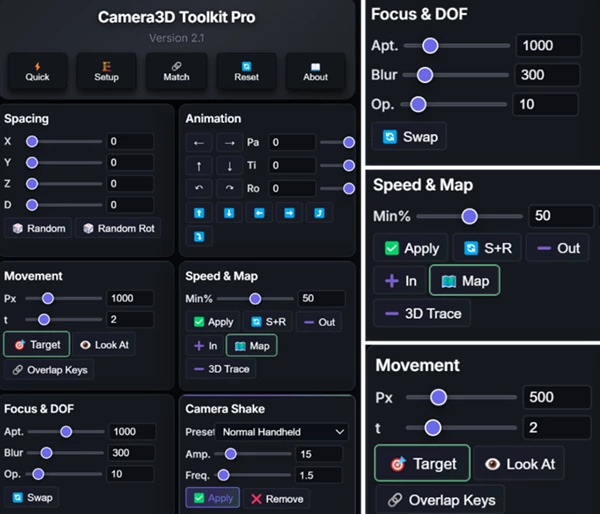
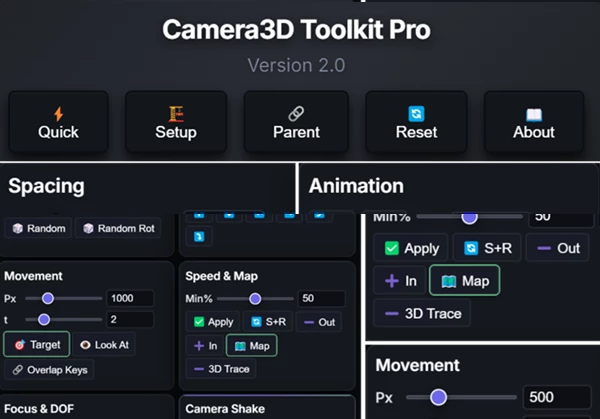
With the Look At system and autofocus tracking, users can automatically direct the camera to any selected layer.
🎥 Smooth Animations
Users can create professional camera movements for their projects without any manual keyframes.
⚡ Camera Shake Presets
This feature offers 20+ shake effects, from subtle to earthquake shake effects, for users looking to add realistic movement to their projects.
🌫️ Depth & Focus Control
DepthFade and DOF (Depth of Field) allow users to simulate depth and blur their focus, adding another dimension to the users’ project.
⚙️ Quick Setup
Users can quickly set up their project rig with the push of a button - no experience necessary.
📐 Layer Spacing Tools
This tool allows users to distribute their layers across three dimensions to add stunning parallax effects to their projects.
💡 Pro Tips for Better Results
Use these tips to get the best results from your projects using Camera 3D Toolkit Pro:
- Use subtle camera movement to enhance the cinematic feel of your project.
- Combine depth with motion effects to enhance the realism of your project.
- Avoid overusing shake effects - keep it subtle and natural to your project!
- Focus on the story you want to tell in your project through your 3D camera animations.
- Use the new cinematic speed ramp feature to enhance the pacing of your animations!
🔥 Final Thoughts
Camera 3D Toolkit Pro offers a helpful, low-cost tool that will save you time and allow you to remain in control of your animations.
Whether you’re new to the world of motion graphics or a seasoned professional, this tool gives you the power to create stunning 3D camera animations to elevate your projects!
If you’re looking to create more dynamic, engaging, and visually impressive animations, be sure to give Camera 3D Toolkit Pro a try!

Files Password : gfxplugin.com OR 123456