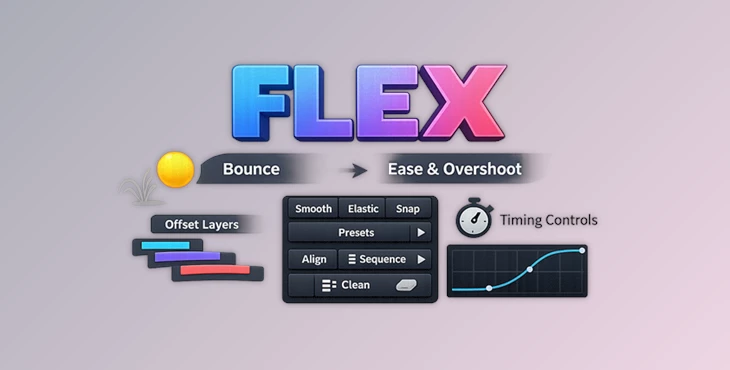
Downloadable Files
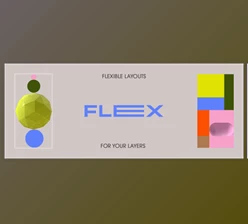
You can download the product FLEX for free from the bottom of this page.
Make Your Animations Feel Alive
Are you someone who loves to spend hours on their After Effects animations to get that perfect motion? If so, then you are not alone in feeling frustrated when trying to create smooth animations for your projects.
FLEX was created to help simplify the animation process and remove the frustration of dealing with complex animation features in After Effects.
What FLEX Does & Why It Matters
At its core, FLEX is designed to simplify motion behavior—things like bounce, easing curves, and layer timing.
Simple Definition
FLEX is an animation tool that automatically handles complex behaviors in After Effects with just a few clicks.
Real-World Use Cases
- Adding bounce to your animations
- Creating smooth transitions between scenes
- Quickly adjusting the timing for layers in your composition
Why It Improves Your Work
Instead of manually adjusting curves:
- You get consistent motion quality
- You save a massive amount of time
- Your animations feel more natural and polished
This means better results—faster.
Meet FLEX – Your Motion Design Assistant
FLEX is built for designers who want control and speed. It transforms tedious animation workflows into something fast, intuitive, and even enjoyable.
Features
- Signature Bounce Engine: Control Amplitude, Frequency, and Damping with real-time curve preview.
- 9 Handcrafted Easing Presets: Includes Snap, Smooth, Delay, Linear, and more—ready to use instantly.
- Smart Copy & Paste Easing: Transfer easing between layers with intelligent mismatch handling.
- Timeline Tools: Quickly stagger layers, align timing, or reset animations cleanly.
- Fast UI with Shortcuts: Shift-click actions, mouse wheel navigation, and fluid workflow design.
- Bounce Tab: Apply dynamic motion instantly with live feedback.
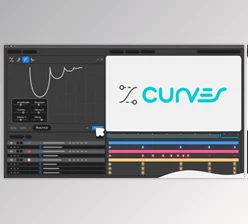
- Curves Tab: Apply, replace, remove, or transfer in seconds.
- Tools Tab: Clean up timelines and organize animation timing effortlessly.
What It Looks Like in Real Projects
- A logo that lands with a perfect, natural bounce
- UI elements that feel responsive and smooth
- Motion graphics that look professionally timed without hours of tweaking
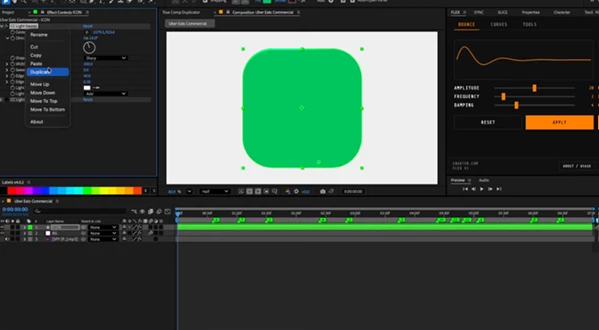
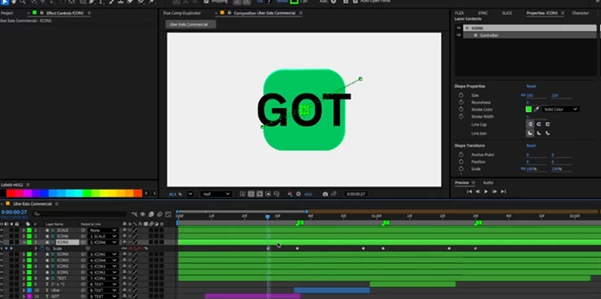
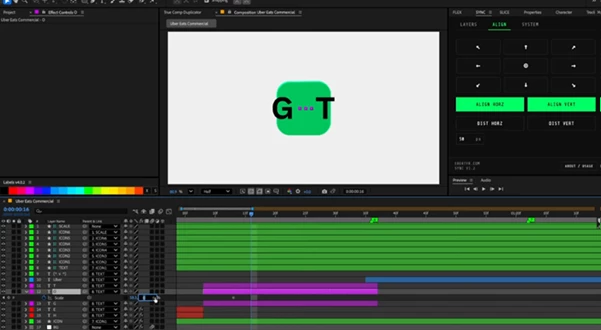
Pro Tips to Get the Most Out of FLEX
- Start with lower settings for bounce to get more realistic animations
- Use the easing presets as the base for your animation
- Stagger the animation of your layers to make it look more natural
- Use all of the available FLEX features together to get the best results
- Do not overuse the features - clean and simple animations often work the best
Final Thoughts
FLEX was created to allow designers of all experience levels to have more control and speed in their projects without getting frustrated with the complex features that After Effects has to offer. Whether you are creating animations for the UI, branding projects, or even social media content, FLEX will help you to create these projects in a faster time with better results. If you have ever struggled with the default features of After Effects, FLEX is the perfect tool that will help you master the creation of smooth and natural animations.

Files Password : gfxplugin.com OR 123456