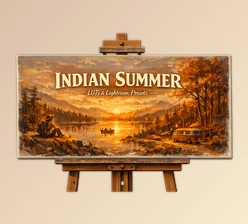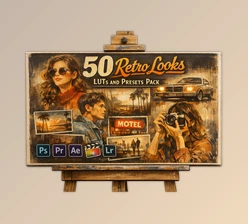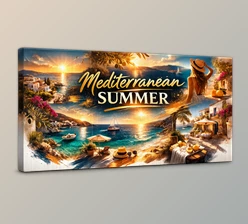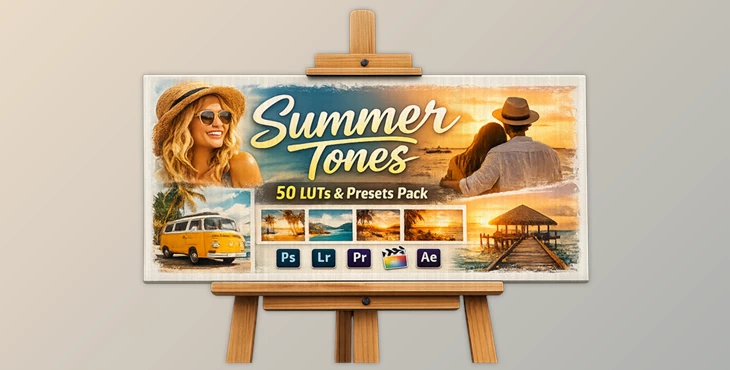
Downloadable Files
You can download the product Summer Tones for free at the end of this page.
✨ A Fresh Way to Transform Your Visuals
If you’ve ever looked at your collection of photos or videos and wondered why they all seem to have the same look and feel, then you’ll want to check out the latest addition to the line of available LUTs: Summer Tones. Simply follow the steps to download the LUTs, then use the tool to transform your visual projects into cinematic masterpieces in a few easy clicks.
🎨 What Are LUTs & Why They Matter?
LUTs (Look-Up Tables) are essentially color presets that remap your image’s colors to create a specific mood or style. Think of them as filters—but far more powerful and precise.
Why use them?
- They save time by applying complex color grading instantly
- They ensure consistent color tones across projects
- They help achieve cinematic film looks without advanced skills
Real-world impact:
Imagine turning a flat, dull video into a warm, golden-hour cinematic scene in seconds. Or giving your photos a dreamy summer vibe that feels straight out of a movie. That’s the power of LUTs.
🎬 Meet the Tool: Summer Tones LUTs
Summer Tones is a collection of professional LUTs that will allow you to easily upgrade the look of your projects to that of a cinematic film. This tool simplifies the color grading process for your projects and gives them striking, cinematic results.
Features
- Cinematic Film Looks: The LUTs have been carefully crafted to mimic the tones of professional film masters.
- One-Click Enhancement: Simply click the LUTs to instantly upgrade the color of your project.
- Fully Adjustable: Fine-tune the LUT settings to match your project and editing style.
Compatible with several editing software platforms including:
- Photoshop
- Premiere Pro
- After Effects
- Final Cut Pro
- Luminar
- Affinity Photo
- And more!
Commercial License Included
- Use the LUTs for any commercial projects you work on for clients or for your own projects.
Real Example
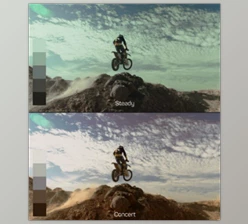
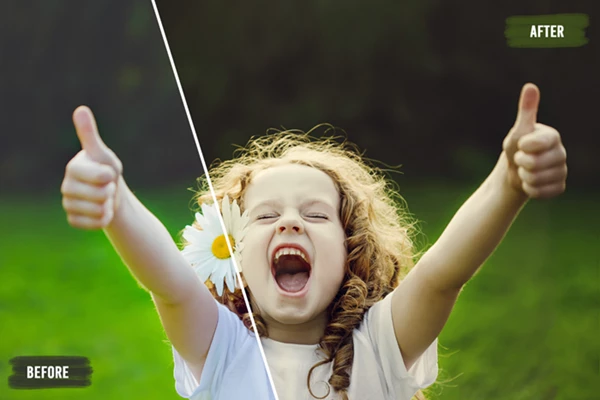
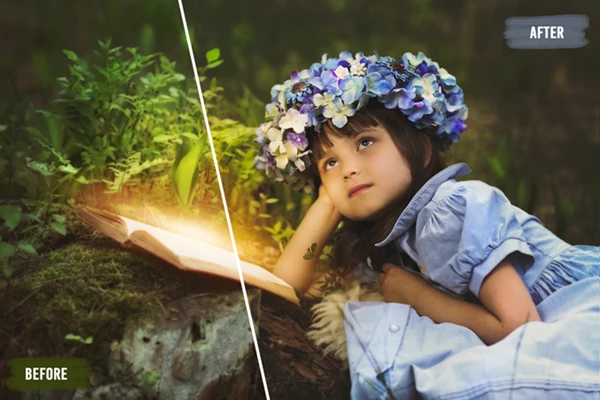
A travel video shot on a cloudy day can be transformed into a warm, vibrant summer scene. Portrait photos gain depth, skin tones look more natural, and everything feels more cinematic.
💡 Pro Tips for Better Results
Use the following tips to get the best out of the LUTs:
- Start with adjusting the intensity of the LUTs. 100% can be too much for some projects. Try 60 to 80%.
- Ensure that the exposure of your project is balanced before using the LUTs.
- Make slight contrast adjustments to your project before applying the LUTs.
- Don’t use all LUTs for all your projects. Find the best fit for each project after a few tests.
🚀 Final Thoughts
Summer Tones will drastically cut editing time for your projects and allow you to produce cinematic film looks without having to spend days experimenting with colors and settings on your editing software.
This LUT is an excellent tool for those with a few years of editing experience as well as for beginners just getting into the editing game.

Files Password : gfxplugin.com OR 123456