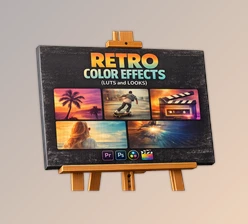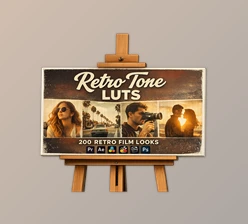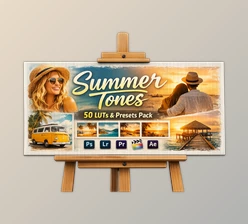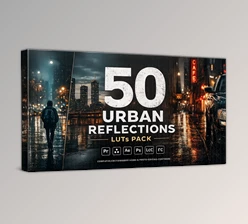
Downloadable Files
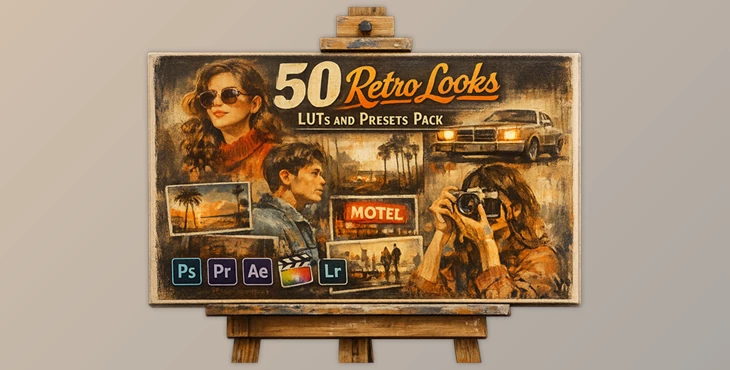
You can download Retro Looks for free at the end of this page.
🎬 A Fresh Cinematic Touch for Your Visuals
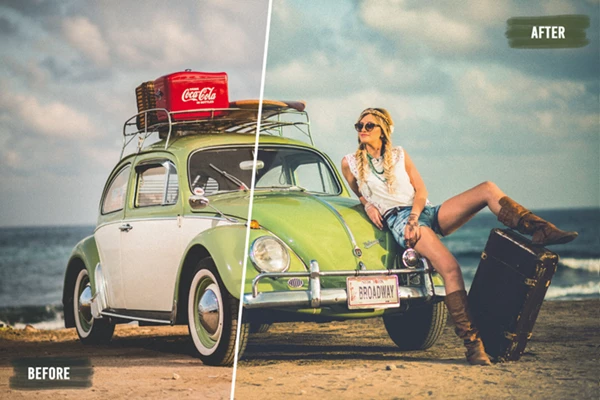
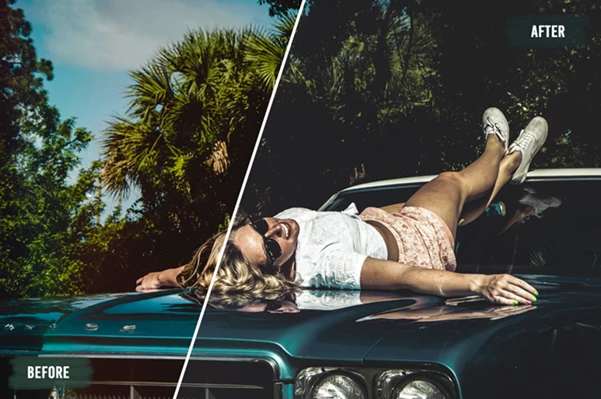
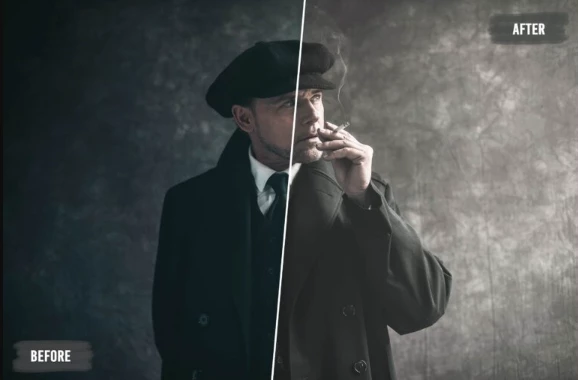
Ever feel like your photos and videos look a bit… ordinary? You’re not alone. Creating that rich, cinematic film look often takes time, effort, and advanced skills. But what if you could achieve stunning results in just a few clicks? That’s exactly where Retro Looks come in.
These LUTs instantly transform your visuals with beautiful tones, adding depth, mood, and a professional cinematic vibe—without complicated workflows.
🎨 What Are LUTs and Why They Matter?
A Look-Up Table (or LUT) is a color grading tool that allows your images or videos to instantly feature a different color mood than the original.
Why use LUTs?
- Consistently apply color grading to your projects
- Speed up the editing process
- Add professional looks to your projects
Examples of how to use LUTs include:
- Transforming your ordinary videos into nostalgic film scenes
- Converting your travel photos to feature retro vibes
Enhancing the colors of your product photos These features will improve the outcomes of your editing projects and provide you with visually pleasing results.
🚀 Meet the Tool: Retro Looks
Retro Looks LUTs is a professional tool that will make it easier for you to add cinematic color grading to your editing projects - whether you are editing your photographs or videos.
✨ Features
- Cinematic Film Grades in Seconds: Add stunning color grading themes to your projects with just a few clicks.
- Highly Adjustable: Fine-tune the color settings according to your project requirements.
- Works on Multiple Platforms: The LUTs work on both Mac and Windows computers.
- Works with Multiple Software Programs: In addition to Adobe Photoshop, you can use this tool with the following programs: Premiere Pro, After Effects, Final Cut Pro, Luminar, Affinity Photo, and On1.
- Professional Quality: All LUTs have been made to provide professional outcomes across different types of projects.
- Extended Commercial License: Use these LUTs for your commercial projects and your clients’ projects.
🎥 Where to Use Retro Looks LUTs
- Creating cinematic videos for YouTube
- Enhancing wedding videos
- Creating retro edits for your Instagram stories and photos
- Creating brand content for your clients
💡 Pro Tips for Better Results
Here are a few tips that will improve your outcomes when using the Retro Looks LUTs
- Adjust the intensity of the LUTs first: Instead of applying the LUTs at 100% opacity, reduce them to create a more natural look.
- Balance the exposure of your photos or videos before applying the LUTs: If your exposure is unbalanced, the outcomes will not be as appealing.
- Apply a few of the most common editing tools before applying the LUTs: A few adjustments to contrast or saturation can dramatically improve the outcome.
Ensure the color temperature of your project matches the type of LUT you are using: Warmer tones work for emotional scenes, whereas cooler tones work for more dramatic edits. These tips will allow your projects to feature a more natural and professional look.
🔥 Final Thoughts
Retro Looks is a great tool for anyone looking to add cinematic color grading to their editing projects. This tool will save you time and effort on performing repetitive color edits on your projects. From beginners to professionals, Retro Looks LUTs will improve the quality of your editing projects. Give it a try and enjoy the effort-free transformation of your visuals!

Files Password : gfxplugin.com OR 123456