Downloadable Files
You can download CHR0MA for free at the end of this page.
🎨 A Fresh Way to Control Color
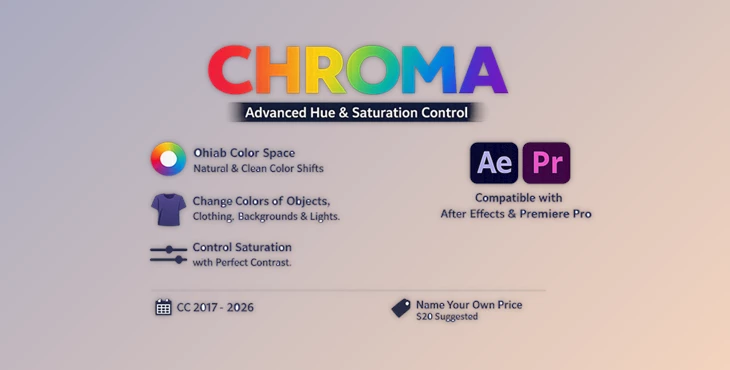
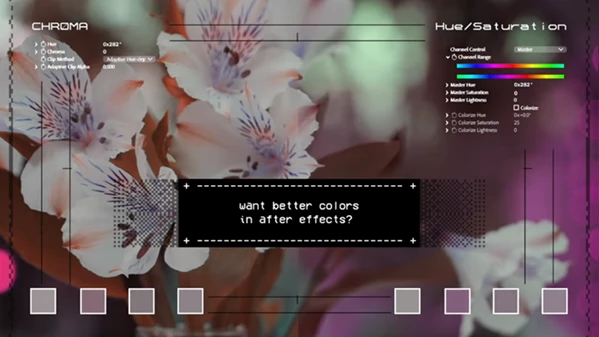
Have you struggled with creating problematic colors using the standard Hue/Saturation feature in Premiere and After Effects? This is a common experience for editors and color graders alike. But what if there was a better tool out there? Enter CHR0MA - a tool that is a replacement for the Hue/Saturation adjustment but with a color science that is much more visually accurate to the way that humans perceive color.
🌈 What Is CHR0MA and Why It Matters
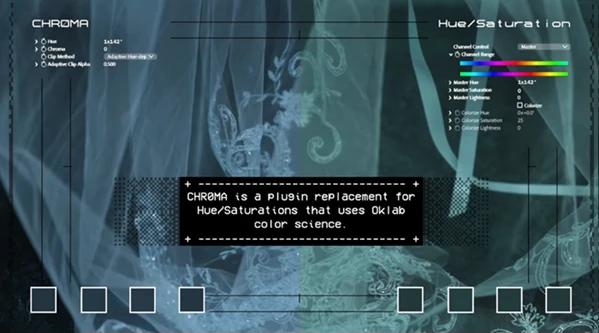
CHR0MA is a tool that can be used as a replacement for the Hue/Saturation adjustment in Premiere and After Effects. However, instead of using the traditional color science that is used in formats like sRGB, CHR0MA uses Oklab color science in its processing of Hue and Saturation adjustments.
With sRGB color science, bright yellow colors will always appear lighter than bright blue colors. This can create issues when trying to adjust color in a way that is visually accurate to how the human eye perceives color.
CHR0MA fixes this by:
- Preserving realistic brightness when shifting hues
- Avoiding oversaturated or “neon” artifacts
- Maintaining contrast even when reducing saturation
Real-world example:
Imagine color grading a sunset:
- With standard Hue/Saturation → colors may look flat or overly intense
- With CHR0MA → tones stay rich, balanced, and cinematic
This leads to cleaner, more professional results without extra effort.
⚙️ Meet CHR0MA – A Smarter Color Tool
CHR0MA is available for Premiere Pro and After Effects. In both applications, it adds a new effect to your project that uses Oklab color science.
✨ Features
- Oklab-Based Color Processing: More accurate color adjustments that match human perception
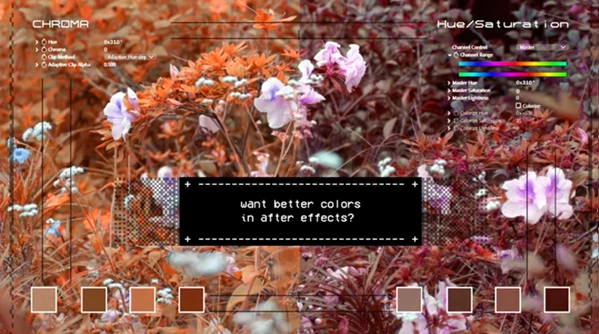
- Improved Hue Rotation: No more harsh or unnatural color shifts
- Better Saturation Handling: Reduces dullness and preserves contrast
- Clean and Intuitive Layout: Familiar workflow, but easier and more efficient
- Open Source: Fully transparent and available on GitHub
🎬 Practical Use Cases
- Color grading cinematic footage
- Enhancing product visuals without oversaturation
- Adjusting brand colors while keeping consistency
- Fixing flat or washed-out clips
💡 Pro Tips for Better Results
- Start with the defaults. This way, if something looks off, you can always adjust it later.
- Make adjustments to the saturation and contrast at the same time so that you don’t create any flat visuals.
- Use the eyedropper to select colors rather than trying to remember the settings for specific colors.
- Experiment! There are no rules with CHR0MA, so feel free to play around with the settings until you find what looks best for your project.
🚀 Final Thoughts
CHR0MA is a step forward in adjusting colors in Premiere Pro and After Effects. By using Oklab color science rather than the traditional color science used in the features, it fixes many of the issues that people have had with the Hue/Saturation adjustment.
The result? More natural-looking colors in your projects. More control over how your projects visually appear. A smarter tool for color correction that you will want to use in all of your projects. If you care about how your visuals look and feel to your audience, CHR0MA is definitely worth a try!

Files Password : gfxplugin.com OR 123456