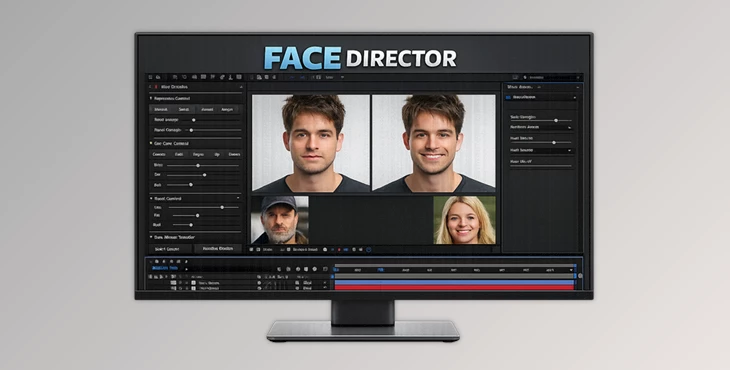
Downloadable Files
You can download the Face Director product for free at the end of this page.
🎬 Introduction – Fix What Actors Can’t
As any filmmaker knows, even the best acting performances can sometimes fall short in certain respects. Whether it’s the wrong expression or a mistake between film shots, Face Director allows filmmakers to fix these problems after the fact. Face Director allows filmmakers to fix expressions on actors after the fact.
This tool allows filmmakers to adjust the acting performance as needed. The ability to do so gives filmmakers more creative control over their films, even after the filming process is over.
🎭 What Is Face Director & Why It Matters
Face Director is a professional facial animation and correction tool that allows creators to modify acting performance directly in post-production.
Why is this important?
Because even small details—like eye direction or a slight smirk—can dramatically affect how a scene feels.
Real-world use cases:
- An actor’s expression doesn’t match the emotional tone → Fix it instantly
- A continuity error between shots → Smooth it out seamlessly
- A blooper ruins a perfect take → Recover it without reshooting
- Creative storytelling → Push expressions beyond reality
Why these features improve results:
- Consistency: Keeps scenes believable and smooth
- Control: Directors get full creative authority even after filming
- Efficiency: Saves time and budget by avoiding reshoots
- Creativity: Unlocks new storytelling possibilities
🚀 Meet the Tool – Face Director in Action
Face Director was created for filmmakers and creators who want to have more control over the facial animations within their movies. The software makes it easier for filmmakers to adjust performances.
✨ Features
🎯 Improve Acting Performances
Adjust facial expressions to better match the scene.
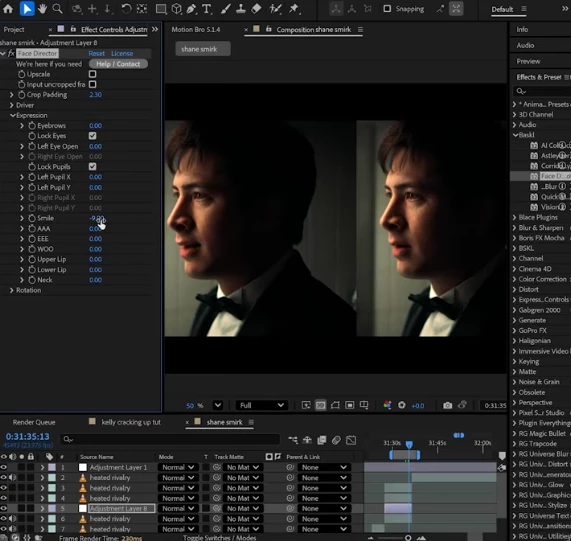
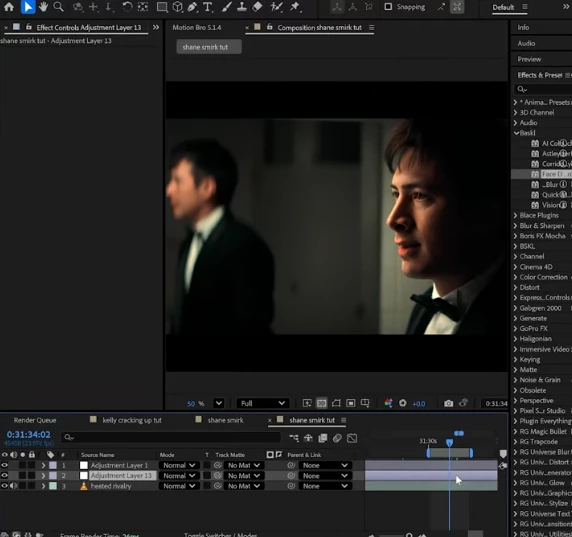
Example: Remove an awkward smirk or enhance emotional intensity.
🔄 Fix Continuity Errors
Correct inconsistencies between shots.
Example: Fix a sudden mouth position change between camera angles.
😂 Recover Bloopers
Turn unusable footage into polished scenes.
Example: Remove unintended laughter and restore character immersion.
🎨 Go Wild with Expressions
Push facial features to creative extremes for stylized storytelling.
🧍♂️ Puppet Mode
Use another video layer as a driver to control facial movement dynamically.
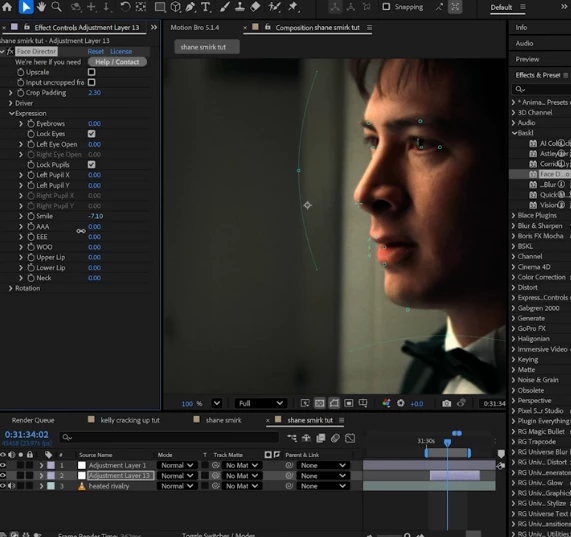
🖱️ Direct Manipulation
Simply drag facial features directly in the preview window—no complicated setup.
👁️ Full Facial Control
- Eye direction
- Head movement
- Neck positioning
- Micro-expressions
💻 Wide Compatibility
Works seamlessly on:
- Mac & Windows
- After Effects
- Premiere Pro
- DaVinci Resolve
- Nuke
🧠 Pro Tips & Techniques
🎥 Keep It Subtle for Realism
Small adjustments often look more natural than extreme changes—especially for emotional scenes.
👀 Focus on the Eyes First
Eye direction plays a huge role in storytelling. Fixing gaze alone can transform a scene.
🎭 Match Emotion with Context
Always align facial edits with the narrative tone to avoid uncanny results.
🔁 Use Puppet Mode Creatively
Drive performances using reference footage for more natural motion.
🧩 Combine with Editing Tools
Pair Face Director with color grading and sound design for maximum impact.
🎬 Final Thoughts – Your Second Chance at Perfection
Face Director gives filmmakers the control they desire even after filming their performances. Whether used to recover from mistakes or to enhance performances, this tool is certainly worth considering for filmmakers and other creators who want to retain control over their films. For those who value creative control, the ability to adjust acting performances after filming means a lot, and Face Director allows filmmakers to have that.