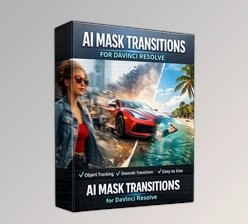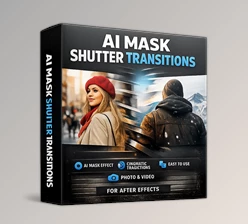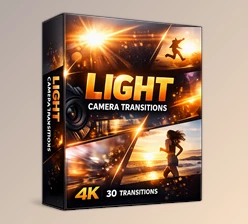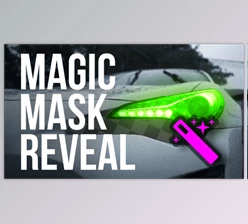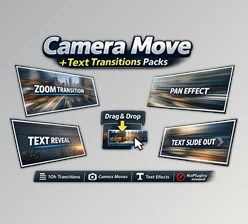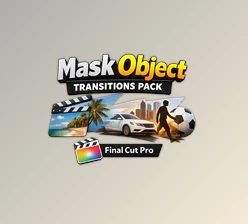
Downloadable Files
You can download AI Mask Transitions for free at the end of this page.
🎬 Make Your Edits Feel Alive
Ever feel like your cuts are a bit… boring? Just simple transitions that don’t really add anything special?
AI Mask Transitions changes that completely. It adds a smart, creative touch to your edits by turning simple cuts into smooth, eye-catching moments that actually feel part of the story.
🧠 What Is AI Mask Transitions & Why It Matters
At its core, AI Mask Transitions is a smart transition system that uses mask detection to separate subjects from the background and animate transitions in a more natural, fluid way.
Why this is powerful:
- Instead of cutting between clips, the subject itself becomes part of the transition.
- It creates depth and motion that feels intentional—not just decorative.
- Your edits look more polished with less manual effort.
Real-world examples:
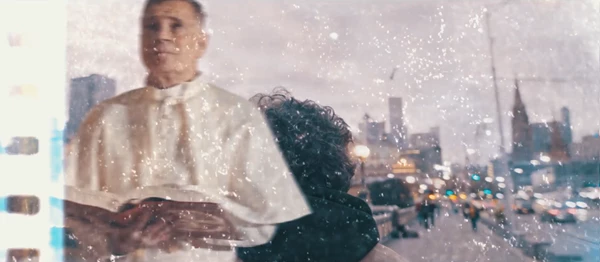
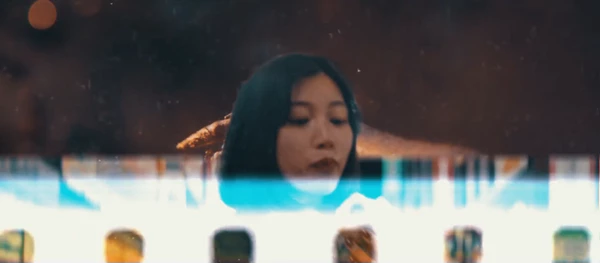
- A person walking transitions seamlessly into the next scene.
- Product shots morph into the next angle using masked overlays.
- Travel footage flows smoothly between locations with subject-aware motion.
These kinds of transitions elevate storytelling, making your content more engaging and memorable.
🚀 Meet the Tool: AI Mask Transitions
This package is designed to simplify advanced editing techniques and make them accessible—even if you're not an expert.
🔹 Features
- AI Mask Transitions for intelligent subject-based effects
- No Plugins Required – works directly in After Effects
- Smart Mask Detection for accurate subject isolation
- After Effects 2025+ Compatible
- Supports Photo & Video Projects
- Works with Any FPS & Resolution
- Easy to Use Workflow
- Fully Handcrafted Textures for unique visuals
- High-Quality Output for professional results
🎥 What it improves:
- Saves editing time by providing ready-to-use transitions
- Adds a unique visual identity to your projects
- Reduces the need for complex manual masking
Practical impact:
Imagine editing a YouTube vlog, commercial, or social media reel—these transitions can instantly upgrade the visual quality, making your content stand out in crowded platforms.
💡 Pro Tips for Better Results
Want to get the most out of AI Mask Transitions? Try these tips:
- Match motion between clips: smoother transitions happen when movement aligns
- Use high-contrast subjects: AI masking works best when the subject stands out
- Don’t overuse transitions: keep it balanced for a professional feel
- Combine with sound design: subtle audio cues make transitions feel more natural
- Experiment with timing: slight adjustments can dramatically improve flow
These small tweaks can turn a good edit into a great one.
✨ Final Thoughts
AI Mask Transitions is more than just a transition pack—it’s a creative shortcut to smarter, more visually appealing edits. It helps you save time while producing content that feels modern, dynamic, and polished.
If you're looking to upgrade your editing style without adding complexity, this tool is definitely worth exploring. Try it out, experiment with its features, and see how it transforms your workflow.

Files Password : gfxplugin.com OR 123456