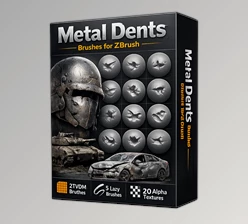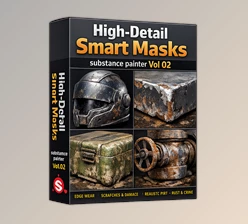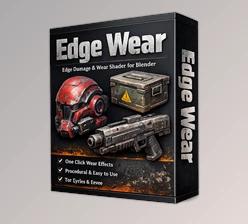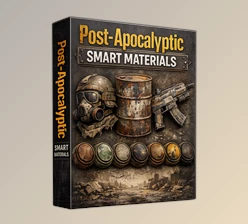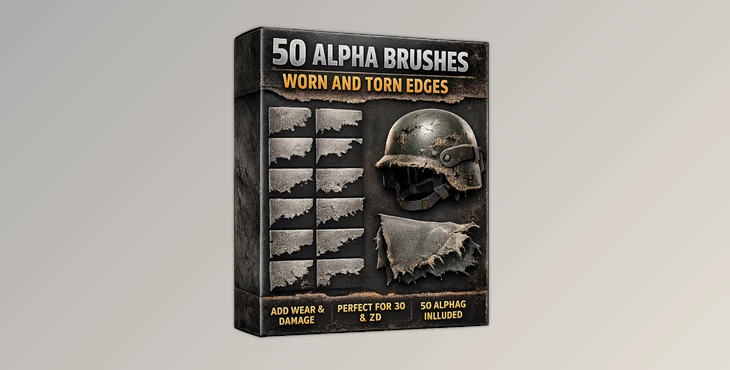
Downloadable Files
You can download the product Alpha Brushes for free at the end of this page.
✨ Add Realistic Detail Effortlessly
If you’ve ever looked at a 3D model or digital artwork and felt something was missing, chances are it lacked subtle surface detail. That’s exactly where Alpha Brushes come in.
These powerful tools let you quickly add wear, dirt, and realistic imperfections—bringing your work to life in seconds. Whether you’re designing clothing, props, or environments, these brushes open up a whole new level of creativity.
🎯 What Are Alpha Brushes & Why They Matter
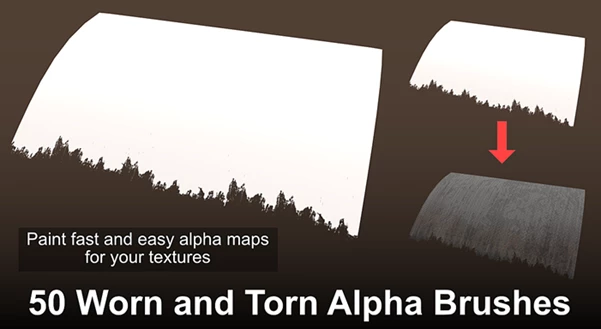
Alpha Brushes are grayscale images used as masks to sculpt or paint detailed textures onto surfaces. In simple terms, they control how depth, opacity, or texture is applied when you paint or sculpt.
💡 Practical Uses
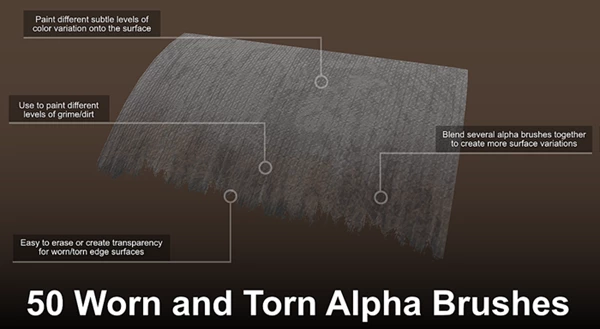
- Creating worn edges on fabrics or hard surfaces
- Adding dirt, scratches, and grunge effects
- Enhancing realism in materials like leather, metal, or stone
- Painting normal map details for depth in 3D software
🚀 Why They Improve Your Work
These brushes allow you to break away from flat, lifeless surfaces. By adding controlled imperfections, your designs feel more natural and believable—just like real-world objects that are never perfectly clean or smooth.
🛠️ Professional Tool Overview: Alpha Brushes Pack
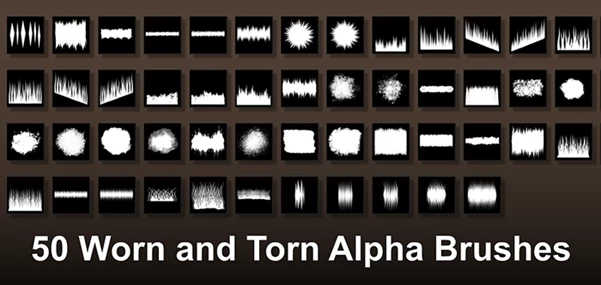
This pack includes 50 high-quality PNG alpha brushes (1024x1024 with transparency) designed for both 2D and 3D workflows.
🔹 Features
- High Resolution (1024x1024): Ensures crisp and detailed results
- Alpha Transparency: Perfect for masking and precise detailing
- Versatile Compatibility: Works with Blender, Substance Painter, ZBrush, 3D Coat, Photoshop, and Affinity Photo
- Grunge & Wear Effects: Ideal for adding realistic damage and surface variation
- Layer-Friendly Workflow: Easily combine brushes using opacity and pressure settings
🎨 Real-World Examples
- Add worn-out edges to a leather jacket in Substance Painter
- Create scratched metal surfaces in Blender
- Enhance character skin details in ZBrush
- Design gritty textures for game environments
🎨 Pro Tips for Better Results
- Layer Your Brushes: Combine multiple alpha brushes with low opacity to create more natural variations
- Use Pressure Sensitivity: Adjust pen pressure for subtle transitions instead of harsh edges
- Rotate & Scale: Avoid repetition by changing brush orientation and size
- Work in Passes: Build up detail gradually rather than applying strong effects at once
- Normal Map Painting: In 3D tools, use alpha brushes to add depth and realism to surfaces
These small techniques can make a huge difference between a flat texture and a professional-looking result.
✅ Small Details, Big Impact
Alpha Brushes is another tool that will allow you to enhance your projects. Not only will you have increased control over the texture of your projects, but you can also start to create more realistic projects overall. Whether you are a beginner in the field or a professional, these alpha brushes will significantly improve your projects. Give them a try to see how alive your designs can become.

Files Password : gfxplugin.com OR 123456