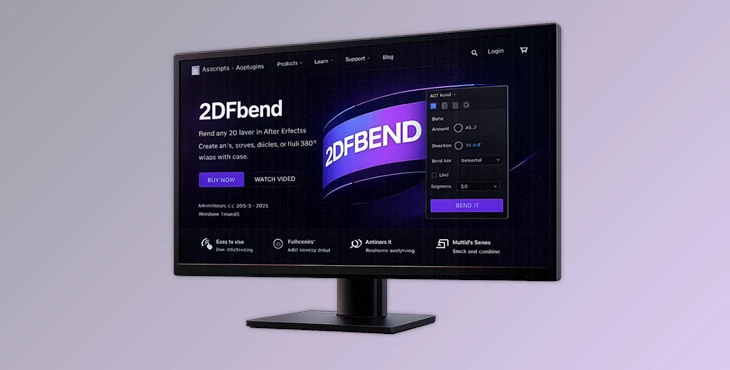
Downloadable Files
You can download the product 2DFbend for free at the end of this page.
✨ A Fresh Way to Bend and Shape Layers
Have you ever wanted to give your flat layer a bend without having to deal with complicated plugins and setups? Check out 2DFbend - transform your plain old layer into a controllable, bendable object in just a few clicks!
🔍 What Is 2DFbend & Why It Matters
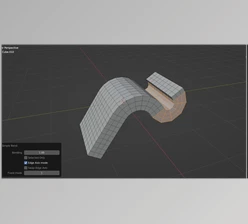
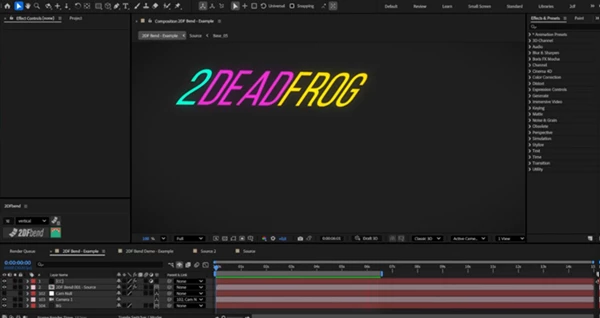
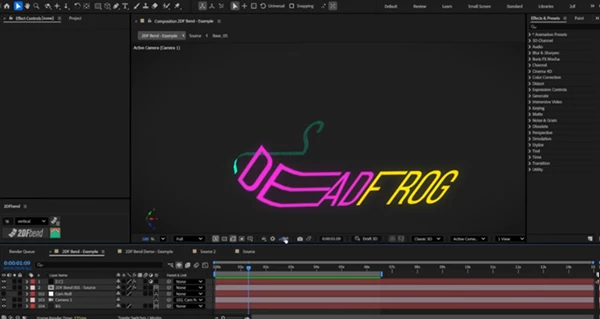
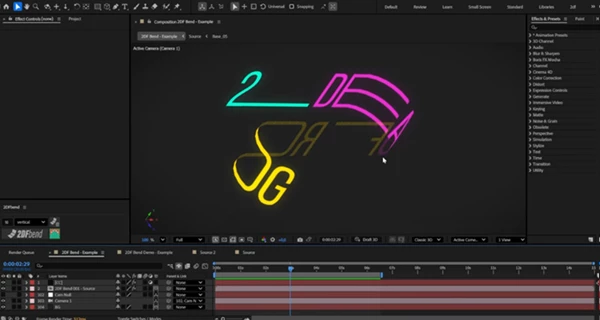
2DFbend is a simple tool that will let you slice and bend your After Effects layer into a controllable curvilinear object.
Why is this powerful?
Because instead of faking curvature with distortions or complicated setups, you get:
- Real segmented control
- Smooth, natural curves
- Animation-ready structures
Real-world uses:
- Creating circular compositions for logos or UI
- Designing curved interfaces for futuristic dashboards
- Building folded surfaces like paper or fabric effects
- Making dynamic transitions that feel fluid and organic
- Constructing 360° structures for immersive visuals
These features improve your work by making motion more believable, layouts more flexible, and animations much easier to control.
🚀 Meet the Tool: 2DFbend
This tool was built for motion designers who want a flexible, easy-to-use tool that allows for fast curvilinear design without too much complexity.
All you have to do is:
- Select your layer
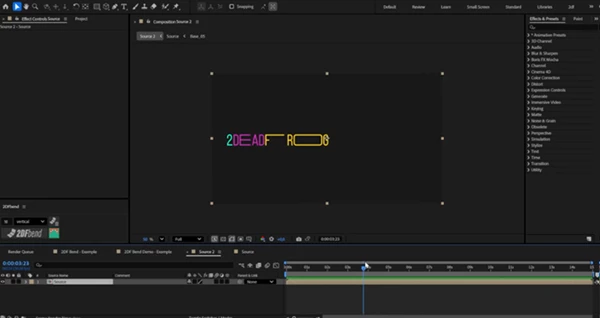
- Choose the number of segments for your bend
- Click the apply button
- And you’ll have a controllable bend in your composition in a matter of seconds.
🎛 Features
⚡ Core Workflow
- Automatic layer slicing and reconstruction
- Fast and intuitive setup
- Clean, production-ready results
🎚 Advanced Controls (Full Version)
- Independent controllers for multiple bends
- Front & back face opacity control
- Edge refinement with mask expansion
- Start & end segment control
- Offset control for sliding curvature
- High-precision curvature adjustments
🔄 Creative Flexibility
- Duplicate controllers for complex setups
- Stack multiple bends for layered effects
- Build intricate, folded, or curved structures
- Fully flexible animation system
🎬 Real Impact in Projects
Imagine designing a curved UI panel that animates smoothly into place—or a logo that wraps around a circle with perfect spacing. With 2DFbend, these ideas go from “complex setup” to “done in seconds.” It’s especially powerful in:
- Motion branding
- UI/UX animation
- Explainer videos
- Abstract motion graphics
🎯 Pro Tips & Techniques
- Start with fewer segments, then add more as you become more used to 2DFbend
- Use the offset controls to add movement or “flow” to your project elements
- Use the front and back face opacity controls to create a sense of depth in your project
- Use the duplication functions to create more complicated animations
- Think of your projects as a series of segmented 2D objects instead of 2D layers with effects
All of these tips will give your projects more visual interest and encourage you to experiment more creatively with this tool.
💡 Final Thoughts
2DFbend is not just another script for After Effects. It’s a smart tool that allows motion designers to avoid complexity and instead focus on what matters most: creating visually engaging, dynamic designs.
From abstract motion graphics to user interfaces and beyond, this product is a flexible tool that will significantly speed up your production process for even the most complex designs.
Give 2DFbend a try - there’s no going back once you discover how to make the most of this amazing tool!

Files Password : gfxplugin.com OR 123456