Downloadable Files
You can download Motion Path Pro for free at the end of this page.
✨ A Smoother Way to Polish Your Animations
If you’ve ever struggled with adjusting motion paths while animating, you already know how time-consuming it can be. Small tweaks often require jumping between tools, breaking your creative flow.
Motion Path Pro changes all of this by allowing you to control your motion paths in real-time, right where you need to be. It's more natural, more visual, and above all else, a lot more fun.
🎯 What Is Motion Path Pro and Why It Matters
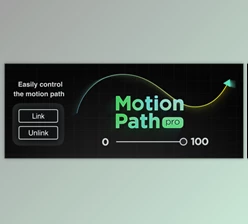
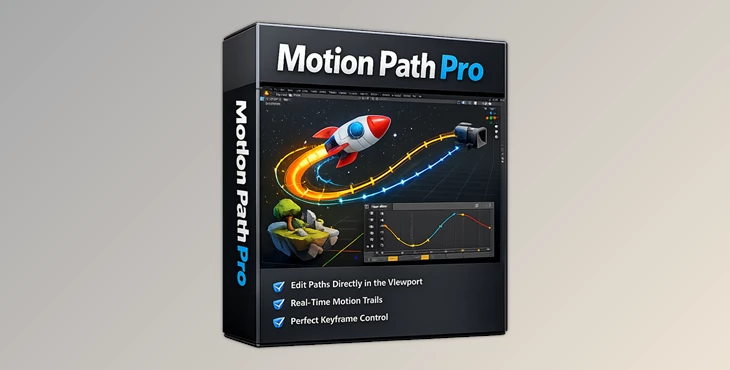
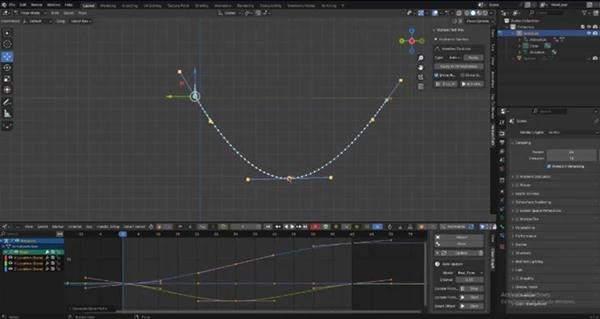
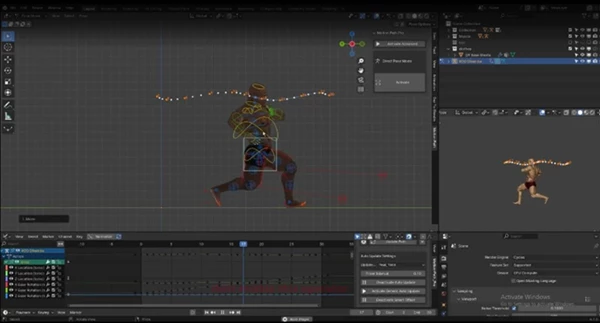
At its core, Motion Path Pro is an advanced animation tool designed to give you direct, real-time control over motion paths inside Blender. Instead of relying on static previews or recalculations, you can edit and refine motion directly from both the graph editor and the viewport simultaneously.
Why this is powerful:
- You immediately see how changes affect motion
- You avoid constant re-calculation delays
- You stay in a creative flow without interruptions
Real-world example:
Imagine animating a camera move or a character's hand gesture. Instead of guessing how the motion curve will look, you adjust it visually and instantly refine timing and spacing. The result? Cleaner, more natural animation with less effort.
🚀 Meet Motion Path Pro
Motion Path Pro is built to simplify and accelerate animation polishing. It works seamlessly with a wide range of objects and rigs, making it a flexible tool for both beginners and professionals.
⚙️ Features
Here’s what makes Motion Path Pro stand out:
🔹 Real-Time Motion Path Editing
Edit motion paths directly from the graph editor and viewport at the same time. No more back-and-forth.
🔹 Wide Compatibility
Works with:
- Cameras
- Meshes
- Empties
- Rigify
- Auto-Rig Pro
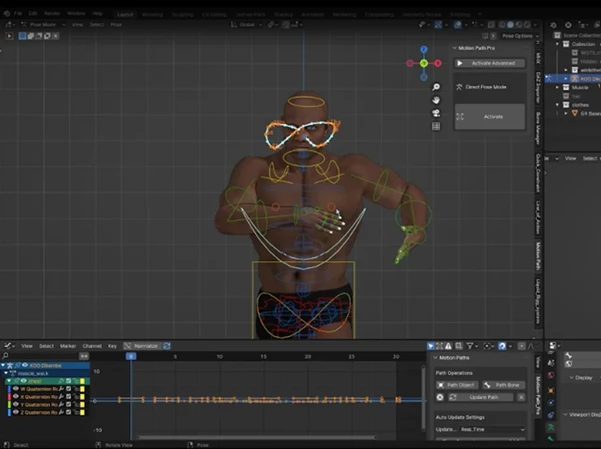
- Daz characters (with Rigify)
- Custom rigs (with minimal drivers)
🔹 Smart Offset Tool
Offset all keyframes on a selected F-curve quickly and cleanly—perfect for timing adjustments across animations.
🔹 Control Handles for Motion Paths
Fine-tune motion paths with added control handles, giving you precision similar to curve editing.
🔹 Improved Workflow
Designed to make animation polishing:
- Faster
- Simpler
- More intuitive
🔹 Blender 5 Support
Fully compatible with the latest Blender version.
🧠 Pro Tips for Better Results
Want to get the most out of Motion Path Pro? Try these:
- Use control handles for subtle motion refinement: Small tweaks can dramatically improve realism.
- Combine Smart Offset with timing adjustments: Great for syncing animations or shifting sequences without breaking flow.
- Focus on arcs and spacing: Use the real-time path to ensure smooth and natural movement.
- Keep rigs lightweight when possible: Fewer drivers mean smoother performance and better responsiveness.
🔮 What’s Coming Next
The development team behind Motion Path Pro has a vision for its future updates:
- Editable real-time motion paths
- Rotation controls
- Timeline visualization
- Full keyframe control
- Reference lines
- Support for more complex rigs
- Integration with draw animation and motion path tools
These updates will allow you to further improve your animation projects.
💡 Final Thoughts
Motion Path Pro is more than just a tool for animation editors. It’s a time-saving, workflow-improving tool that will allow you to focus on your project and your creativity rather than the software limitations. Motion Path Pro makes it easier than ever to animate everything from a simple object to a more complex rig in Blender. For anyone who cares about the quality of their motion paths and their animation editing workflows, Motion Path Pro is definitely worth a try!

Files Password : gfxplugin.com OR 123456