Downloadable Files
You can download the Pixion product for free at the end of this page.
✨ Bring Your Pixels to Life
Imagine a tool that turns any image, shape, or even footage into particle animation. Pixion does just that. It gives you complete control over the particles using your visuals. The software is incredibly fast and fun to use. With Pixion, your creations will stand out from the rest thanks to the software’s added layer of intelligence and creativity.
🎯 What Is Pixion & Why It Matters
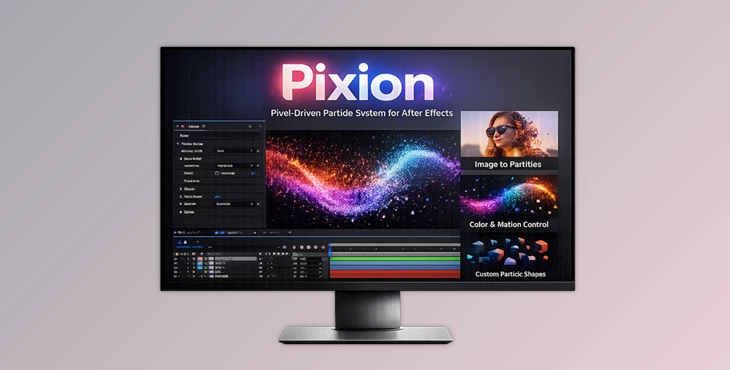
Pixion is a layer-driven particle system for After Effects. It generates particles based on pixel data such as luminance, color, and alpha from your layers. This means your particles are no longer random—they react to your design.
Why This Improves Your Results
- More control: You decide how particles are emitted and behave using real visual data.
- More realism: Motion feels natural because it’s driven by actual image properties.
- More creativity: You can experiment endlessly with different layers and animations.
Real Example
Imagine using a logo as an emitter:
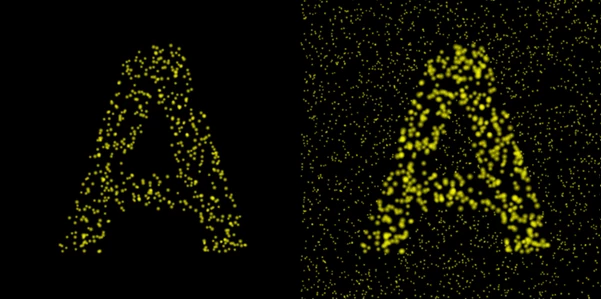
- The alpha channel controls where particles appear
- The luminance controls particle size
- The color defines particle color
The result is a dynamic animation that feels perfectly connected to your original design.
🚀 Pixion – A Professional Motion Tool
Pixion is designed to simplify complex particle workflows while giving you powerful creative control. It transforms how you build particle effects by connecting everything to layers you already use.
🔧 Features
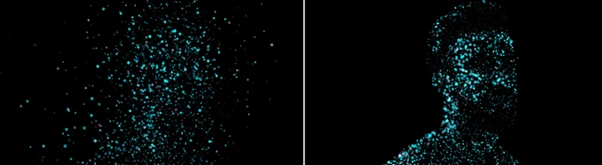
- Particles Driven by Pixels: Generate particles directly from any layer using luminance, color, or alpha data.
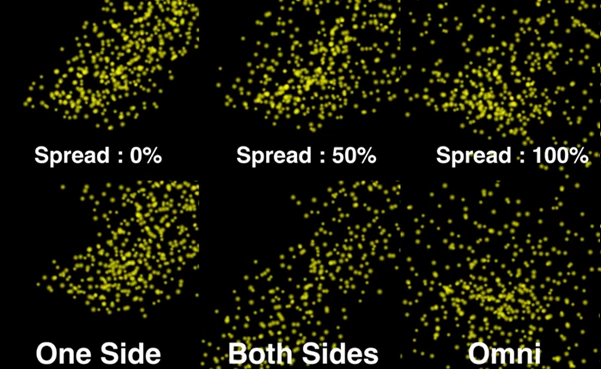
- Emitter & Modifier Layers: Use separate layers to control particle creation and behavior. Animate both layers—even in 3D—for advanced effects.
- GPU Acceleration: Smooth performance even with a large number of particles.
- Built-in Turbulence: Create organic motion with adjustable types, strength, scale, and speed.
- Physics Controls: Add realism using gravity, wind, and air resistance.
- Custom Particle Shapes: Choose from 8 built-in shapes or use your own layers as particles.
- Camera Integration: Fully supports depth of field and motion blur based on camera settings.
Advanced Controls
- Control size, opacity, and color over lifetime
- Adjust simulation speed and pre-run
- Use blend modes for overlapping particles
- Enable auto orientation or face-camera options
💡 Pro Tips for Better Results
- Use high-contrast layers for more defined particle emission.
- Animate your modifier layer to create evolving motion instead of static effects.
- Combine turbulence with subtle wind for more natural movement.
- Experiment with depth of field to add cinematic realism.
- Use custom particles (like shapes or icons) to give your project a unique style.
These small tweaks can take your work from “good” to “professionally polished” very quickly.
🎉 Final Thoughts – Why Pixion Is Worth Trying
Pixion is a particle animation tool that gives you more control, more flexibility, and better performance to edit your projects. For anyone looking to create particle animations for their projects, Pixion is definitely worth trying out. Once you start playing with the tool, you’ll quickly see how much it can do for your projects.

Files Password : gfxplugin.com OR 123456