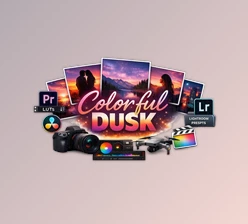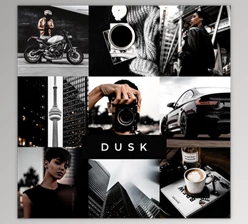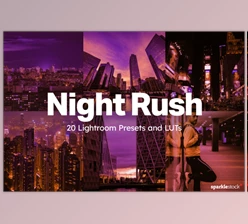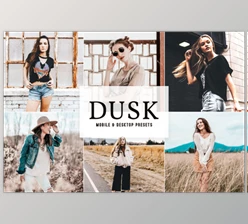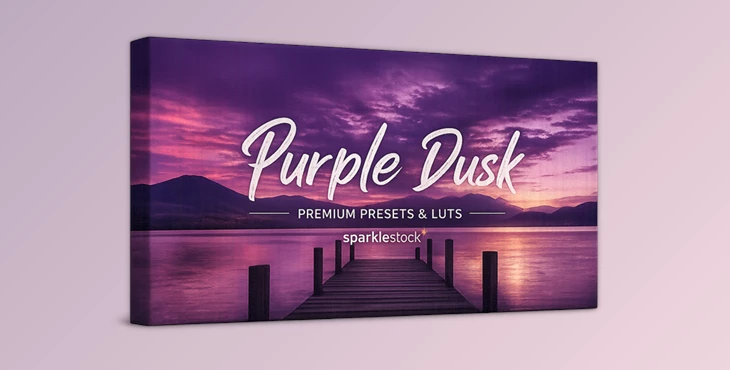
Downloadable Files
You can download Purple Dusk for free at the end of this page.
✨ A Magical Touch for Your Photos
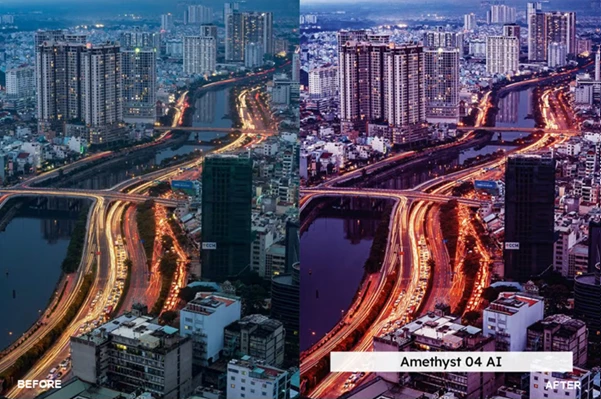
Have you ever looked at a sunset photo and thought about it being one step further in terms of editing and producing cinematic tones? Purple Dusk is here to help you achieve that! Purple Dusk will enhance your existing twilight photos with dramatic purple tones that will make your images visually striking.
🎨 What is Purple Dusk & Why It Matters
Purple Dusk is a collection of editing presets that enhance your existing photos with deep purple tones.
Why is this useful?
Because editing color tones manually can be time-consuming and inconsistent. With these presets:
- You get instant cinematic color grading
- Skin tones remain natural and balanced
- Transitions between colors become smooth and professional
Real-world examples:
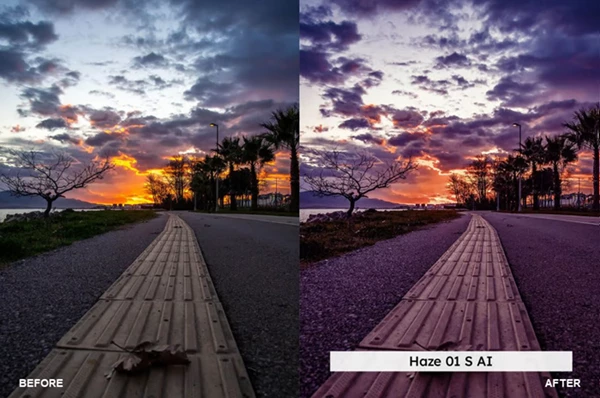
- A sunset photo turns into a dramatic purple skyline
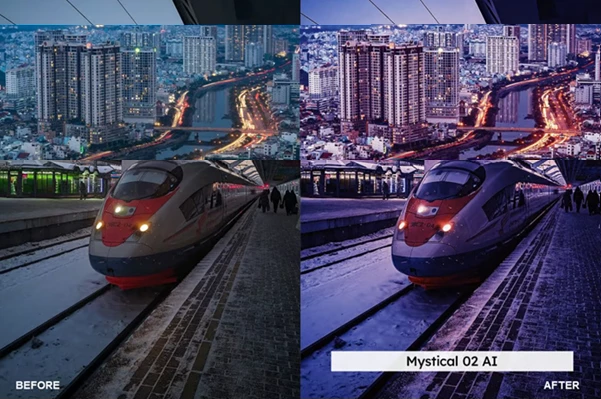
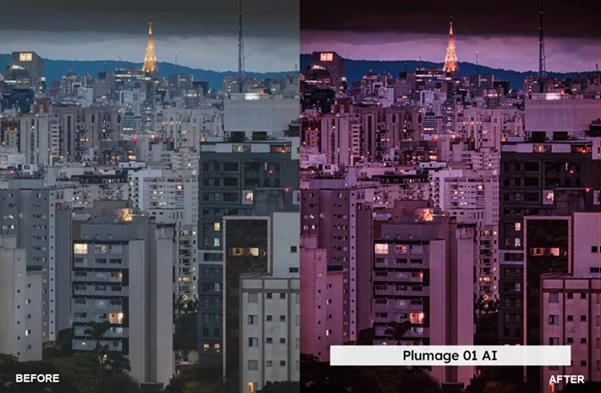
- A cityscape gains a neon-like twilight vibe
- A landscape feels more dreamy and atmospheric
These improvements help your visuals look more polished, making them perfect for social media, ads, or creative portfolios.
🚀 Meet the Tool: Purple Dusk Presets & LUTs
Purple Dusk is a collection of presets and LUTs with several features that will enhance your editing experience and allow you to produce great visuals of your content.
Features
- 20 Lightroom Presets (Desktop & Mobile): Quickly apply stunning purple tones across all devices.
- 20 Skin Tone Protected Presets: Keep portraits natural while enhancing the background.
- 20 LUTs + 20 Skin Tone Protected LUTs: Compatible with video and photo editing software.
- AI-Powered Enhancements: Smart adjustments for consistent and high-quality output.
- Preset Amount Slider Support: Easily control the intensity of the effect.
- Multiple LUT Formats (3DL, CUBE, ICC, MGA, PNG): Works across a wide range of professional tools.
- VOXCOLOR Skin Tone Protection: Prevent unnatural color shifts in portraits.
- VOXCOLOR SmoothTones: Achieve soft and seamless color transitions.
Compatibility
Works with Lightroom, Photoshop, Capture One, Premiere Pro, Final Cut, DaVinci Resolve, CapCut, and many more.
Real Impact
Imagine editing a travel photo:
- Without presets: 10–15 minutes of manual adjustments
- With Purple Dusk: 1 click + slight tweak = professional result
🎯 Pro Tips for Better Results
To get the most out of Purple Dusk, try these simple tips:
- Adjust intensity: Don’t always use presets at 100%—dial it down for a more natural look.
- Choose the right photo: Best results come from sunset, twilight, or low-light images.
- Combine with exposure tweaks: Slight brightness and contrast adjustments can enhance the final look.
- Use skin tone protection for portraits: Keeps people looking real while backgrounds get stylized.
- Experiment freely: Each preset creates a different mood—explore them to find your style.
💜 Final Thoughts
Purple Dusk is a great editing tool that offers a range of benefits to editors. It can save you time and enhance the quality of your projects. If you enjoy editing colors and producing visually appealing projects for social media or presentations, Purple Dusk is definitely worth trying out. Give it a go and explore the available presets to start enhancing your projects right away.

Files Password : gfxplugin.com OR 123456