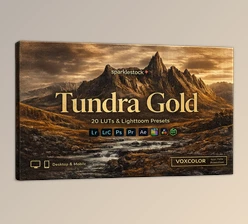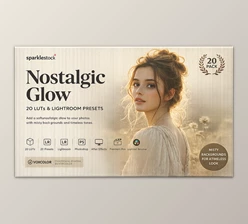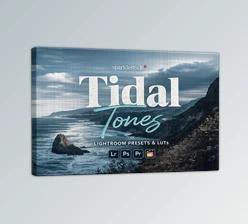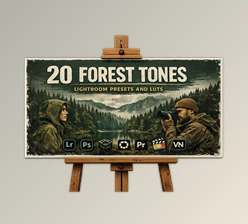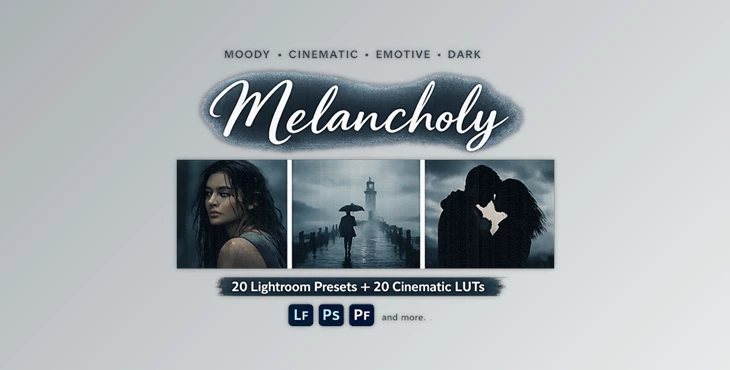
Downloadable Files
You can download the Melancholy product for free at the end of this page.
🌑 A Moody Beginning – Feel the Story in Every Frame
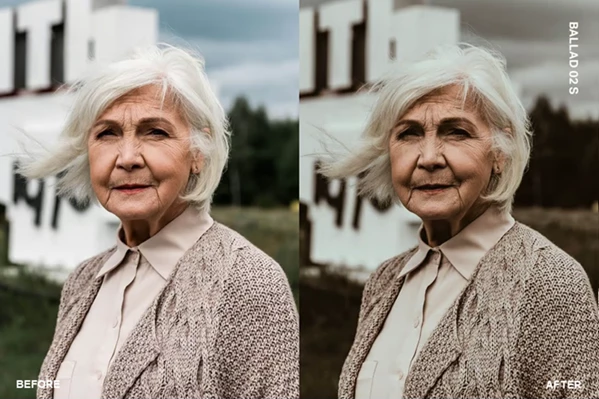
Sometimes, a photo needs more than sharpness and color—it needs emotion. Melancholy Lightroom presets are designed to give your images a deep, cinematic feeling filled with sadness, nostalgia, and quiet introspection. With a blend of cool blue tones and warm brown hues, these presets turn ordinary shots into powerful visual stories. If you want your photos to feel something, this is the perfect place to start.
🎭 What Is Melancholy & Why It Matters
The Melancholy preset and LUT collection will allow your visuals to have a moody, emotional atmosphere. These color grading features create a sense of longing in the viewer, perfect for storytelling visuals.
Why these features matter for Melancholy presets:
- Muted colors to highlight the subject’s feeling
- Cool and warm tones for a balanced, cinematic look
- Desaturated skies to add realism and drama to your visuals
Practical use cases:
- Emotional portrait photography
- Street photography on cloudy days
- Cinematic video storytelling
- Travel photos with a reflective atmosphere
These elements help transform simple images into meaningful visual narratives.
🧰 Professional Tool Introduction
Melancholy is more than just a preset pack—it’s a complete creative toolkit that simplifies editing while delivering high-end results. It helps you achieve a consistent, cinematic style across your photos and videos with minimal effort.
✨ Features
🎨 Preset & LUT Collection
- 20 Lightroom Desktop & Mobile Presets
- 20 Skin Tone Protected Presets
- 20 LUTs
- 20 Skin Tone Protected LUTs
🤖 AI Lightroom Presets
- AI-powered adjustments for fast, professional results
- Adjustable intensity using Lightroom’s preset amount slider
- Fully compatible with desktop, mobile, and web versions
🎥 LUT Compatibility
- Includes 3DL, CUBE, MGA, and PNG formats
- Smooth gradients with no banding or artifacts
- Works with most major editing software
🌟 Advanced Enhancements
- VOXCOLOR Skin Tone Protection – Keeps skin tones natural in portraits
- VOXCOLOR SmoothTones – Ensures smooth tonal transitions for a polished look
💻 Wide Compatibility
Compatible with:
- Lightroom CC 2023+, Lightroom Classic, Lightroom Mobile
- Photoshop CC 2023+, Adobe Camera Raw v15+
- Premiere Pro, Final Cut Pro, DaVinci Resolve, OBS Studio, Filmora, and more
🎬 Real Impact in Projects
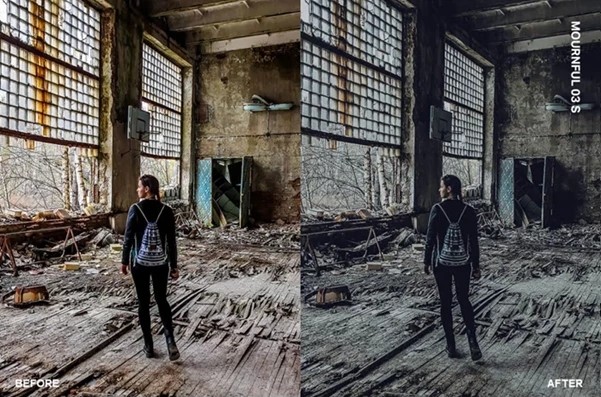
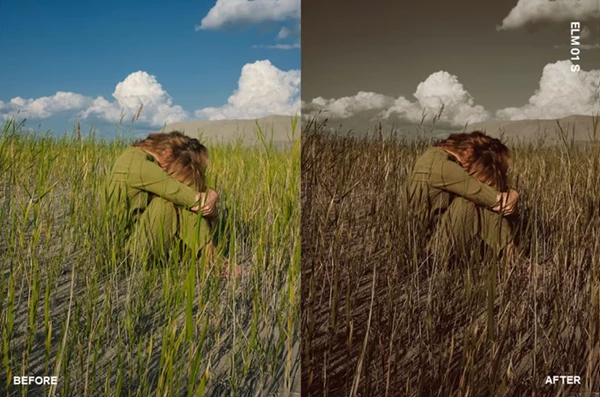
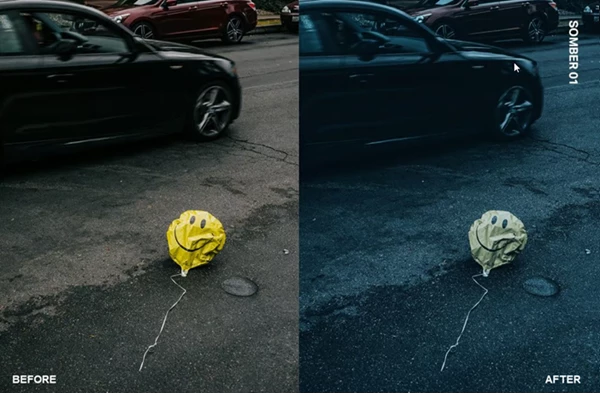
Use Melancholy to edit your next project to create a cinematic feel to your visuals. Perfect for portrait projects to maintain even tones in your subjects. Edit your videos to achieve a cinematic visual story that your audience will remember for days.
💡 Pro Tips for Better Results
- Use the intensity slider to control how much Melancholy you want in your visuals.
- Use lighting that creates shadows and a moody atmosphere for best results.
- Use skin tone protection for all portrait projects to maintain the health of your subjects.
- Add a vignette to your project to add another layer of storytelling to your visuals.
- Experiment with the different Melancholy presets to achieve your project’s desired look.
These simple editing techniques will improve the quality of your edits to make them look more realistic and shareable online.
🌌 Final Thoughts – Let Your Photos Tell a Story
Beyond editing your visuals, Melancholy allows you to tell your story and create specific feelings in your viewers. It allows your visuals to take on the characteristics of a cinematic film without having to learn complex editing software. As a beginner or a professional editor, the Melancholy editing tool will allow you to edit your project and achieve a unique visual style. Explore this editing tool and create the visuals of your dreams!

Files Password : gfxplugin.com OR 123456