Downloadable Files
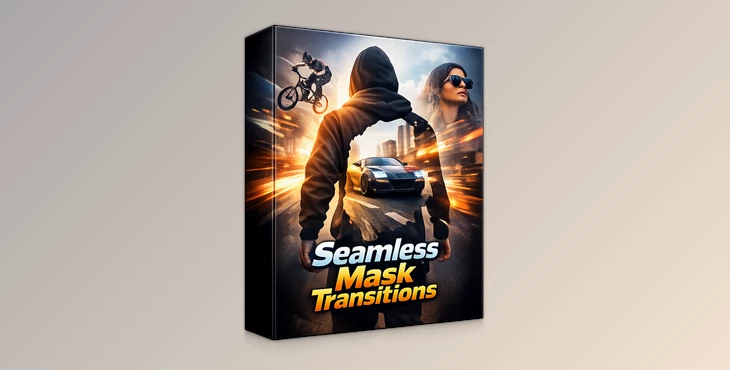
You can download the Seamless Mask Transitions product for free at the end of this page.
✨ A Fresh Way to Reveal Your Story
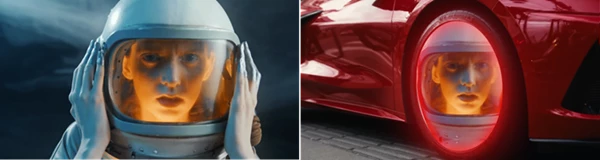
Imagine turning any moving object—like a spinning car wheel or a walking person—into a dynamic window that reveals your next scene. That’s exactly what this tool does. Instead of basic cuts or generic transitions, you get smooth, cinematic reveals that feel alive and intentional. If you’ve ever wanted your edits to feel more “film-like” and less “template-like,” this is where things get exciting.
🎯 What Are Seamless Mask Transitions?
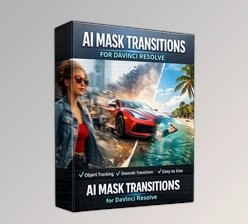
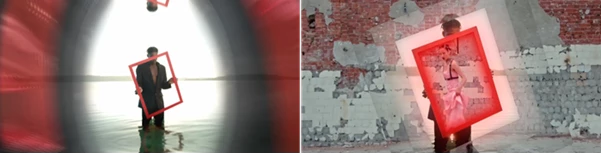
Seamless Mask Transitions are a smart editing technique where a tracked object or shape becomes the transition itself. Instead of cutting between clips, the motion of your subject drives the reveal.
Why This Improves Your Results
- Natural Flow: Transitions follow real movement, making edits feel smooth and invisible
- Stronger Storytelling: The transition becomes part of the narrative, not just an effect
- Professional Look: Even simple edits instantly feel more cinematic
Real Examples You Can Visualize
- A car wheel spins and reveals the next driving scene
- A person walking past the camera transitions into a new location
- A moving object becomes a stylish wipe between clips
🚀 Meet the Professional Tool
This pack brings everything directly into the Edit Page of DaVinci Resolve—no Fusion, no complicated setups. It simplifies advanced masking and tracking into an easy, ready-to-use workflow.
Features
- Full Edit Page Tracking: Track any object directly inside the Edit Page with a built-in native tracker—no Fusion required.
- 3 Camera Zoom Presets: Choose between Zoom-In, Zoom-Out, or Zoom-In-Out. Each comes with a customizable parallax effect you can toggle on or off instantly.
- Pro Masking Styles: Switch between an energetic Flicker effect or a smooth directional Slide animation with adjustable directions.
- Cinematic Enhancements: Fine-tune Organic Glow, Camera Shake, and Motion Blur to give your transitions a polished, film-like finish.
- Stroke & Glow Effects: Add a customizable outline to highlight your subject. You can also apply glow to the stroke or disable everything for a clean look.
- Universal Workflow: Works seamlessly across 4K, HD, and vertical formats like TikTok or Reels.
Technical Specs
- 100% native DaVinci Resolve (no plugins required)
- Compatible with DaVinci Resolve 20 (Free & Studio)
- Includes a step-by-step video tutorial
Real Project Impact
- Perfect for automotive edits with moving vehicles
- Ideal for music videos with fast-paced cuts
- Great for action sequences that need energy and flow
💡 Pro Tips for Better Results
- Choose the Right Object: Pick subjects with clear edges (wheels, people, silhouettes) for cleaner masks
- Don’t Overuse Effects: Subtle glow and motion blur often look more cinematic than extreme settings
- Match Movement Direction: Align your transition direction with the subject's motion for a more natural feel
- Use Camera Shake Wisely: A little shake adds realism—too much can distract
These small tweaks can make your transitions feel effortless and high-end.
🎬 Final Thoughts
Seamless Mask Transitions for DaVinci Resolve allow editors to create professional editing transitions that are both cinematic and natural-looking. This tool will help you produce edits that stand out from others in your field. If you are looking to upgrade your editing software without using complex editing tools, this program is definitely worth considering for your editing projects.

Files Password : gfxplugin.com OR 123456