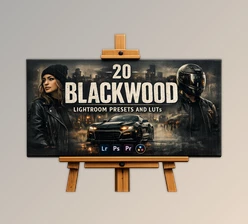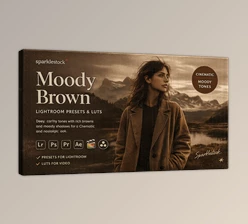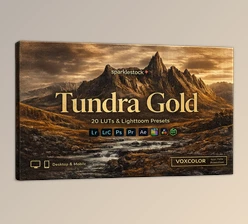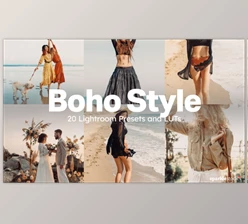
Downloadable Files
You can download the Mixtape product for free at the end of this page.
🎧 Add a Cinematic Mood to Your Photos
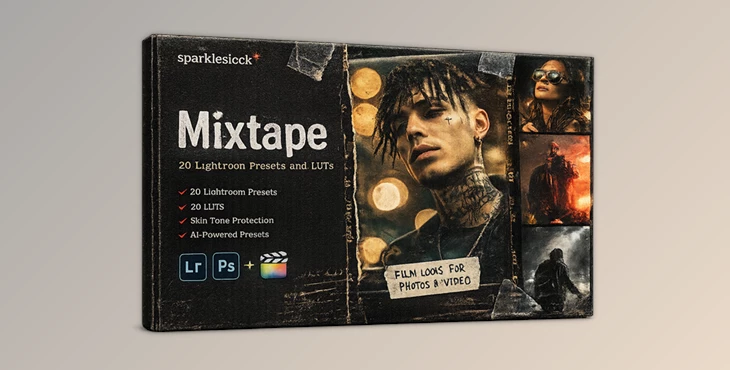
If you are looking to give your photos a cinematic look and feel, then the Mixtape tool is one to explore. The tool gives your projects a moody and emotional feel, perfect for those who would like to edit their portraits or creative shots.
📸 What Is Mixtape and Why Use It?
Mixtape was created as a collection of professional presets and look-ups for editing tools like Lightroom. The tool is used by many editors and photographers looking for a faster and more efficient editing process to produce professional-looking edits.
Why these features improve your work:
- Film Grain: Adds texture and realism, making digital photos feel more natural
- Controlled Contrast: Enhances mood while preserving details
- Skin Tone Protection: Keeps portraits clean and natural, even with strong color grading
Practical use cases:
- Studio photography with low light and dramatic tones
- Street photography with storytelling vibes
- Fashion and event photography with a polished, editorial look
🎛️ Introducing Mixtape – A Professional Editing Toolkit
Mixtape was created to help photographers and editors simplify the editing process for their projects. Whether you are new to editing tools or a professional in the field, Mixtape will enhance your editing experience.
Features
- 20 Lightroom Presets (Desktop & Mobile) for instant edits
- 20 Skin Tone Protected Presets for natural-looking portraits
- AI-Powered Adjustments for smarter and faster editing
- Preset Intensity Control using Lightroom’s amount slider
- 20 LUTs + 20 Skin Tone Protected LUTs for photo and video workflows
- Multiple LUT Formats: 3DL, CUBE, ICC, MGA, PNG
- No Banding or Artifacts for clean results
- VOXCOLOR Skin Tone Protection for realistic skin tones
- VOXCOLOR SmoothTones for smooth color transitions
Compatibility
Works with Lightroom (Desktop, Mobile, Web), Photoshop, Capture One, Premiere Pro, DaVinci Resolve, Final Cut Pro, CapCut, OBS, and more.
Real examples:
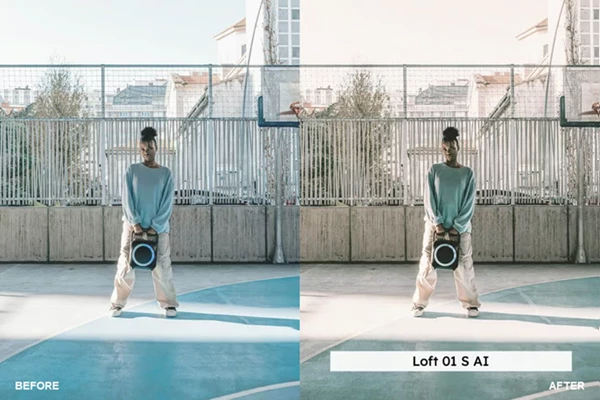
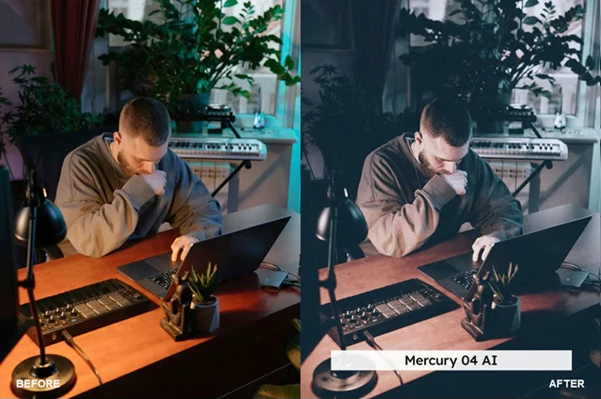
- Turn a simple portrait into a cinematic artist-style image
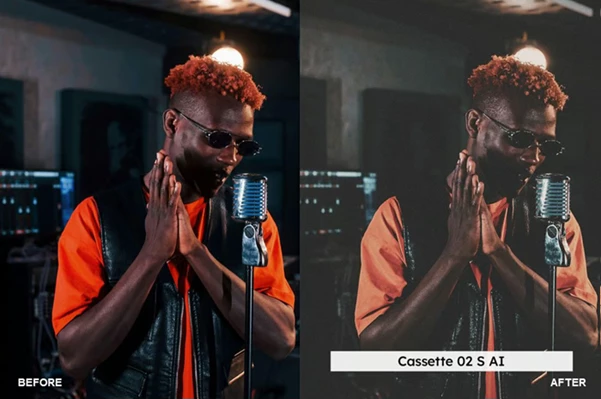
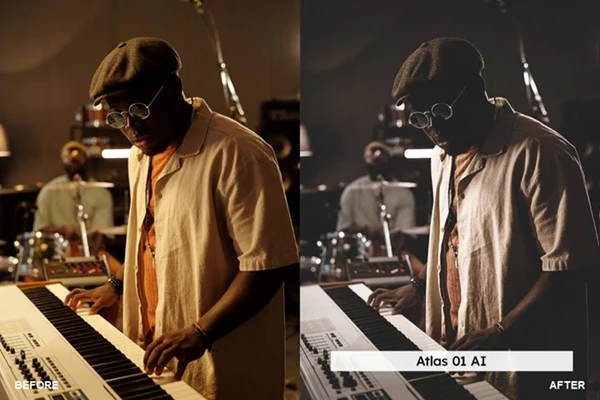
- Enhance music studio shots with rich tones
- Apply LUTs to video for consistent color grading across platforms
💡 Pro Tips for Better Results
- Use the preset amount slider
- Use skin-protected presets for portrait photography
- Adjust the exposure before using Mixtape presets
- Use natural lighting for your subjects
- Use Mixtape LUTs on video projects to enhance editing outcomes
🚀 Final Thoughts
Mixtape gives photographers and editors a powerful yet easy-to-use editing tool to enhance their projects. From editing digital photos to videos, Mixtape gives users more control over their editing outcomes. A great tool for photographers and editors to add to their editing toolkits.

Files Password : gfxplugin.com OR 123456