Downloadable Files
You can download the product AutoSortBinsPro for free at the end of this page.
🎬 A Smarter Way to Keep Your Projects Clean
Premiere Pro is a powerful editing program, but it can get messy fast when working on large projects.
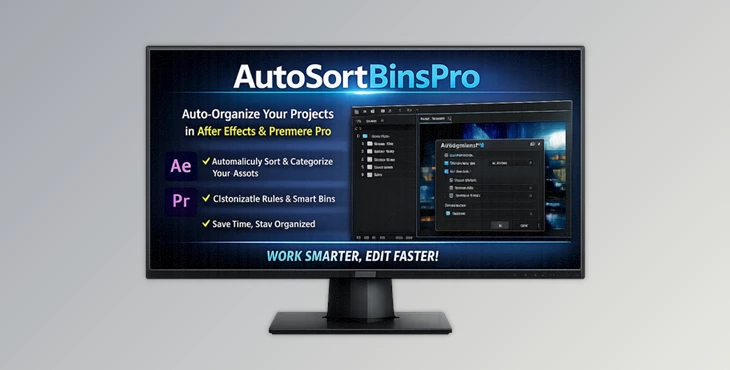
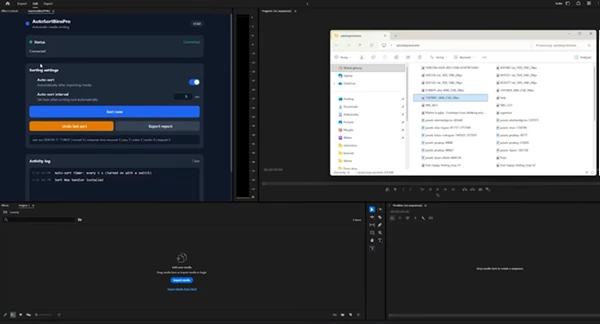
AutoSortBinsPro makes it easy to automatically organize your Premiere Pro project bins so you can focus on your editing.
🧩 What Is AutoSortBinsPro and Why It Matters
At its core, AutoSortBinsPro is an automation tool designed to organize your Premiere Pro bins without manual effort.
Instead of dragging, renaming, and sorting items yourself, the extension does it for you—consistently and instantly.
Why this improves your workflow:
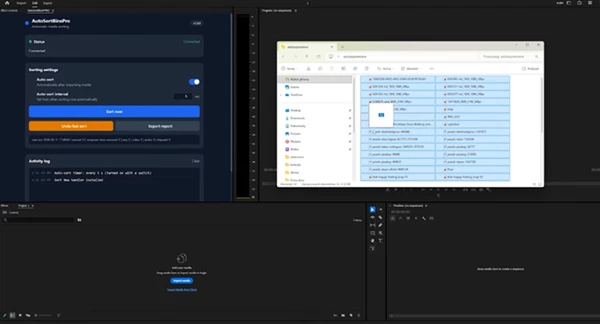
- Imagine importing dozens (or hundreds) of clips into your project. Normally, you'd spend time sorting them into folders.
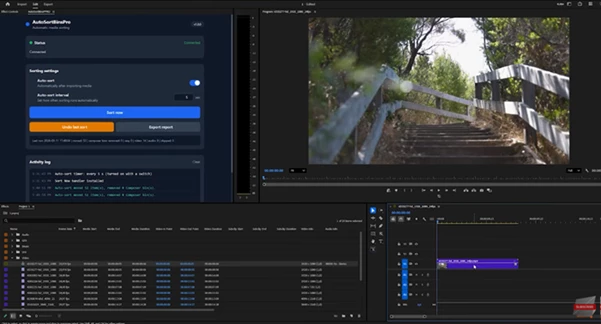
- With AutoSortBinsPro, everything is automatically placed where it belongs.
- This means faster navigation, fewer mistakes, and a cleaner workspace.
Real-world example:
Let's say you're editing a YouTube series with multiple assets:
- Footage
- Audio
- Graphics
- Titles
Instead of mixing everything in one panel, AutoSortBinsPro keeps each category structured—so when you need something, it's exactly where you expect it to be.
This consistency doesn't just save time—it improves the final result because you stay focused on editing, not organizing.
🚀 Meet the Tool: AutoSortBinsPro
AutoSortBinsPro is a professional Premiere Pro extension that simplifies one of the most repetitive parts of editing: project organization.
It integrates directly into your workflow and keeps your Project panel structured automatically.
🔧 Features
- Automatic Bin Sorting: Instantly organizes project items without manual drag-and-drop.
- Cleaner Project Structure: Keeps your workspace neat and easy to navigate.
- Time-Saving Automation: Eliminates repetitive organization tasks.
- Consistent Workflow: Ensures every project follows a similar, professional structure.
- Seamless Premiere Pro Integration: Works inside your normal editing process—no extra steps required.
🎥 Real Impact in Projects
- In large commercial edits, it reduces setup time significantly.
- For freelancers, it ensures every client project looks organized and professional.
- In team environments, it creates consistency—so anyone can jump into the project without confusion.
💡 Pro Tips for Better Results
Want to get the most out of AutoSortBinsPro? Try these practical tips:
- Start using it from the beginning of your project: The earlier you organize, the smoother your workflow becomes.
- Combine with naming conventions: Auto sorting works even better when your files are clearly named.
- Use it for large imports: The more files you bring in, the more time you'll save.
- Keep your structure consistent across projects: This helps when revisiting old edits or collaborating with others.
- Don't overthink organization anymore: Let the tool handle structure while you focus on creativity.
🎯 Final Thoughts
Maintaining a well-organized project can significantly impact the way you edit, as it will make your editing process faster, more efficient, and even more creative.
AutoSortBinsPro removes the frustrating manual task of sorting your bins. By automating this task, you save yourself time and can focus on your creative work.

Files Password : gfxplugin.com OR 123456