Downloadable Files
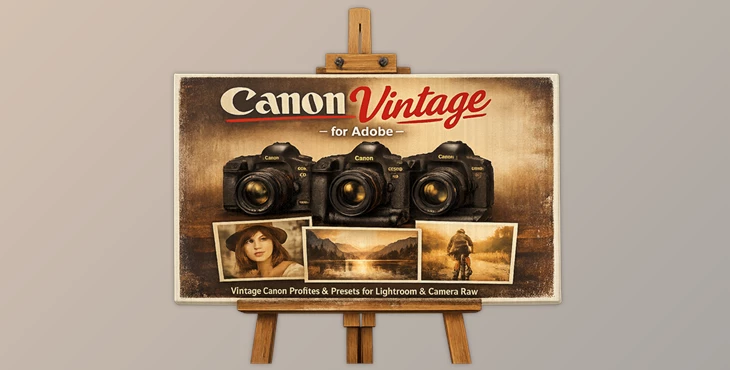
You can download the product Canon Vintage for Adobe for free at the end of this page.
✨ A Classic Look, Reimagined
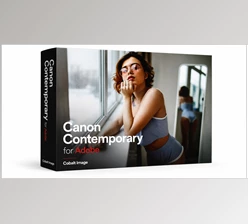
Have you ever wished your modern photos had that timeless Canon warmth—the kind that made older cameras feel magical? Canon Vintage for Adobe brings that exact feeling back. It recreates the iconic color science of legendary Canon cameras, letting you transform ordinary shots into rich, nostalgic visuals with just a few clicks.
This tool isn't just about filters—it's about reviving a signature look that photographers have loved for years.
🎯 What Is It & Why It Matters
At its core, Canon Vintage for Adobe is a collection of carefully engineered color profiles designed to replicate the original output of classic Canon cameras—especially when processed through Canon's Digital Photo Professional (DPP).
Why is this important?
Color science plays a huge role in how an image feels. These profiles recreate:
- Warm, natural skin tones
- Balanced highlights and shadows
- Subtle yet powerful color depth
Real-world impact:
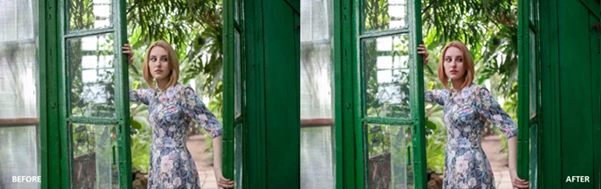
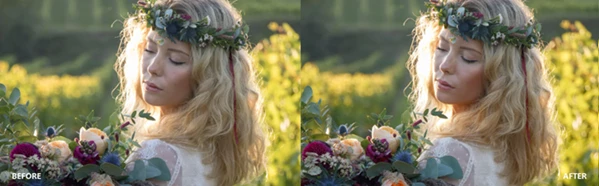
- Portraits look more lifelike and flattering
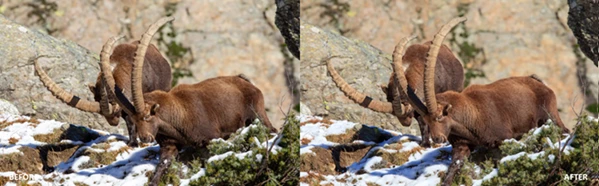
- Landscapes gain depth and vibrancy without looking artificial
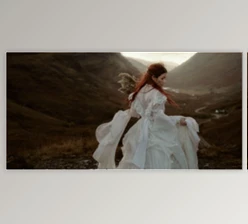
- Everyday photos feel more cinematic and intentional
In short, these profiles improve your results by giving your images a proven, professional color foundation.
🧰 Meet the Tool: Canon Vintage for Adobe
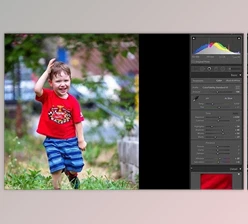
The tool Canon Vintage for Adobe will give you the ability to recreate the color profiles of classic Canon cameras within the editing software, such as Adobe Lightroom and Camera Raw.
Features
🎨 Authentic Canon Color Profiles
Includes multiple profiles such as:
- Faithful – true-to-life and unaltered
- Landscape – richer colors and depth
- Neutral – soft, balanced tones for flexibility
- Portrait – optimized for beautiful skin tones
- Standard – classic all-purpose Canon look
📷 Multiple Camera Emulations
Recreates the color output of iconic models:
- Canon EOS 5D
- Canon EOS 1Ds Mark III
- Canon EOS 1D Mark III
- Canon EOS 1Ds Mark II N
Each brings its own personality—whether it's the soft warmth of the 5D or the bold, professional tone of the 1Ds series.
🔬 Scientifically Crafted Color
Every profile is engineered to match Canon's original colorimetry as closely as possible—making results feel authentic rather than filtered.
📸 Real Use Examples
- A portrait photographer can instantly achieve warm, natural skin tones without heavy editing.
- A travel photographer can bring landscapes to life with richer greens and deeper skies.
- A content creator can maintain a consistent, cinematic look across different cameras.
💡 Pro Tips for Better Results
- Start with the right profile: Use Portrait for people, Landscape for outdoor scenes—it saves editing time.
- Don't over-edit: These profiles already carry strong color character—keep adjustments subtle.
- Combine with lighting awareness: Warm profiles shine best with natural or golden-hour lighting.
- Use Neutral as a base: If you want full control, start with Neutral and build your look gradually.
These small tweaks can make your images feel far more polished and professional.
🚀 Final Thoughts
Overall, Canon Vintage for Adobe will allow you to edit your digital pictures to include the same color science and warmth from classic Canon cameras.
You can use these editing tools to enhance your digital pictures with the same feel as classic cameras.
Give it a try, and allow your digital pictures to tell your best stories.

Files Password : gfxplugin.com OR 123456