Downloadable Files
You can download the Photoshop Brush Set for free at the end of this page.
✨ A Natural Feel in Digital Painting
If you’ve ever felt that digital brushes look too “plastic” or artificial, you’re not alone. Many artists struggle to recreate the warmth and texture of traditional media inside Photoshop. That’s exactly where this Photoshop Brush Set comes in.
Designed to mimic real-world tools like watercolor, pencil, and textured paint, these brushes bring a refreshing sense of realism to your digital workflow. The moment you start using them, you’ll notice how naturally they respond—almost like holding a real brush in your hand.
🎨 What Is a Photoshop Brush Set & Why It Matters
A Photoshop Brush Set is essentially a collection of pre-configured digital brushes that simulate different artistic styles and techniques. Instead of relying on default brushes, you get tools that behave like real paint, ink, or graphite.
Why is this important?
Realism in digital art depends heavily on texture, variation, and blending.
Practical uses include:
- Adding realistic watercolor effects to illustrations
- Enhancing scanned sketches with natural digital strokes
- Creating textured concept art or character designs
- Improving blending for portraits and environments
These features help artists achieve more organic results because the strokes are not flat or repetitive—they carry depth, randomness, and character, just like traditional media.
🧰 Meet the Professional Tool
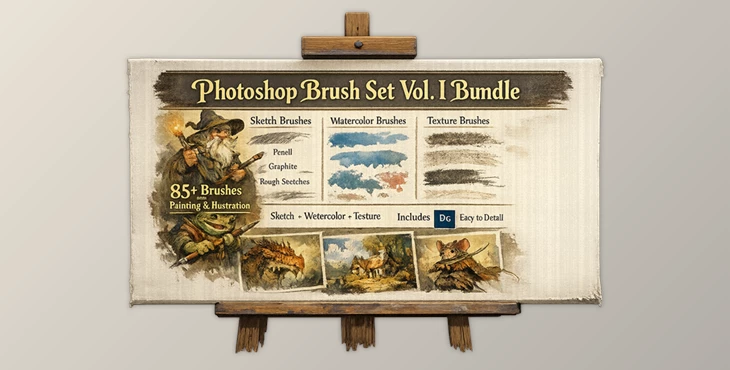
This Photoshop Brush Set by Justin Gerard is a carefully crafted collection developed over 3 years of experimentation and refinement. It combines traditional artistry with modern digital capabilities.
Features
- Over 85+ Unique Brushes: Includes sketching, watercolor, and texture brushes, along with erasers and mixer brushes.
- Real-World Texture Sampling: Created from scans of actual brush strokes, pencil marks, paint splashes—even organic imperfections.
- Advanced Pressure Sensitivity: Updated for modern Photoshop versions (CS6 and later) to fully utilize pen pressure features.
- Complete Brush Toolkit (.tpl file): Everything is packed in one file for easy installation and use.
Helpful Guides Included
- Installation & Getting Started Guide
- Brush Sample Sheet
- Brush Name Guide
Real Impact
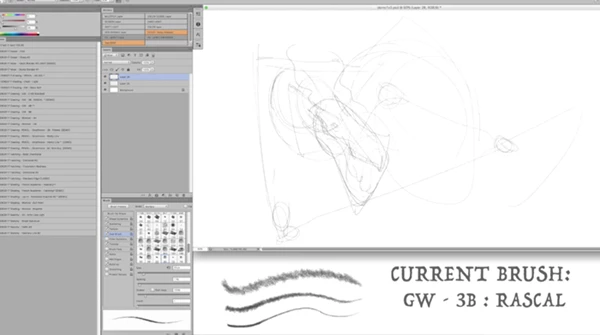
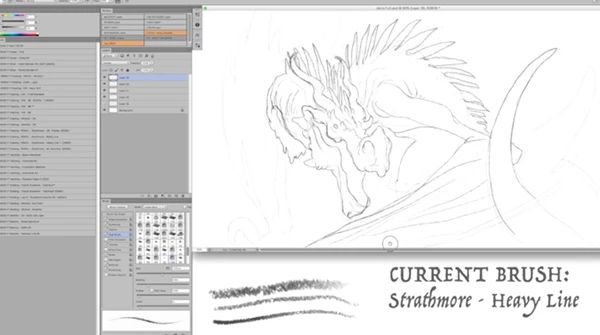
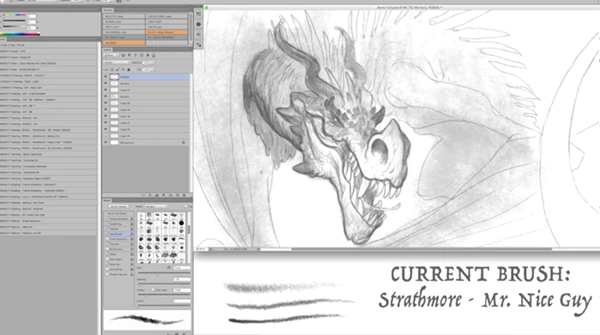
Imagine working on a fantasy illustration: you sketch traditionally, scan it, and then paint digitally. Instead of flat digital strokes, these brushes blend seamlessly with your original sketch—creating a cohesive, painterly look that feels authentic and timeless.
🎯 Pro Tips for Better Results
Want to get the most out of this Photoshop Brush Set? Try these simple but effective tips:
- Start with a Traditional Base: Scan a pencil sketch or watercolor layer, then paint over it digitally for richer results.
- Play with Pressure Sensitivity: Use a graphics tablet to fully experience the dynamic stroke variation.
- Layer Your Textures: Combine multiple brushes (e.g., watercolor + texture brushes) to build depth.
- Adjust Opacity & Flow: Lower values create smoother blending and more natural transitions.
- Don’t Overblend: Keep some rough edges—it adds character and realism to your artwork.
🚀 Final Thoughts
This Photoshop Brush Set is a remarkable product for both traditional and digital artists.
This tool will give you significant time savings and help you to create more realistic digital artwork. The intuitive interface also makes this tool enjoyable to use. Give this tool a try, and you’ll be amazed at the difference it can make on your digital artwork.

Files Password : gfxplugin.com OR 123456