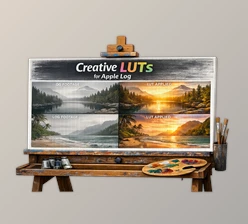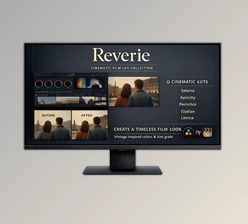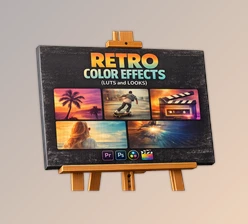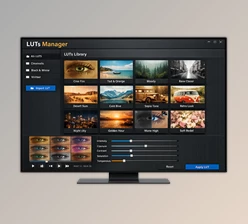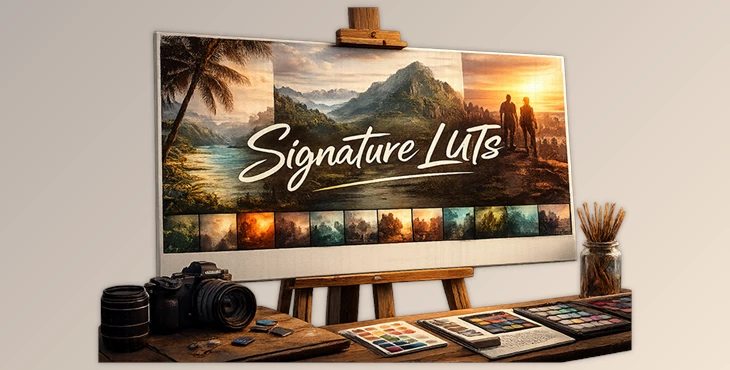
Downloadable Files
You can download Signature LUTs for free at the end of this page.
🎬 Make Your Footage Look Better in Seconds
If you’ve ever sat in front of your timeline wondering why your footage doesn’t look as good as you imagined… you’re definitely not alone. Color grading can be tricky, time-consuming, and honestly a bit overwhelming.
That’s where Signature LUTs come in. With just one click, you can give your footage a clean, cinematic feel — without losing control over your colors.
🎨 What Exactly Are LUTs?
In simple terms, a LUT is a tool that changes the colors of your footage in a specific way. Think of it like a professional-grade filter — not the heavy Instagram kind, but something more subtle and flexible.
🔹 Where You’ll Actually Use It
Making dull footage look vibrant
Giving your videos a cinematic mood
Keeping colors consistent across clips
Creating a specific vibe (warm, vintage, moody…)
💡 Why It Makes a Difference
Good LUTs don’t just “change colors”, they improve them.
They help you:
Save a lot of time
Avoid over-editing
Keep your footage natural
Get a polished result faster
🚀 Introducing Signature LUTs
This pack by Niklas Christl includes 12 LUTs that are actually usable in real projects — not just made for demos.
The idea behind them is simple:
👉 Enhance your footage, not overpower it.
✨ Features
12 carefully designed LUTs
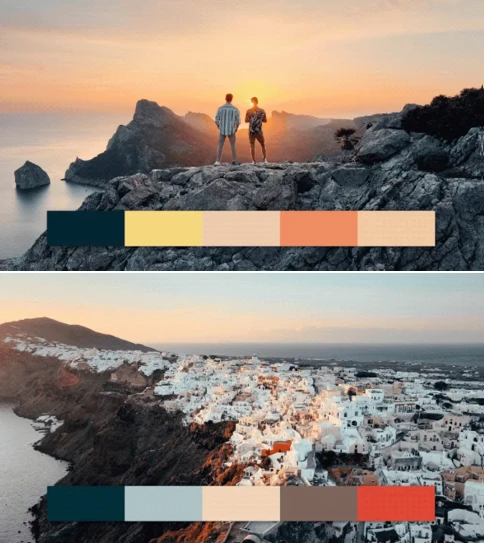
Each one has its own mood — from cinematic teal & orange to soft earthy tones
Works with almost any camera
Built for Rec.709, so you’re not limited to a specific setup
Focus on color, not heavy effects
You still have control over brightness and contrast
Easy to adjust
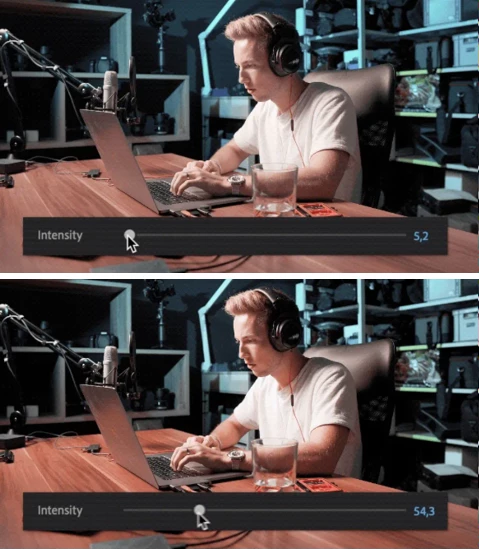
Just use the intensity slider and tweak it to your taste
Compatible with major software
Premiere Pro, Final Cut, DaVinci Resolve and more
Includes a simple guide
Even if you’re new, you won’t get lost
🎥 What It Looks Like in Practice
Let’s say you’re editing:
A travel video → add warm tones to make it feel alive
A short film → go for cooler tones for a cinematic mood
A YouTube vlog → clean colors without overdoing it
These LUTs have been tested on lots of different footage, so they work well in different lighting conditions — from sunny days to night shots.
🎯 Tips to Get Better Results
Here are a few simple tips that make a big difference:
Start with corrected footage
If you shoot in LOG, convert it to Rec.709 first
Don’t use 100% intensity
Lower it a bit — usually looks much more natural
Adjust after applying the LUT
Small tweaks in exposure or white balance go a long way
Choose the right mood
Warm = friendly / emotional
Cool = dramatic / cinematic
💬 Final Thoughts
What makes Signature LUTs stand out is how usable they are.
They don’t try to do everything for you — they just give your footage that extra push it needs.
If you want something that’s quick to use, easy to control, and actually looks good, this pack is definitely worth trying.

Files Password : gfxplugin.com OR 123456