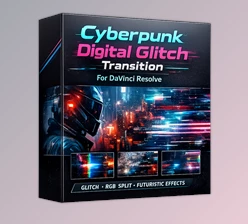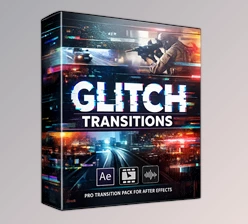
Downloadable Files
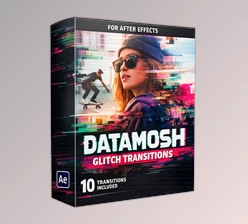
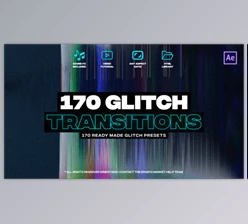
You can download the Glitch Transitions product for free from the bottom of this page.
✨ A Fresh Way to Make Your Edits Stand Out
If you’ve ever looked at your videos and felt like they’re missing that extra energy, you’re not alone. But by introducing glitch transitions into your edits, your videos will gain that much-needed digital and edgy vibe that will have people hooked on what you have to say in your next video. Whether you’re editing for YouTube, Instagram, or even promotional content for your products or company, glitch transitions will transform your videos. And the best part is that you don’t need to be an expert to use this edit.
🎬 What Are Glitch Transitions and Why Use Them?
Glitch transitions are perfect for adding an element of surprise and excitement to your edits. Glitches are visual errors caused by digital technology. However, instead of being frustrating to encounter, glitches can be used for special effects.
Why Use Glitch Transitions:
- Add energy to your edits with smooth but dynamic scene changes
- Give your edits a modern look
- Keep the viewers’ attention on your content
Some of the best uses for glitch transitions include:
- YouTube videos featuring vlogs of specific locations
- Trailers and promotional videos for products
- Instagram reels that focus on specific topics or skills
Glitch transitions improve the editing process because they creatively connect each scene in your video to the next.
🚀 Meet the Tool: Glitch Transitions Pack
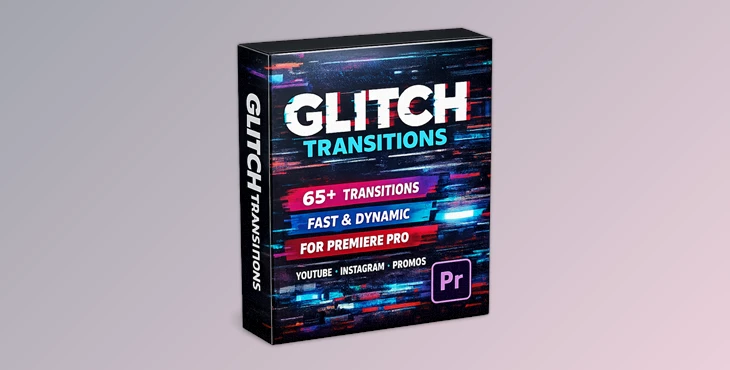
The Glitch Transitions pack is designed for creators who want fast, stylish results without complicated workflows. It turns simple edits into eye-catching sequences in just a few clicks.
🎯 Features
- 65+ High-Quality Transitions (organized into 5 categories)
- Fast Render for a smooth editing experience
- Auto-Resize Feature (perfect for any aspect ratio)
- Works with Images & Videos
- Sound Effects Included for extra impact
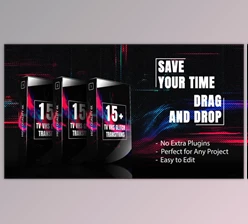
- No Plugins Required
- Detailed Video Tutorial (with voiceover)
- Easy Color Customization
- Works with Any Font
- Beginner-Friendly Interface
💡 What It Makes Easier:
- Building energetic edits quickly
- Creating a consistent visual style across projects
- Saving time while maintaining professional quality
🎥 Example Impact:
Imagine editing a product promo: instead of simple cuts, each scene transition pulses with glitch energy—paired with sound effects—making the entire video feel more cinematic and engaging.

🎓 Pro Tips for Better Results
Want your edits to look even more professional? Try these:
- Don’t overuse transitions: Use glitch effects strategically between key scenes to keep the impact strong.
- Match with music beats: Sync transitions with audio for a more immersive experience.
- Adjust colors to your theme: Customize transition colors to match your brand or video tone.
- Combine with sound effects wisely: The included SFX can enhance realism—just keep volume balanced.
- Use a variety of categories: Mixing different glitch styles keeps your edit fresh and dynamic.
🔥 Final Thoughts
Glitch transitions are a powerful editing tool that can take your videos to the next level. With the available glitch transitions and edit features, you can create professional edits for almost any project.
Additionally, since no additional plugins are required, you can simply start using this edit and skip the installation process entirely. This glitch transition editing tool is definitely worth trying to add a unique editing style to your videos.

Files Password : gfxplugin.com OR 123456