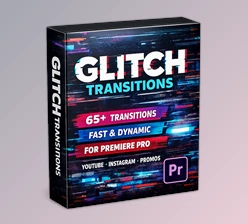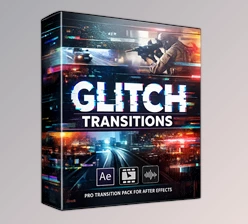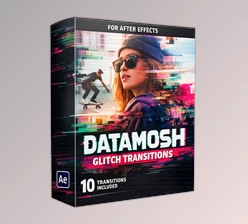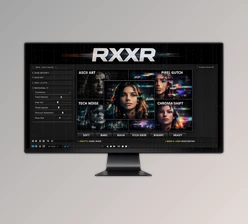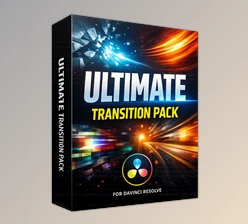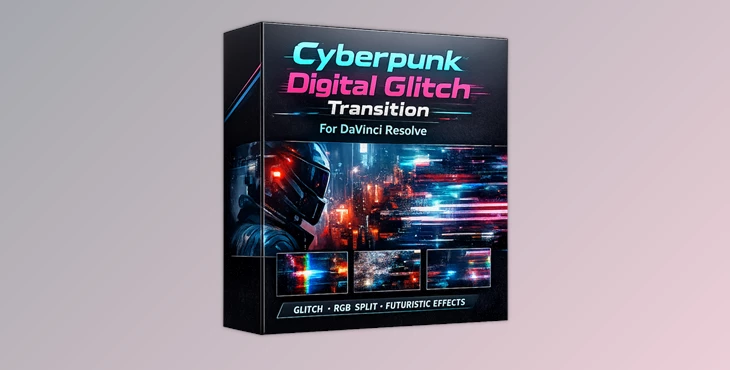
Downloadable Files
You can download Cyberpunk Digital Glitch Transition for free at the end of this page.
⚡ A Quick Hook: Add Instant Cyber Energy to Your Edits
If your edits feel a little too clean or predictable, it might be time to break them—on purpose. That’s exactly what glitch transitions do. They introduce chaos, distortion, and digital energy that instantly grabs attention.
Cyberpunk Digital Glitch Transition is designed to transform ordinary cuts into high-impact, futuristic moments. With sharp motion, RGB splits, and digital noise, your videos start to feel alive, fast, and cinematic—like something straight out of a sci-fi world.
🎮 What Is It & Why It Matters
The Cyberpunk Digital Glitch Transition is a visual effect used to create digital glitches within edits. These transitions can be used in a variety of ways.
Why is this powerful?
Because instead of a simple cut, you get:
- A burst of motion that keeps viewers engaged
- A tech-inspired aesthetic perfect for modern content
- A seamless yet impactful transition between scenes
Real-world uses:
- Switching scenes in a gaming montage with energy
- Creating futuristic cuts in tech promos
- Adding rhythm and punch to music videos
- Enhancing storytelling in sci-fi or cyberpunk visuals
These effects improve your final result by making transitions feel intentional, stylish, and emotionally engaging—not just functional.
🚀 Meet the Tool: Professional Glitch Transitions Made Easy
Cyberpunk Digital Glitch Transition for DaVinci Resolve is a ready-to-use transition pack built for creators who want powerful results without complicated setups. It simplifies the process of creating high-end glitch effects and turns your editing workflow into something fast and creative.
🔧 Features
- Cyberpunk Digital Glitch Transitions: Designed with a futuristic, aggressive style that instantly upgrades your visuals
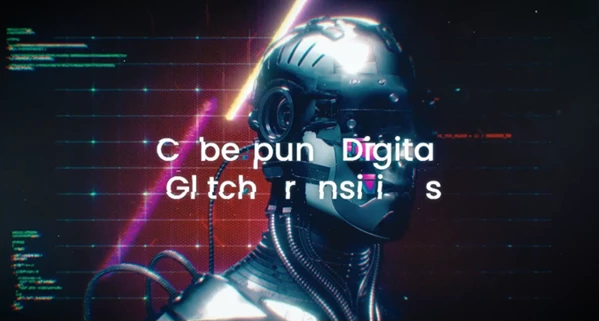
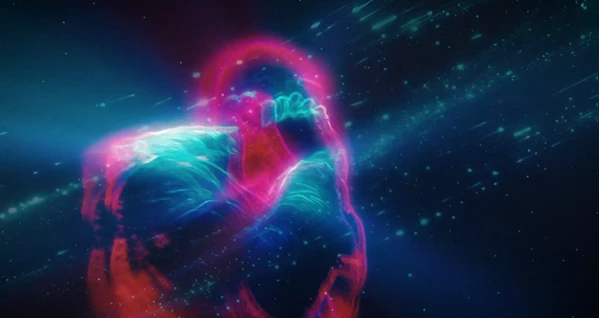
- RGB Split, Screen Noise & Signal Distortion FX: Adds depth and realism to each transition with layered digital effects
- Fast, Sharp & Aggressive Motion: Keeps your edits energetic and engaging, especially for fast-paced content
- 4K High-Resolution: Ensures crystal-clear quality for professional projects
- Easy Drag & Drop Workflow: No complicated setup—just place it between clips, and you’re done
- Blend Mode Ready (Screen / Add): Gives flexibility for creative control and seamless integration
- Compatible with All Major Editing Software: Works smoothly, including DaVinci Resolve
- No Plugins Required: Saves time and avoids technical headaches
🎬 Real Creative Impact
Imagine being able to create edits for YouTube videos, gaming videos, or even music videos that will have:
- Gaming edit highlights that will showcase the best moments with digital energy
- YouTube video intros that will instantly hook your viewers
- Music videos that will match the glitch to the beats in the songs
These types of videos will help you cut to the next scene with emotion and with a sense of impact within your editing.
💡 Pro Tips for Better Results
To get the most out of this pack:
- Match transitions with sound effects: Add glitch or digital noise sounds to enhance realism
- Use on key moments only: Don’t overuse—save them for impactful cuts
- Sync with music beats: This makes your edits feel intentional and professional
- Play with blend modes: Screen or Add can dramatically change the visual intensity
- Combine with color grading: Slight neon tones or cyberpunk palettes boost the overall vibe
These small tweaks can turn a good edit into something truly memorable.
🎯 Final Thoughts
Cyberpunk Digital Glitch Transition is more than just a transition pack—it’s a creative tool that injects energy, style, and modern aesthetics into your projects. Whether you’re editing gaming content, tech promos, or cinematic videos, it helps you stand out with bold and professional visuals—without slowing down your workflow. If you’re looking to make your edits sharper, faster, and more futuristic, this is definitely worth trying.

Files Password : gfxplugin.com OR 123456