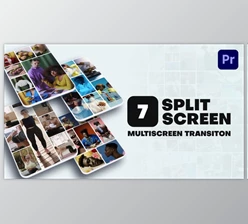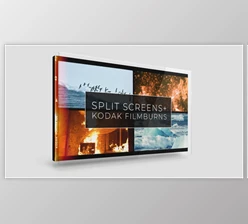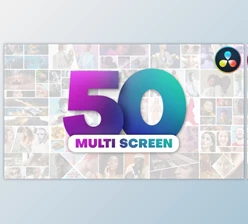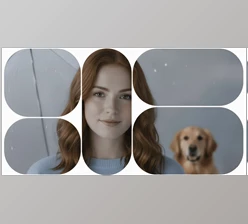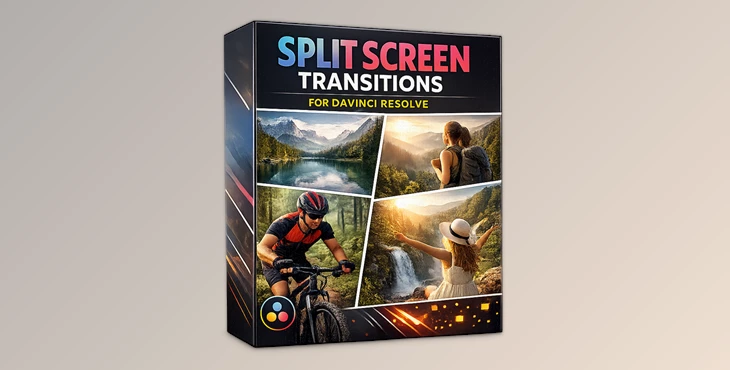
Downloadable Files
You can download the Split Screen Transitions for free at the end of this page.
✨ A Fresh Way to Transform Your Edits
Ever feel like your video transitions are too basic or repetitive? Split Screen Transitions can instantly change that. They add motion, creativity, and a professional touch to your edits by dividing the screen in dynamic ways. Whether you’re working on videos or photos, these transitions make your content more engaging and visually appealing—without needing complicated tools.
🎬 What Are Split Screen Transitions?
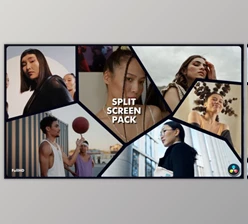
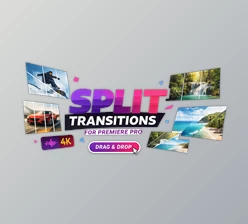
Split Screen Transitions are effects that divide your screen into multiple sections, allowing different clips or images to appear or transition together smoothly.
Why They Matter
Instead of simple cuts, you can:
- Show multiple scenes at once.
- Create smooth and stylish transitions.
- Add energy and rhythm to your edits.
Real Examples
- Travel videos showing different locations side by side
- Before-and-after comparisons
- Social media content with fast, dynamic visuals
These features improve your storytelling and make your final result more professional and eye-catching.
🚀 Introducing the Tool
Split Screen Transitions for DaVinci Resolve is designed for DaVinci Resolve 19 and higher. It helps editors create professional transitions easily—no plugins required. You can simply drag and drop transitions into your timeline and start editing right away.
🔧 Features
- No Plugins Required: Works directly inside DaVinci Resolve.
- Compatible with Any FPS & Resolution: Works with any type of project.
- Supports Photo & Video: Works for both video and photo editing projects.
- Ready-to-Use Transitions: No installation or download required to start using these transitions.
- Detailed Video Tutorial Included: Follow the easy steps in the included video to learn how to use the transitions.
- Fully Handcrafted (No AI Used): All of these transitions were made by hand and without the use of AI software.
- High-Quality Output: Professional results for any editing project.
🎥 Real Use Case
- Use case 1: Split screen videos of products from different angles.
- Use case 2: Split-screen videos of music visuals that match the beat of the song.
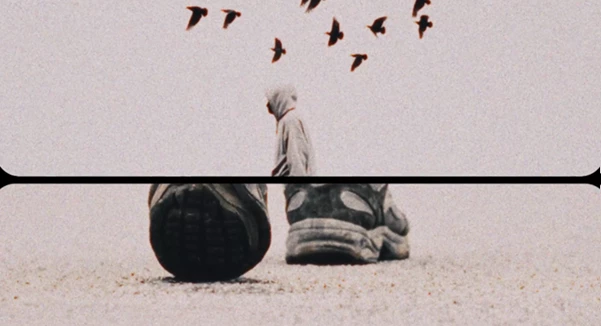
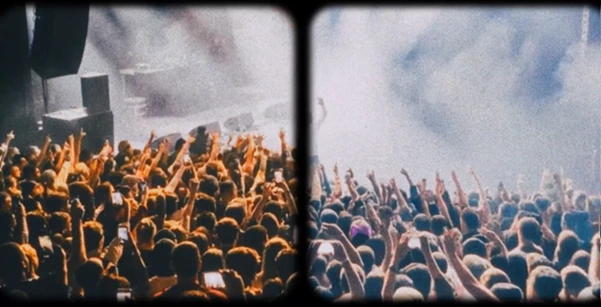
💡 Pro Tips for Better Results
Match the clips’ movements. Sync it with the song’s beat. Limit the use of these transitions. Experiment with different split-screen layouts. Ensure that the transitions between split-screen clips are natural.
🎯 Final Thoughts
Split Screen Transitions will significantly improve your editing software’s editing capabilities. They offer time-saving features and enhance the visual appearance of your edited media files. Use these Split Screen Transitions in your editing projects to give your videos a professional look and feel. If you are looking for ways to improve your editing projects and give your videos a professional look and feel, these Split Screen Transitions will be of great use to you.

Files Password : gfxplugin.com OR 123456