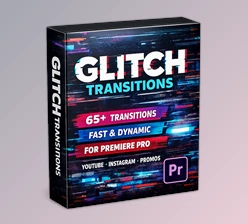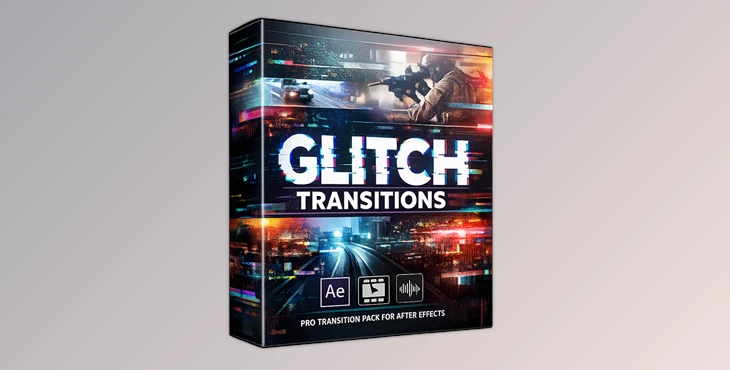
Downloadable Files
You can download Glitch Transitions for free from the end of this page.
✨ A Fresh Way to Transform Your Edits
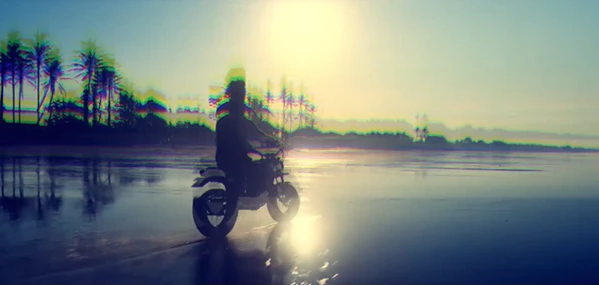
If you’ve ever felt like your video cuts look too simple or repetitive, glitch transitions can completely change the game. These effects bring energy, movement, and a modern digital vibe to your edits—instantly making them more engaging and professional. Glitch Transitions are designed to add that extra spark. With fast flickers, RGB splits, and sharp motion, your videos feel alive and dynamic rather than static and predictable.
🎬 What Are Glitch Transitions & Why Use Them?
Glitch transitions are visual effects that originate from the world of digital glitches. They are perfect for enhancing digital content.
Why Glitch Transitions Matter
- They can instantly grab the audience’s attention.
- Glitch transitions enhance the storytelling aspect of digital content.
- They also improve the editing process, making it look professional.
Where to Use Glitch Transitions
- YouTube videos
- Gaming videos
- Fashion videos
- Sports videos
Glitch transitions will ultimately enhance your digital product.
Meet the Tool: Glitch Transitions Pack for Premiere Pro
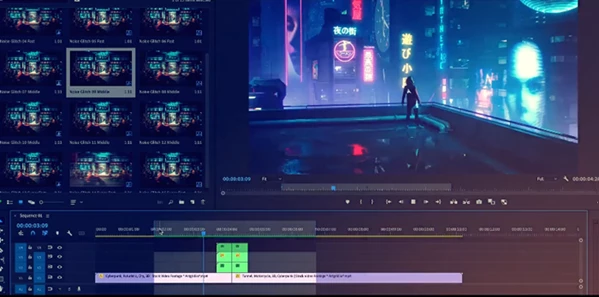
If you are searching for a tool that can enhance your editing software in the best way and ultimately give you professional glitches for your projects, then this is the perfect tool to use. Its features will help you create glitch transitions in mere clicks in Premiere Pro. You can save a ton of time that would have otherwise been spent creating glitch transitions manually in your editing project.
🔥 Features
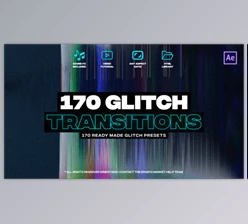
- 70 High-Quality Glitch Transitions: A growing library of unique effects for endless creative possibilities
- Fast Render Performance: Smooth workflow without slowing down your editing process
- Auto-Resize Feature: Works perfectly for different formats like YouTube, Instagram, or vertical videos
- Works with Videos & Images: Flexible for all types of projects
- Sound Effects Included: Adds extra impact and realism to each transition
- No Plugins Required: Fully native to Premiere Pro
- Easy Customization: Change colors, adjust timing, and match your style quickly
- Beginner-Friendly: Even if you’re new to editing, you can use it.
- Compatible with Premiere Pro 2019+: Works on modern versions without issues
- Detailed Tutorial Included: Step-by-step guidance with voice-over
🎥 Where You’ll See the Difference
Imagine editing a gaming montage—each cut hits with a glitch burst synced to the beat.
Or a fashion promo where transitions feel sharp, stylish, and high-end.
Even simple vlogs become more engaging with subtle glitch effects between scenes. That’s the power of using a ready-made professional transition pack.
🎯 Pro Tips to Use It Like a Pro
- Avoid overusing glitch transitions. Use them to add emphasis to specific portions of your videos rather than using them all throughout your edit.
- Ensure that your glitch transitions occur in sync with the beat of your music to enhance the viewers’ experience of your videos.
- Combine glitch transitions with standard video cuts to avoid overusing glitch transitions and to provide a more balanced editing style to your videos.
- Adjust the colors of your videos to ensure that the glitch transitions match the color palette of your videos.
- Limit the length of glitch transitions to enhance the perceived naturalness and modernity of your videos.
These tweaks will significantly improve your editing skills.
Final Thoughts
Glitch transitions allow video editors to produce professional edits to their videos without the complexities associated with video editing software. These glitch transitions are perfect for use on YouTube videos, commercials, and more on social media platforms. With glitch transitions, your videos will stand out from others online. Therefore, this video editing trend is definitely worth trying out for your next video editing project.

Files Password : gfxplugin.com OR 123456