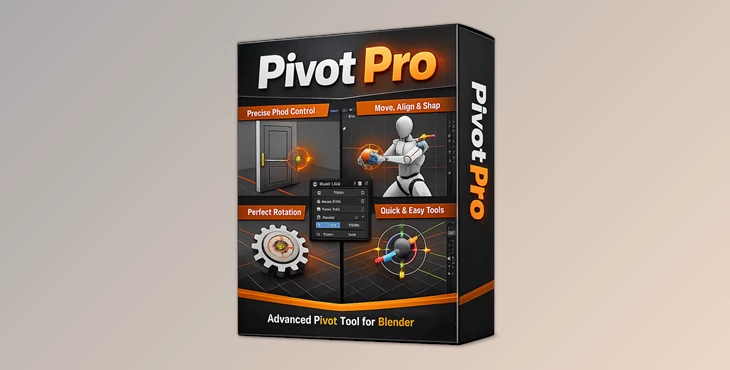
Downloadable Files
You can download the product Pivot Pro for free at the end of this page.
🎯 Take Full Control of Your Animation
Have you ever struggled to get the perfect rotation or movement in Blender? Even a small pivot misplacement can ruin an otherwise great animation. That’s where Pivot Pro comes in. This powerful add-on lets you place pivots exactly where the action happens—giving you smoother, more natural motion and complete creative control.
🧠 What Is Pivot Pro and Why It Matters
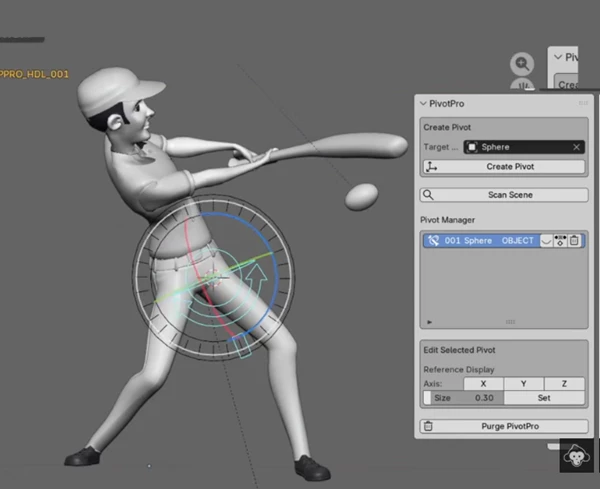
Pivot Pro is an add-on for Blender that will allow you to create and manage custom pivot points for your objects. Pivots define where movements will happen on your object.
💡 Why this improves your results
When animating, there are a variety of movement types:
- Objects that should only rotate on a specific pivot point, like a door
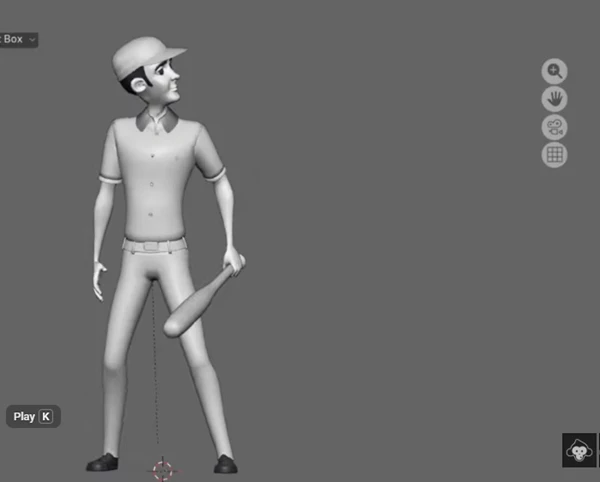
- Characters who should be able to grab objects
- Any movement that should be restricted to specific pivot points
Using the wrong pivot point creates unrealistic movement. Using the correct pivot point for specific objects ensures:
- More realistic movements
- Better interaction with other game objects
- Saves time when not having to re-rig objects
🚀 Introducing Pivot Pro
Pivot Pro will simplify complex animation tasks for you while giving you the flexibility you need to animate your scenes – all without destroying your scene’s structure.
✨ Features
- Custom Pivot Placement: Place pivots exactly at contact or interaction points.
- Non-Destructive Workflow: Experiment freely without breaking rigs or objects.
- Dynamic Motion Control: Change the direction of motion paths during animation.
- Object & Pose Bone Support: Works seamlessly with both objects and bones.
- Bake When Needed: Keep pivots editable or bake them into your animation anytime.
🎬 Practical Use Cases
- Handling hand contacts and object interactions
- Animating props, hinges, and mechanical systems
- Testing multiple pivot ideas without rebuilding your setup
🎯 Pro Tips for Better Results
- Place pivots at the points of interaction.
- Experiment with different options before baking in the final motion.
- Think about the physical objects involved in the action.
- Keep it as simple as possible - fewer pivots are usually better.
🔥 Final Thoughts
The Pivot Pro Add-on for Blender is a valuable new tool that gives you more precision and freedom in your animations. It allows for faster, more natural motion while removing any limitations that you may feel with existing animation tools within Blender. If you’re looking for a way to animate your scenes with more natural motion in Blender, this add-on is definitely worth trying!

Files Password : gfxplugin.com OR 123456