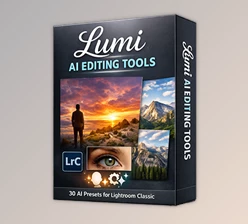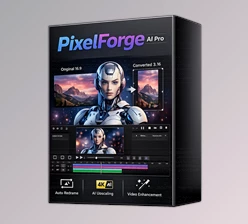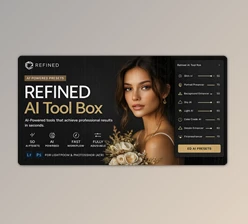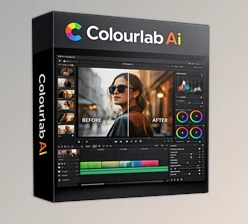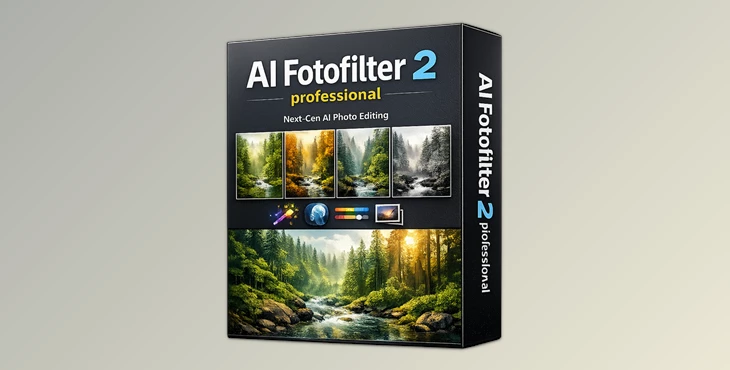
Downloadable Files
You can download AI FOTO Filter for free from the end of this page.
🚀 A Smarter Way to Edit Photos
Imagine editing one photo perfectly… and then applying that exact same look to dozens of images instantly—without losing quality or consistency. That’s exactly what AI FOTO Filter does.
Instead of having to endlessly tweak editing apps to get to your desired results, this tool will learn your editing style and automatically recreate it for you. If you’ve struggled with getting consistent results from your edits, this tool will make a world of difference to your editing experience.
🎯 What is AI FOTO Filter and Why It Matters
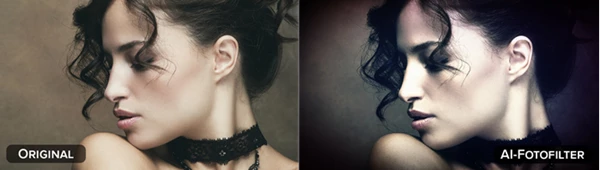
At its core, AI FOTO Filter is an intelligent photo editing tool powered by a neural network. It analyzes the difference between an original image and its edited version—and turns that into a reusable AI filter.
🔍 How It Helps in Real Life
- You edit one photo with a cinematic color grade → AI learns it.
- You apply it to 50+ photos → All match perfectly.
- No need to tweak sliders again.
💡 Why This Improves Results
- Consistency: Every image shares the same tone and mood
- Speed: Saves hours of manual editing
- Precision: AI captures even subtle adjustments like lighting, contrast, and gradients
Whether you’re a photographer, designer, or content creator, this means faster workflows and more professional results.
🧠 Meet the Tool: AI FOTO Filter Professional
AI FOTO Filter isn’t just another editing software—it’s a style-learning engine that simplifies complex workflows and boosts creativity.
⚙️ Features
🤖 AI Training Module
- Train your own filter using just before & after images.
- Learns sharpening, color grading, denoising, and more.
- Saves your style for future use.
📸 RAW Development
- Built-in RAW editor for maximum image quality
- Enhanced with AI for better detail recovery and dynamic range
⚡ Batch Processing
- Apply your custom AI filter to entire photo collections.
- Perfect for weddings, travel shoots, or product photography.
🎨 Presets & AI Looks
- 48 presets + 30 pre-trained AI styles
- Combine them for unique creative results.
🔗 Adobe Integration
- Works with Photoshop & Lightroom Classic
- Seamless workflow without switching apps
🌈 Advanced Color Module
- Fine-tune colors with precision
- Achieve consistent branding or artistic looks.
💡 Fourier Features & Lighting Effects
- Train realistic light behavior (like rays or gradients)
- Create dramatic and cinematic effects easily.
🧩 LUT Support
- Import/export LUT styles (.cube / .hald).
- Blend traditional workflows with AI.
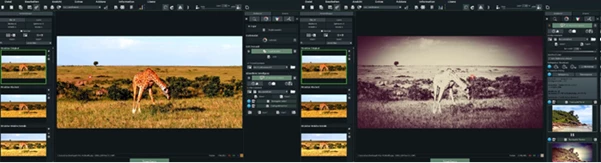
🖥️ User-Friendly Interface
- Clean layout optimized for HD & 4K
- Customizable panels and helpful tooltips
🎬 Real Example
Let’s say you created a beautiful “vintage cinematic” look for one travel photo. With AI FOTO Filter:
- Upload original + edited image.
- Train the AI in seconds.
- Apply to 50+ photos instantly.
👉 Result: Every image looks professionally edited—without repeating the process.
🎯 Pro Tips for Better Results
✔️ Use Clean Before/After Images
Make sure both images align perfectly for accurate AI learning.
✔️ Avoid Over-Editing
Subtle edits train better and produce more natural results across different photos.
✔️ Experiment with Training Settings
Adjust learning rate and duration to improve quality and avoid overfitting.
✔️ Combine Presets Creatively
Mix built-in styles with your own AI filters for unique looks.
✔️ Use Batch Smartly
Group similar photos together for the best consistency.
💬 Final Thoughts
AI FOTO Filter transforms the way you edit photos. Instead of repeating the same steps over and over, it learns from you and works alongside you. It’s fast, intelligent, and surprisingly easy to use—even if you’re not a technical expert. If you value your time and want consistent, high-quality results, this tool is definitely worth exploring.

Files Password : gfxplugin.com OR 123456