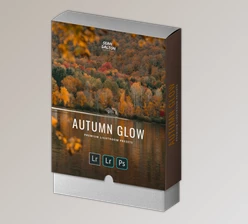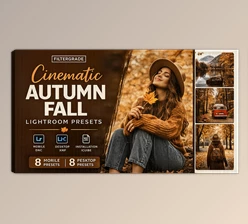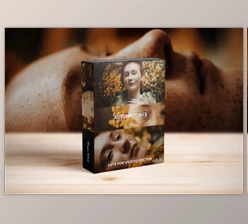
Downloadable Files
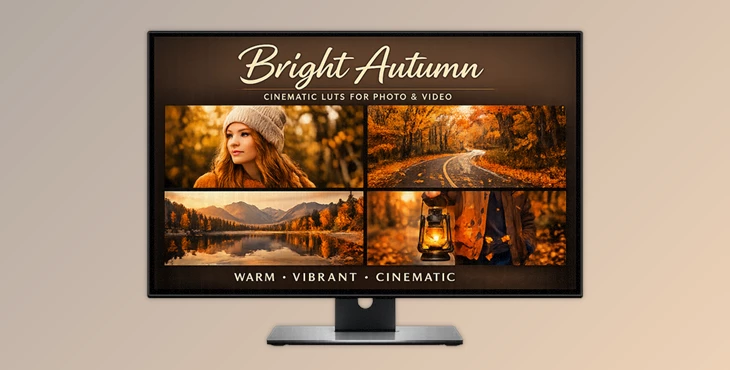
You can download the product Bright Autumn for free at the end of this page.
🍂 A Warm First Impression
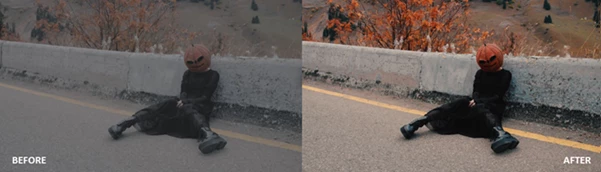
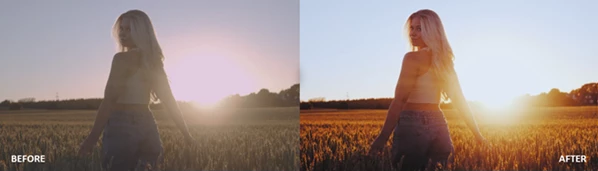
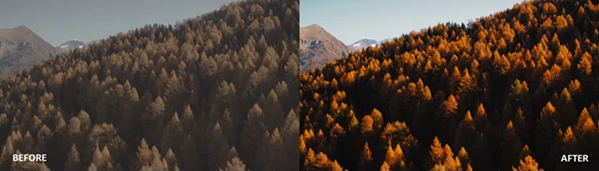
There’s something truly captivating about autumn — the soft golden sunlight, the vibrant oranges, and the deep, earthy hues that can instantly transform any photo or video. Bright Autumn is crafted to bring that exact atmosphere to your visuals.
Instead of spending hours fine-tuning colors, you can achieve a stunning look in just a few clicks with its expertly designed presets and LUTs. It’s intuitive, efficient, and powerful — ideal for creators who want high-quality results without a complicated editing process.
🎨 What Is It & Why It Matters
At its core, Bright Autumn is a collection of professional LUTs and presets created to enhance color grading with warm, vibrant fall tones.
Why it’s useful:
- It enhances natural colors without overprocessing.
- Preserves dynamic range, especially for log footage (S-Log, V-Log, C-Log)
- Gives a cinematic and cohesive look across projects
Real-world examples:
- Turning a flat outdoor photo into a golden autumn scene
- Adding warmth and depth to travel vlogs
- Making social media content more eye-catching and consistent
These features improve your final result by saving time, maintaining quality, and ensuring your visuals look professionally graded.
🚀 Meet the Tool: Bright Autumn
Bright Autumn is a versatile color grading pack that simplifies your editing process while delivering professional-level results.
Features
14 Unique Looks
- A variety of tones from soft, warm highlights to rich cinematic contrast
Multiple Formats
- Available in .cube, .drx, and .dng for maximum flexibility
Wide Compatibility
Works with:
- Lightroom (Desktop & Mobile)
- Photoshop
- Premiere Pro
- DaVinci Resolve
- Final Cut Pro X
- CapCut
- Vegas Pro
- Avid Media Composer
- LumaFusion & more
Cross-Platform Support
- Compatible with Mac, Windows, iOS, and Android
Drag & Drop Workflow
- Apply looks instantly — no complicated setup
Real Impact
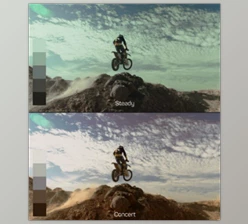
Imagine editing a travel video shot in flat lighting — with one LUT, you can instantly bring warmth, contrast, and a mood that feels like a perfect autumn sunset. Or take a portrait and give it that cozy seasonal glow without hours of manual adjustments.
💡💡 Pro Tips for Better Results
- Start with proper exposure: For the best outcome, make sure your image isn’t too dark or overly bright before applying LUTs
- Fine-tune the intensity: Lowering the opacity can help achieve a more natural and balanced look
- Choose based on your scene: Go for stronger, richer tones in landscapes and softer, subtle looks for portraits
- Enhance with small adjustments: Minor tweaks in contrast or white balance can make a noticeable difference
- Keep your style consistent: Using similar looks across your project helps create a clean and unified visual identity
✨ Final Thoughts
Bright Autumn goes beyond being just a preset pack — it’s a simple way to achieve visually rich and professional results with minimal effort. Whether you're editing photos or videos, it brings consistency and polish to your work in no time. If you want to speed up your workflow, improve your colors, and add a warm cinematic vibe, this tool is definitely worth trying. Sometimes, one small change can completely transform the final result.

Files Password : gfxplugin.com OR 123456