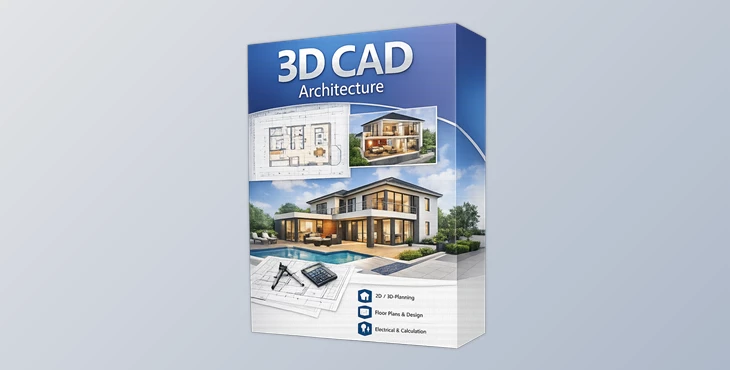
Downloadable Files
You can download 3D CAD Architecture for free from the end of this page and start designing your dream space today.
✨ A Simple Way to Bring Your Dream Home to Life
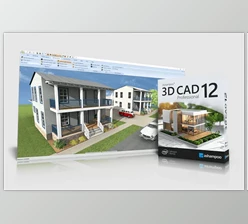
Ever imagined designing your home exactly the way you want—without needing professional architectural skills? That’s exactly what 3D CAD Architecture makes possible. This tool lets you plan, visualize, and refine your living space right from your PC. Whether you're building from scratch, renovating, or just experimenting with layouts, it turns complex design tasks into an enjoyable and creative experience.
🏠 What Is 3D CAD Architecture & Why It Matters?
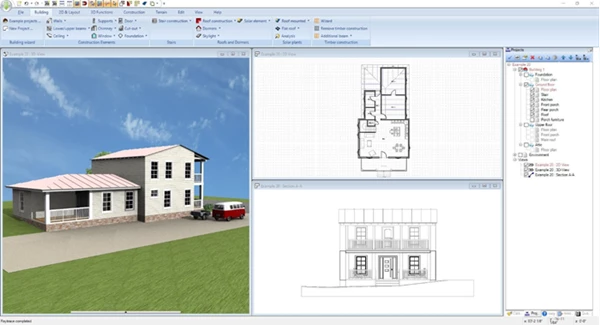
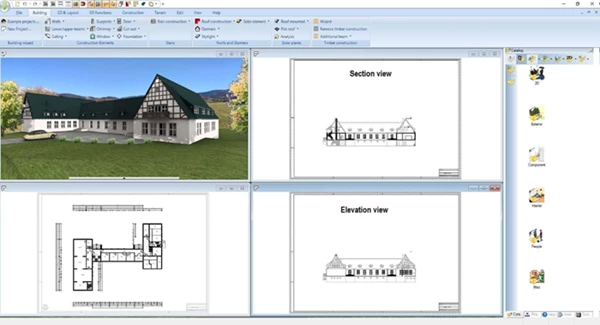
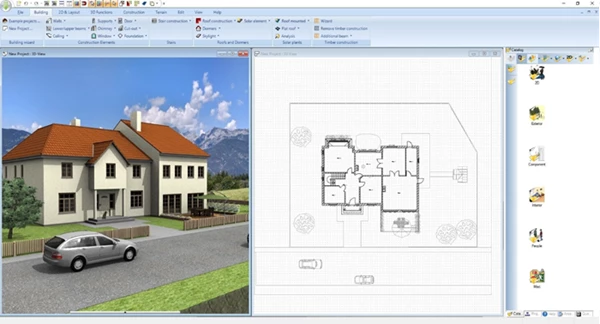
At its core, 3D CAD Architecture is a user-friendly design software that helps you create detailed home plans in 2D, 3D, and cross-section views.
Why is this powerful?
- You can see your ideas instantly instead of imagining them.
- You can spot design flaws early, saving time and cost.
- You can experiment freely without real-world risks.
Real-life examples:
- Planning a new apartment layout before construction
- Testing furniture placement before buying anything
- Designing electrical layouts to avoid future issues
These features improve results because they reduce guesswork and give you full visual control over every detail.
🛠️ Meet the Tool: 3D CAD Architecture
3D CAD Architecture is designed to make professional-level home design accessible to everyone—even beginners. With guided wizards and smart assistants, it simplifies even the most technical aspects of planning.
🚀 Features
⚡ Smart Electrical Planning Assistant
- Automatically suggests placement for switches, outlets, and lighting.
- Uses predefined room types or custom templates.
- Saves time and prevents costly planning mistakes.
👉 Example: Designing a living room? The assistant instantly suggests optimal socket and lighting placement.
🎯 Full Control Over Electrical Symbols
- Add your own custom symbols.
- Organize them in dedicated layers.
- Show/hide installations with one click.
- Auto-generate parts lists.
👉 Result: Cleaner, more organized, and professional plans.
🚪 Advanced Door & Layout Flexibility
- New door types, including sliding and asymmetrical openings
- Perfect for modern and open-concept designs
👉 Example: Easily simulate a sliding door system without layout conflicts.
🌞 Photovoltaic (Solar) Planning
- Add rooftop or flat-roof solar systems.
- Adjust panel spacing and orientation.
- Choose from modern solar modules.
👉 Result: Better energy planning and realistic eco-friendly designs.
📐 Professional Documentation Tools
- Fire escape plan generator with symbols and legends.
- Export symbol lists (PDF, RTF, Excel).
- Clean elevation views with hidden line optimization.
👉 Perfect for presentations, approvals, or professional use.
🧱 280+ New 3D Objects
- Fully customizable and scalable.
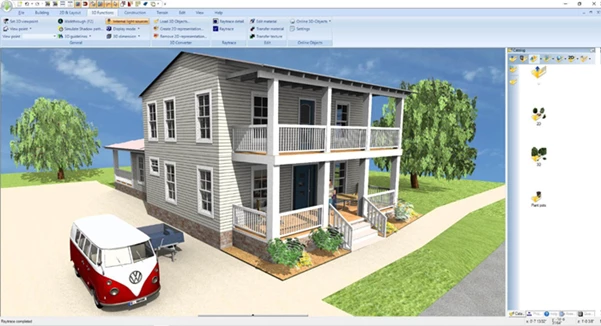
- Improved realism with materials and textures.
👉 Your designs feel more lifelike and detailed.
💡 Pro Tips for Better Results
- Start with templates: Use predefined room setups to save time.
- Use layers wisely: Toggle electrical or structural elements for clarity.
- Test multiple layouts: Try different versions before finalizing.
- Focus on lighting early: It dramatically affects the final look.
- Leverage 3D views often: They reveal issues you might miss in 2D.
These small techniques can make your designs look more natural and professional—even if you're a beginner.
🎯 Final Thoughts
3D CAD Architecture isn’t just a design tool—it’s a complete planning environment that helps you think, visualize, and execute ideas more effectively. From smart electrical planning to realistic 3D visualization, it gives you the confidence to move forward with your projects—whether big or small. If you’ve ever wanted to take control of your space and design it your way, this is a great place to start.

Files Password : gfxplugin.com OR 123456