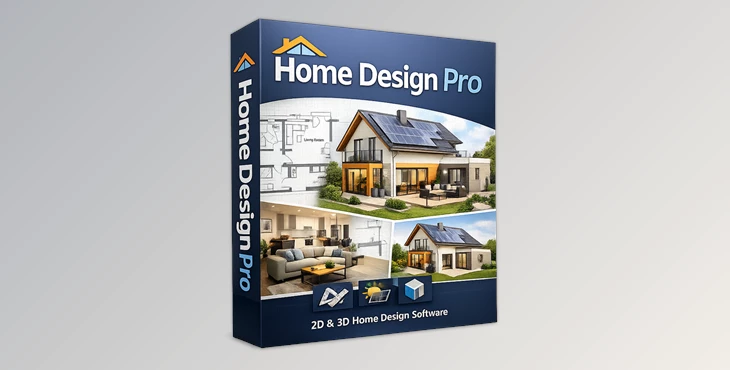
Downloadable Files
You can download Home Design Pro for free at the end of this page.
✨ Design Your Dream Space with Ease
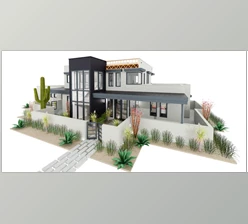
Have you ever wanted to design your dream house but did not have the necessary technical skills to do it? With Home Design Pro, you can easily do so. Home Design Pro allows you to design your house plan and decorate it in stunning 3D.
🏠 What Is Home Design Pro & Why Is It Useful?
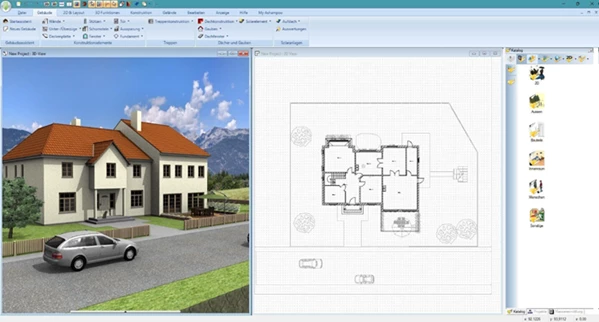
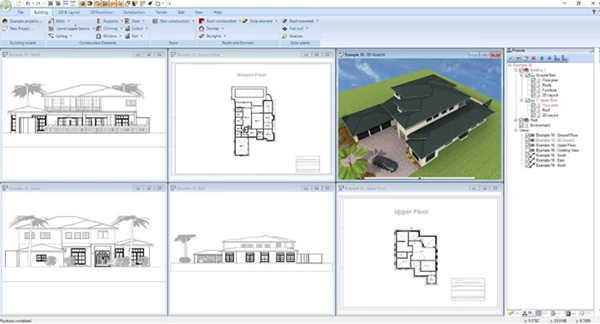
Home Design Pro is professional 3D home design software that allows you to build buildings, interiors, and more. With Home Design Pro, you can automatically calculate the lengths, areas, angles, volumes, and other structural measurements of the plan you are drafting.
Some of the most common uses of Home Design Pro include:
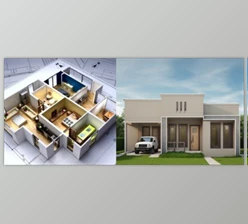
- Designing floor plans for houses and apartments
- Planning interiors for buildings
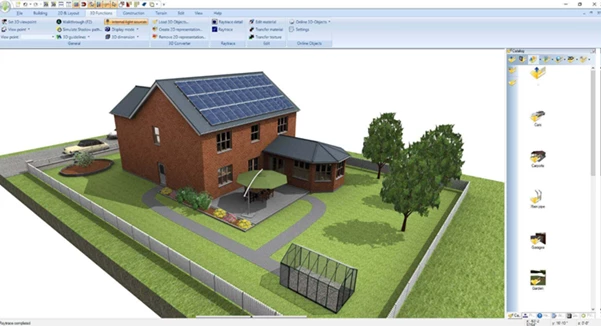
- Creating roof designs that feature solar panel integration
Why It Improves Your Work
With real-time 3D previews and automatic calculations:
- You reduce mistakes
- Save time
- Make smarter design decisions.
🚀 Introducing the Tool: Professional & Efficient
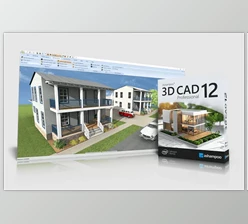
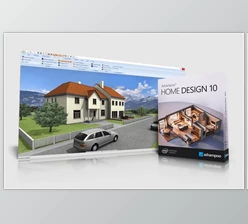
Home Design Pro 11 is a professional home design software that makes the process of planning the structure of a home or building easier for both beginners and professionals.
🔧 Features
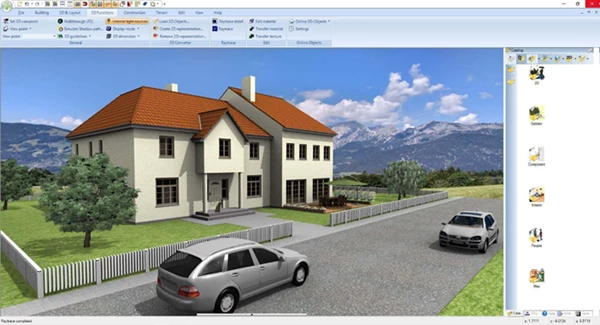
- Realistic 3D previews at every stage
- Automatic dimension and volume calculations
- Easy planning of rooftop photovoltaic systems
- Access to 1,200+ 3D objects and 2D symbols
- Import models from Google SketchUp and Collada
- Advanced 2D drawing tools with custom styles
- IFC-2x3 export for BIM compatibility
- Fire escape plan plugin
- Clean elevation views with hidden line optimization
- Numeric editing tools for walls, windows, and doors
- Terrain and landscape design tools
- Stair generator and roof wizard
- Lighting simulation and flexible camera views
🎯 Real-World Impact
- Design a complete home and present it professionally.
- Visualize interior spaces before purchasing furniture.
- Plan outdoor areas like gardens, terraces, and fences.
- Create accurate construction-ready documents.
💡 Pro Tips for Better Design
To get the best results with Home Design Pro, keep these tips in mind:
- Start in 2D, refine in 3D: Build your layout first, then enhance it visually.
- Use pre-made objects: Save time by using catalog items like kitchens or garages.
- Experiment with lighting: Check how light affects your design for a more realistic result.
- Customize details: Use textures, symbols, and fills to make your plans stand out.
- Use precise input tools: Ensure accuracy with numeric editing features.
🎉 Final Thoughts
Home Design Pro is more than just a design tool—it’s a complete solution for planning, visualizing, and presenting architectural projects. Whether you're designing a simple room or a full house, it helps you work faster, smarter, and more creatively. Try it yourself and see how easily your ideas turn into professional designs.

Files Password : gfxplugin.com OR 123456