Downloadable Files
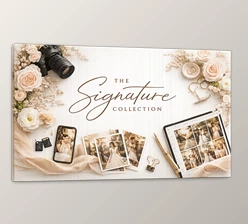
You can download the product Signature Collection for free from the end of this page.
✨ A Fresh Start for Your Visual Style
If you’ve ever looked at your photos and thought something was missing—despite having great subjects and compositions—then you’re not alone. All it takes for an ordinary photograph to become an extraordinary one is the right mood, tones, and a touch of artistry. Signature Collection is a great addition to your editing software collection and can do just that—transform your ordinary images into visually striking ones.
What Is It and Why It Matters
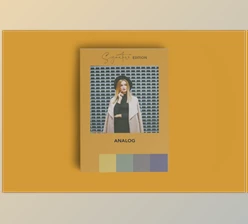
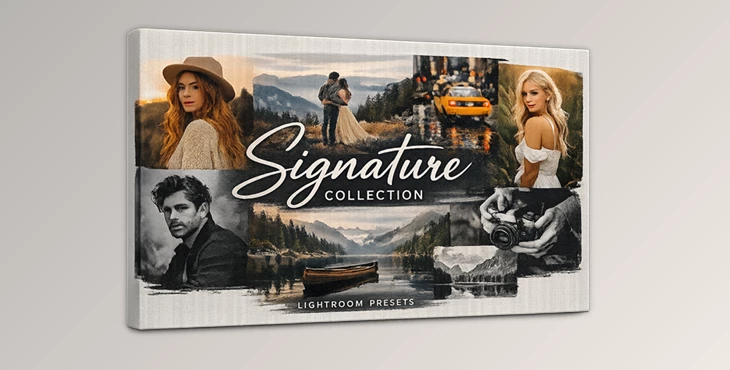
Signature Collection is a set of presets for Adobe Lightroom and Adobe Photoshop. These editing presets allow you to quickly and easily change the color of your photographs to different color styles. The pack includes seven different color styles and two black and white options.
Why does this improve your results?
- Instead of starting from scratch, you get a strong visual foundation.
- Consistency across your photos becomes effortless.
- You can quickly test different moods and choose what fits best.
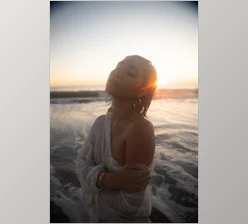
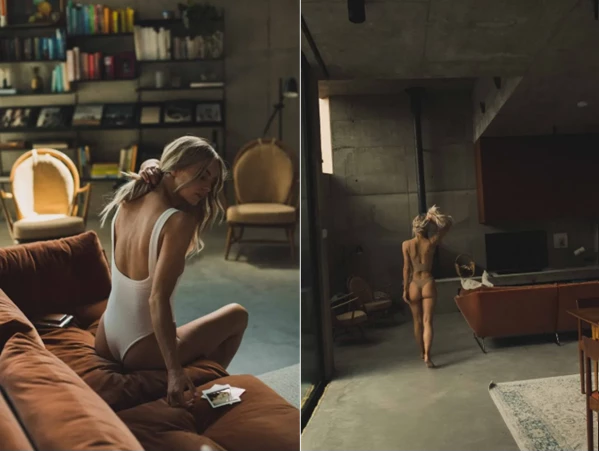
For example, a portrait shot in natural light can instantly feel cinematic, while a studio image can gain depth and contrast without over-editing.
🚀 Meet the Tool: Signature Collection
Signature Collection is designed for photographers who want both flexibility and professional-grade results. Whether you shoot on location or in a studio, this pack adapts to your workflow.
🔧 Features
- 7 Distinct Color Presets: Each preset offers a different tone and atmosphere—from soft and natural to bold and cinematic.
- 2 Black & White Variations: Clean, timeless monochrome styles that add emotion and focus.
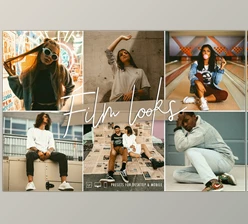
- Film-Inspired Looks: Built with classic film stocks in mind, giving your images a rich and authentic feel.
- Versatile Usage: Works seamlessly for both outdoor and studio photography.
- Creative Foundation, Not Limitation: These presets don’t replace your creativity—they enhance it and give you a strong starting point.
📸 Real-World Impact
Imagine editing a full photoshoot: instead of spending hours tweaking each image, you apply a preset and fine-tune it. Your entire gallery now has a cohesive, professional look—fast and efficiently.
💡 Pro Tips for Better Results
- Adjust, don’t just apply: Presets are starting points—tweak exposure, contrast, and white balance for best results.
- Match the mood to the scene: Not every preset fits every photo. Try a few and pick what enhances the story.
- Use subtlety for realism: Lower the intensity slightly if the effect feels too strong.
- Build your own style: Combine presets with your personal edits to create a signature look.
🧩 Final Thoughts
Avoiding the need to replace your creative process is the primary motivation behind the Signature Collection. With the right presets, you can significantly reduce the time needed to process your photos. If you’re looking to improve your post-processing work while maintaining your unique creative voice, this collection of presets is definitely worth exploring.

Files Password : gfxplugin.com OR 123456