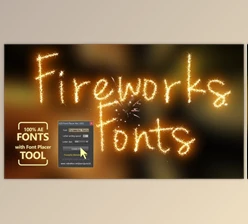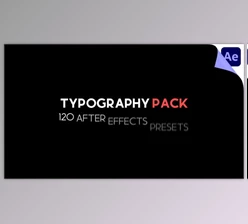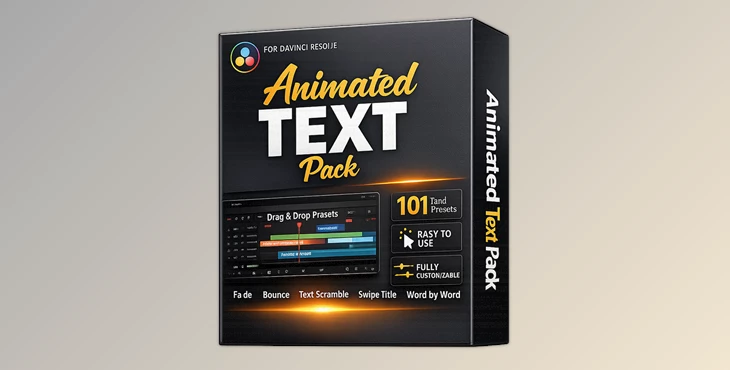
Downloadable Files
You can download the product Animated Text Pack for free at the end of this page.
✨ Bring Your Text to Life
If you’ve ever felt that your titles were a bit flat and repetitive, you're in the right place! The Animated Text Pack will allow you to instantly transform your simple text titles into eye-catching motion graphics. No more hours spent animating your titles manually. Just drag and drop the perfect animated text title effect into your project and watch your text come to life!
🎯 What Is It & Why It Matters
The Animated Text Pack contains a collection of pre-installed animation titles for DaVinci Resolve. Essentially, it’s a toolbox of animation effects that you can instantly add to your projects.
Real-World Uses
- Creating dynamic YouTube intros and titles
- Adding energy to social media videos
- Designing stylish lower thirds or captions
- Enhancing promotional or commercial content
Why It Improves Your Work
These presets help you:
- Save time on repetitive animation tasks
- Maintain consistency across your projects
- Achieve professional-looking results even if you’re not a motion designer
Instead of worrying about animation complexity, you can focus on storytelling and creativity.
🚀 Meet the Tool
Animated Text Pack is a professional collection of 101 drag-and-drop presets built specifically for DaVinci Resolve. It simplifies the entire process of text animation while still giving you full creative control.
🔧 Features
🎬 Drag & Drop Simplicity
No setup, no complicated steps. Just drag a preset into your timeline and you’re ready to go.
🎛️ Fully Customizable Controls
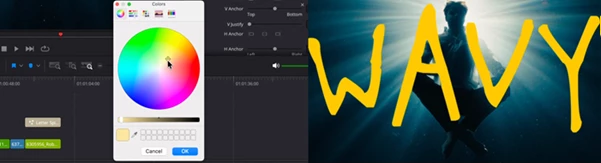
Each preset includes Inspector settings where you can adjust:
- Text content
- Animation timing
- Style and appearance
- Motion behavior
🎨 101 Unique Presets
A wide variety of animations including:
- Blur In & Fade Reveals
- Bounce & Pop effects
- Flicker & Glow animations
- Word-by-word and letter-based animations
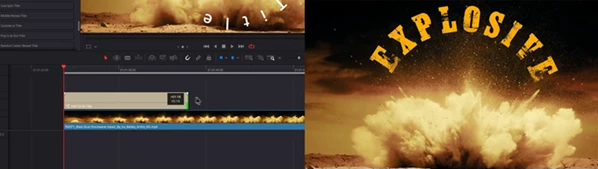
- Circular, wave, and swipe transitions
📦 Complete Package
- DRFX file for easy installation
- Setup walkthrough video
- Ready-to-use presets for immediate editing
🎥 Real Impact in Projects
Imagine editing a YouTube video:
- Instead of plain text, you use a Word-by-Word Grow preset for emphasis
- Add a Glow Flicker effect for dramatic moments
- Use Swipe Title for transitions between sections
Suddenly, your content feels more engaging, polished, and professional—without extra effort.
💡 Pro Tips for Better Results
Keep It Consistent
Use similar animation styles throughout your video to maintain a cohesive look.
Match Animation to Mood
- Fast animations → energetic content
- Smooth fades → cinematic or emotional scenes
Don’t Overuse Effects
Even though you have 101 options, using too many styles in one project can feel messy. Pick a few and stick with them.
Adjust Timing Carefully
Small tweaks in animation speed can make your titles feel much more natural and synced with your footage.
🎉 Final Thoughts
Animated Text Pack is one of those tools that quietly upgrades your entire editing workflow. It removes the technical barriers of animation and replaces them with speed, flexibility, and creativity. Whether you're a beginner or an experienced editor, it helps you produce better-looking videos with less effort—and that’s always a win.

Files Password : gfxplugin.com OR 123456