Downloadable Files
You can download ReSpeedr for free at the end of this page.
✨ A New Way to Experience Time in Video
Have you ever wanted to stretch out a moment to make it cinematic, or to squeeze hours into seconds? ReSpeedr is one of the best tools available that can do just that.
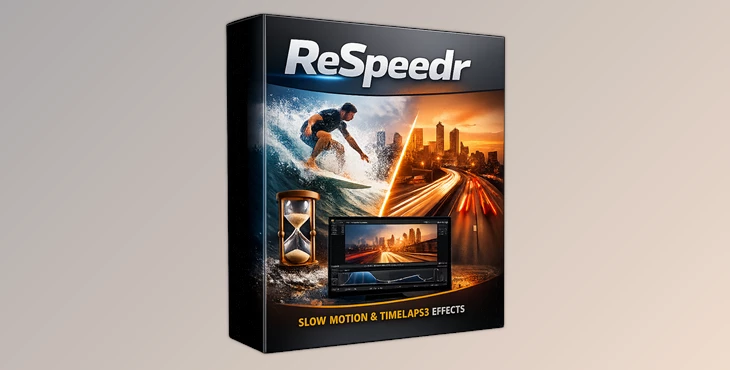
ReSpeedr allows people to alter the rate at which time plays in their videos. From slow motion to time-lapse videos, ReSpeedr gives creators a whole new dimension in which to explore their creativity in video editing.
🎯 What Is ReSpeedr & Why Is It Important?
ReSpeedr is a video editing tool that allows people to play their videos in either super slow motion or time-lapse mode.
🔍 Why is this important?
By having control over the pacing of the time within a video, creators have control over the audience’s emotions and the story that is being told within the video project.
🎥 Real-World Uses
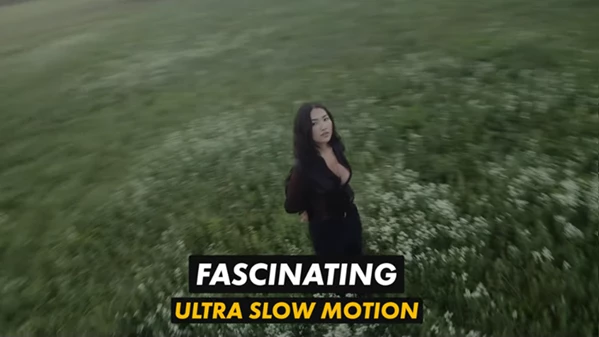
- Slow Motion: Perfect for capturing sports moments in extreme slow motion to highlight each detail
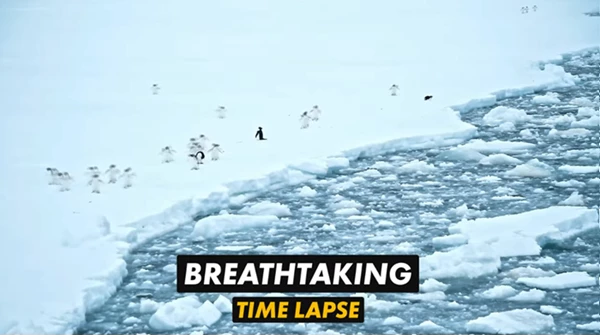
- Time-lapse: Perfect for showing sunsets or city movement as beautiful time-lapse videos
- Enhance Technical Processes: Perfect for enhancing technical or industrial processes.
- Cinematic Transitions: Perfect for creating cinematic transitions using speed changes
Why These Features Improve Your Videos
- Slow Motion: Adds drama to your videos by slowing down specific moments.
- Time-lapse: Adds a sense of time passing in your videos.
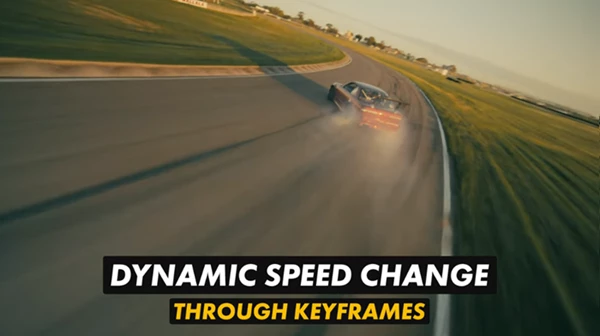
- Keyframes: Create smooth transitions between edits to your videos.
- Afterglow Effects: Add depth to your videos with afterglow effects.
These features will result in more engaging videos that will impress your audience, even using simple footage of your subjects of interest.
Meet ReSpeedr – A Professional Creative Tool
- ReSpeedr was specifically created to allow users to easily and quickly access these features to create visually impressive videos for all of their editing needs.
⚙️ Features
Here’s what makes ReSpeedr stand out:
🎞️ Speed & Motion Control
- Super slow-motion with thousands of frames per second
- Time-lapse for compressing long scenes
- Keyframe-based control for dynamic transitions
✨ Visual Effects
- After-exposure (afterglow) effects for artistic motion trails
- Smooth blending between speed changes
🧠 Smart Performance
- NVIDIA-powered acceleration for fast processing
- Significantly improved performance compared to V1
🎥 Video Enhancement
- Integrated video stabilization (Mercalli V6 technology)
- Support for 3D video editing
🌍 Advanced Formats & Flexibility
- Export in YUV 422 and 444 (8, 10, 12-bit)
- Support for 180° and 360° spherical videos
- Portrait video editing support
- Custom export profiles
🖥️ User Experience
- Redesigned the interface for easier workflow
- Faster and more intuitive editing process
🎬 Real Impact Examples
- Turn a simple skateboard trick into a cinematic slow-motion highlight
- Convert hours of construction footage into a clean, engaging time-lapse
- Add afterglow trails to create dreamy, artistic visuals
- Stabilize shaky clips and make them look professionally shot
💡 Pro Tips for Better Results
🎯 Use Keyframes Smartly
Instead of applying one speed effect, combine multiple speeds with keyframes to create smooth storytelling.
🌊 Keep It Natural
Avoid overusing extreme slow motion—mix it with normal speed for a more realistic feel.
✨ Enhance with Afterglow
Use afterglow effects subtly to add atmosphere without overwhelming the scene.
⚡ Optimize Performance
If you have an NVIDIA GPU, enable acceleration to drastically reduce render time.
🎥 Stabilize First
Always stabilize shaky footage before applying speed effects for cleaner results.
🔚 Final Thoughts – Is ReSpeedr Worth It?
ReSpeedr is not just another editing tool. ReSpeedr is a creative engine for time manipulation. ReSpeedr gives you the ability to:
- Tell better stories
- Highlight the most important moments in your footage
- Produce visually stunning content with minimal effort
Edit your most technical videos to the most eye-catching edits in seconds.

Files Password : gfxplugin.com OR 123456