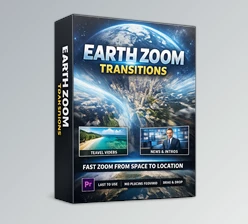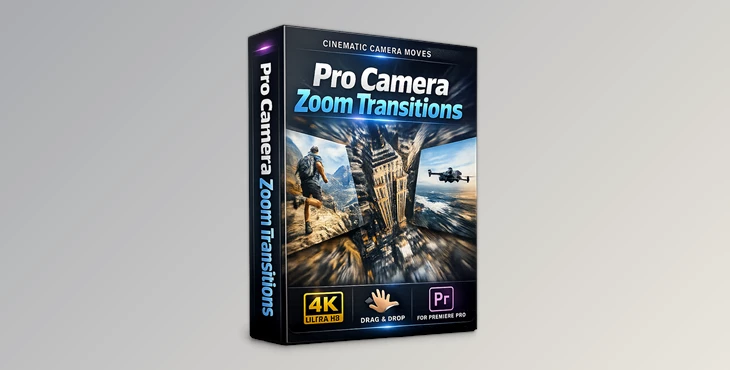
Downloadable Files
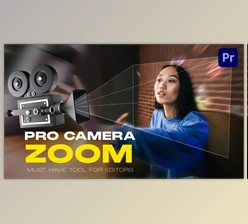
You can download Pro Camera Zoom Transitions for free from the end of this page and give your videos a professional touch instantly.
Capture Attention Instantly
Ever wanted your videos to feel cinematic, dynamic, and full of energy? Pro Camera Zoom Transitions let you create smooth zoom effects between clips that instantly grab your audience’s attention. Whether you’re editing a vlog, a travel video, or a professional promo, these transitions make your footage pop without complicated settings or plugins.
What It Is & Why You’ll Love It
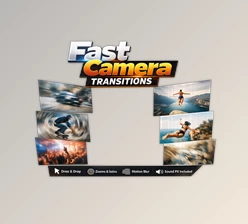
Pro Camera Zoom Transitions is a ready-to-use transition pack designed for Premiere Pro CC2025 and above. It works with both photos and videos and supports any FPS or resolution. Simply drag and drop the transitions onto your timeline, and watch your projects come alive. Real-world examples:
- Seamlessly jump from a wide landscape shot to a close-up portrait.
- Add cinematic energy to action sequences in travel or sports videos.
- Make tutorials or product demos more engaging with stylish zoom effects.
These features save time and elevate your content, making it feel professionally edited—even if you’re just starting out.
Features That Make Editing Fun
Here’s what makes Pro Camera Zoom Transitions stand out:
- No Plugins Required: Edit right away without extra installs.
- Premiere Pro CC2025 and Above: Always up-to-date with the latest software.
- Works with Any FPS & Resolution: Flexible for any project size.
- Drag & Drop Method: Quick and easy to apply.
- Full Customization: Adjust speed, direction, and scale to fit your project.
- Video Tutorial Included: Learn how to use it in minutes.
Example in action: A travel vlog can smoothly zoom from a plane view of a city to a street-level shot, making viewers feel like they’re right there with you.
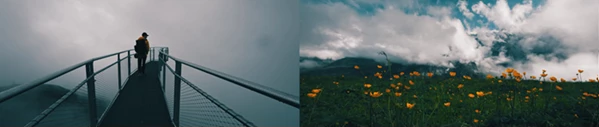
Pro Tips for Smooth Transitions
Want your Zooms to feel natural and professional? Here are a few tips:
- Match Motion: Align zoom transitions with the movement in your clip for a seamless effect.
- Ease In & Out: Adjust the speed curves to make transitions look organic.
- Layer Music or Sound Effects: A subtle swoosh sound can enhance the zoom impact.
- Mix & Match: Combine with color grading or other transitions to create a unique style.
Even casual editors can achieve cinematic results by following these simple tips.
Wrap-Up: Why You’ll Keep Coming Back
Pro Camera Zoom Transitions aren’t just effects—they’re tools to make your storytelling more dynamic and engaging. Whether you’re working on short clips or long videos, they add polish and excitement without extra effort. Try them today, experiment with different speeds and directions, and see how much more professional your edits can look. Your projects deserve that extra cinematic flair!

Files Password : gfxplugin.com OR 123456