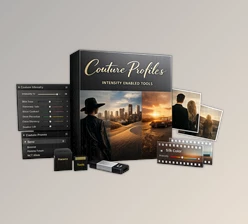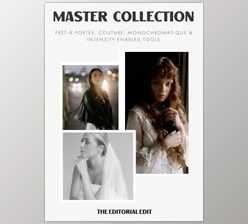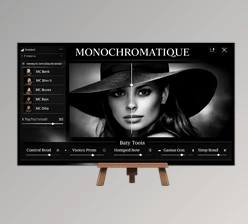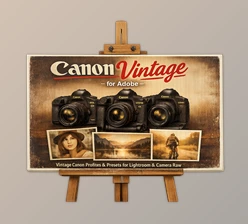
Downloadable Files
You can download Prêt-à-porter Profiles for free at the bottom of this very page.
Meet Your New Everyday Editing Essential
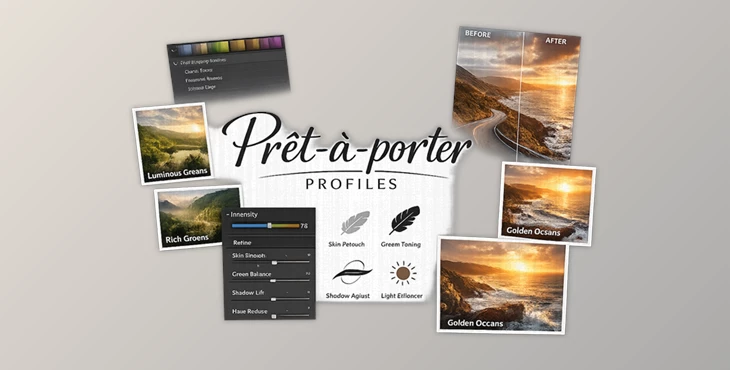
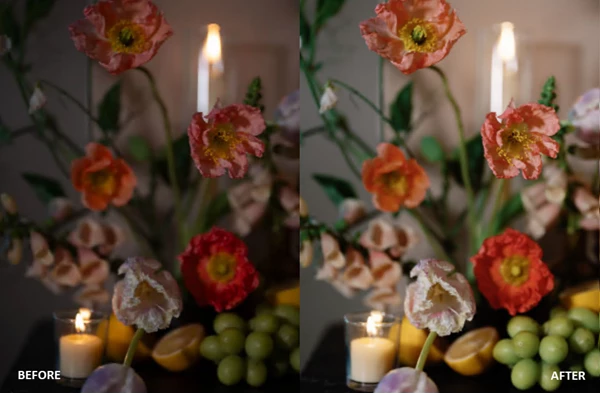
Prêt-à-porter Profiles are designed to be the effortlessly polished backbone of your professional workflow. Where bold, sculpted looks may serve specific creative visions, this collection focuses on balance, refinement, and adaptability. If you’ve ever wanted a “go-to” preset foundation that works across multiple lighting conditions—without fighting strange skin tones, muddy greens, or harsh highlights—this is exactly that. Clean contrast, natural color harmony, and preserved dynamic range come together to create images that feel intentional, timeless, and elevated. It’s not about over-editing. It’s about enhancing what’s already there—beautifully.
What Are Prêt-à-porter Profiles and Why Do They Matter?
At its core, the Prêt-à-porter Profiles are profile-based presets that are flattering, not fixative. They don’t work like a clunky filter, they are a starting point that balances contrast, skin tones, and color depth without destructive changes to your precious raw file.
Why does that come in handy for your everyday use?
- Outdoor portrait sessions with shifting sun?
These profiles retain greens and prevent highlights from going crazy. - Indoor editorial portraits?
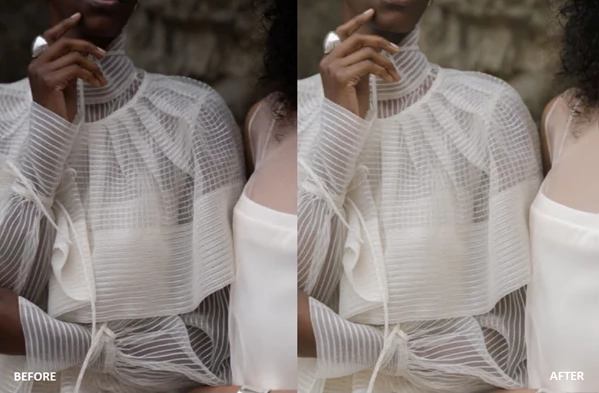
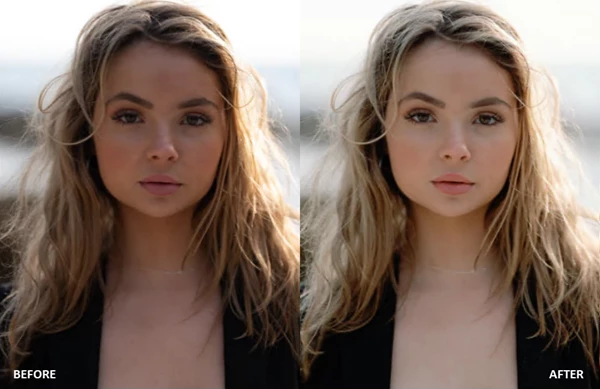
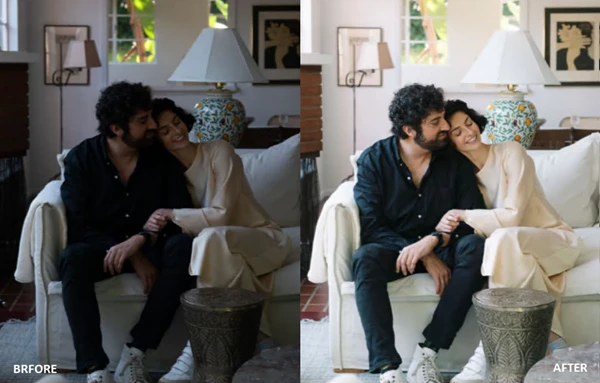
These profiles maintain contrast without the addition of overly waxy red skin. - Lifestyle/wedding edits?
Get consistent tonal balances across various lighting situations.
Less time correcting digital nasty’s like orange skin, mushy highlights, and flat greens means more time to create beautiful imagery. Because the base is balanced, every edit you do thereafter behaves properly. Get silky smooth Temp and Tint adjustments, cleaner saturation bumps, and no nasty surprises.
The Professional Toolkit: What’s Inside
Prêt-à-porter isn’t just a preset pack—it’s a complete editing ecosystem built for photographers who demand consistency and control.
Features
1. Prêt-à-porter Profiles – The Core Foundation
- Eight trans-dimensional, profile-based presets
- Designed for diverse lighting conditions
- Balanced skin tones and clean contrast
- Lush, natural greens with depth
These profiles adapt beautifully using the Profile Intensity Slider, allowing subtle refinements or bold shifts without breaking the image.
2. Signature Creative Presets
VINTAGE DISPOSABLE A documentary style look that creates a vintage aesthetic but is more softened rather than stark. Hollyweird For scenes with lots of flash and movement, this gives very crisp white and black tones, so it looks great when there’s a ton of flash and colorful lights. Fauxgla I & II These are inspired by toy cameras, so they have playful elements like light leaks and vignettes, but they’re analog-inspired, so it’s experimental.
3. Canon CR3 Compatibility + Enhancement Profiles
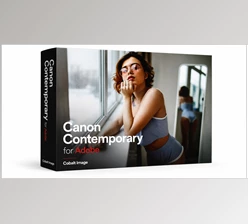
Designed specifically for Canon mirrorless shooters.CR3 files:
- Corrects early gamut clipping and tonal compression
- Restores dynamic range and tonal separation
- Eliminates waxy reds and radioactive greens
- Ensures predictable Temp, Tint, and Saturation behavior
- Optimized across Canon R-series bodies
These profiles restore Canon’s color nuance while blending seamlessly at 80% strength with the Prêt-à-porter and Couture base looks.
4. TEE TOOLS Vol. 1 – Color & Intensity Enabled
Precision tools for refined control:
- DE-DIN-GEE 1 & 2: Neutralizes dull casts and restores natural white balance
- Warm Peak Highlight: Adds warmth to highlights without flattening shadows
- Cellulose 1–3: Film-inspired grain with tonal character
- Underexposed Black Point 1–3: Deep, dimensional shadows
- Contrast OOMPH 1–3: Controlled contrast boost
- Sharp, Smooth, Clean: Elegant detail enhancement
- Grain Gain 1–3: Subtle film texture
These tools act as finishing touches, giving you creative authority without destroying dynamic range.
5. TEE TOOLS Vol. 1 – AI Intensity Enabled
Built for AI-powered workflows like ImagenAI:
- Blue Sky Correct: Restores sky depth without oversaturation
- Darken Background: Enhances subject separation
- Editorial Skin Glow / Luster / Smooth: Intelligent skin refinement while preserving texture
- Rosebud Lip Boost: Natural lip tone enhancement
These tools adapt dynamically, maintaining organic texture while making precision refinements.
6. Couture Pack Profiles
For more artistic editing, photographers who like to have a bit of creative control can choose:
- Brooks: Warm outdoor skin tones and solid blacks
- Thalia: Matte, editorial vibe with emerald greens
- Manzanita: Strong blacks and backlight badassery
- Bluebird: Cool, sophisticated blue hour vibe
- Birdrock: Orange skin tone neutralizer with even contrast
- Pearl: Soft and dreamy, dynamic range magic
- Cress: Warm tones with green shadows personality
- Fern: Lush green tones while keeping skin tones
Pro Techniques for Better Results
Want the most from Prêt-à-porter Profiles? For best results:
- Start at 80% Intensity.
Especially with Canon profiles. Natural blending and depth.
- Expose Before Color and Contrast
Let the profile handle this. Get a solid exposure first.
- Use Tools in Combination
Layer subtle effects—Contrast OOMPH + Grain Gain for cinematic quality
- Don’t Over-Saturate
Leave some breathing room for the image. These profiles exist for a reason in the real world
- Profile by Mood
Bluebird for blue hours, Manzanita for harsh backlight, Hollyweird for flash-heavy dance floors, Pearl for soft portraits Small, intentional decisions equal portfolio cohesion.
Final Thoughts: A Workflow That Works With You
Prêt-à-porter Profiles aren’t complex presets or heavy-handed filters.
They are understated, accurate, and consistent. They provide a dependable foundation that adapts to your style, whether you prefer the ethereal or the bold and editorial.
With intelligent elements, adjustments for Canon cameras, and compatibility with AI tools, this collection doesn’t over-complicate things but ensures you have all the creative details. If you appreciate well-considered colour, accurate skin tones, and reliable editing outcomes, then this collection may well become your favourite.

Files Password : gfxplugin.com OR 123456