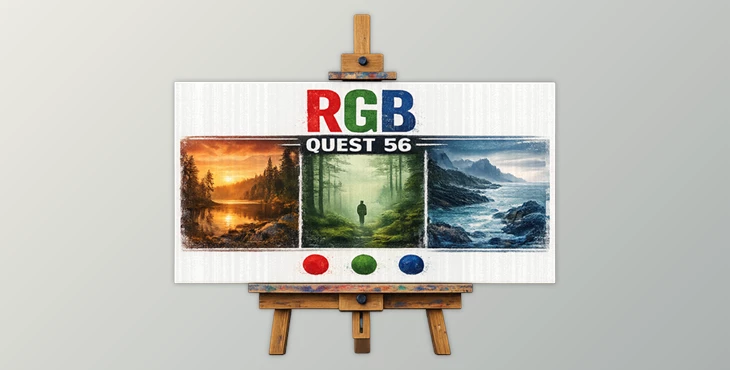
Downloadable Files
You can download RGB (QUEST 56) for free at the bottom of this very page.
Discover the Power of Pure Color
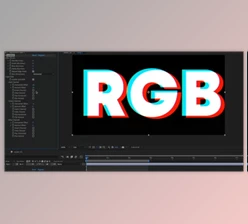
Color is emotion. Before composition, before texture, before detail — there is color. RGB (QUEST 56) is built around this simple but powerful idea: exploring imagery through its most essential components — red, green, and blue. This preset collection doesn’t overwhelm your image. Instead, it gently guides it. With subtle chromatic shifts and carefully controlled tonal direction, it allows the mood to emerge naturally. The result? Frames that feel intentional, atmospheric, and refined — without looking over-processed. If you’ve ever wanted your edits to feel more cinematic and cohesive without losing authenticity, this is where that journey begins.
Understanding RGB Color Direction
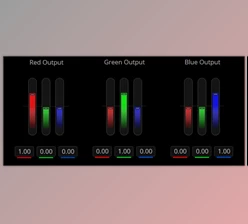
At its core, RGB represents the three primary light channels: red, green, and blue. Every digital image you see is built from the interaction of these three elements. When you shift one slightly, you don’t just change color — you shift emotion.
What Does That Mean in Practice?
- A red bias introduces warmth, intimacy, and nostalgic amber tones.
- A green bias enhances depth, nature-inspired richness, and organic atmosphere.
- A blue bias creates cool, moody, and storm-like cinematic environments.
Instead of dramatically altering contrast or saturation, RGB-based grading subtly tilts the emotional balance of the image. This controlled approach improves results by:
- Preserving natural skin tones
- Maintaining dynamic range
- Creating cohesive storytelling through color
- Avoiding artificial or heavy-handed edits
The outcome feels intentional rather than filtered.
Meet RGB (QUEST 56)
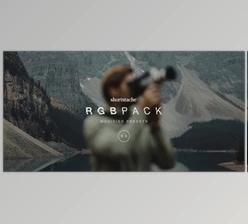
RGB (QUEST 56) is an expertly crafted collection of colored directional presets with moderation and accuracy. It includes three base presets and three creative profiles, and the finishing tools are separated to give you creative options while keeping it clean. Ideal for portraits, landscapes, lifestyle scenes, and cinematics! The atmosphere is super easy to add.
Features
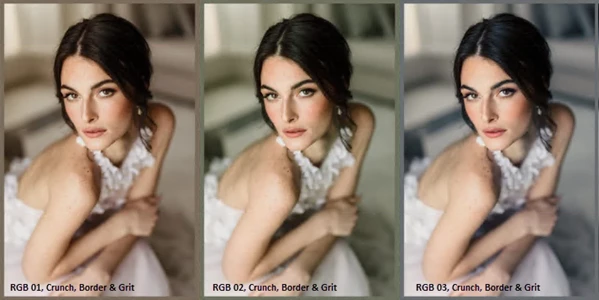
1. Three Core RGB Presets
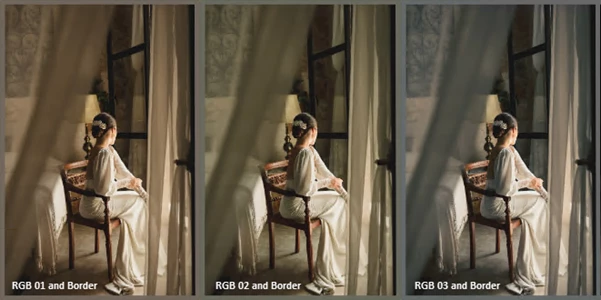
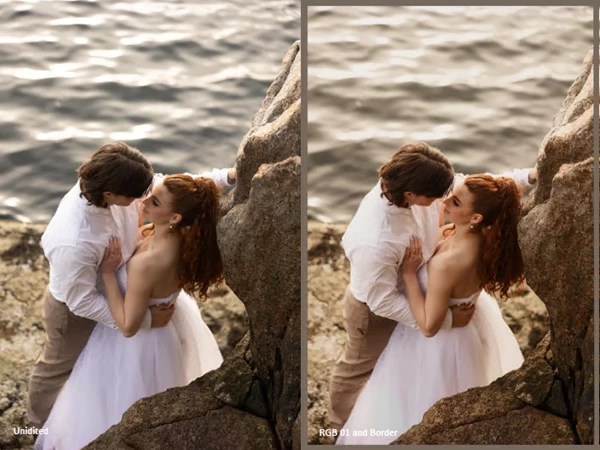
RGB 01 – Warm Red Bias
Introduces subtle amber and orange overtones. Perfect for golden hour portraits, lifestyle photography, and storytelling scenes that benefit from emotional warmth.
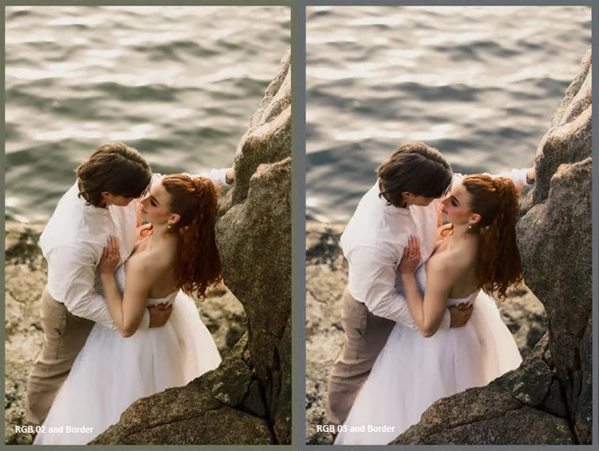
RGB 02 – Rich Green Bias
Infuses forest undertones and earthy depth. Ideal for outdoor shoots, travel photography, and projects where natural richness enhances realism.
RGB 03 – Cool Blue Bias
Delivers moody, stormy undertones. Excellent for urban scenes, night edits, editorial work, or cinematic compositions.
2. Three Creative Profiles
Designed to further shape the chromatic direction while preserving balance and subtlety. These profiles help refine mood without overpowering your base edit.
3. Focused Creative Tools
Crunch
Enhances micro-contrast for subtle sharpness and clarity. Great for bringing out texture in architecture or landscapes.
Grit
Adds controlled texture and edge, ideal for documentary-style or editorial looks.
Adaptive Textured Border
A minimal border that intelligently adapts to the hue of your edit, extending the atmosphere of the image without distracting from the subject. Each tool expands the creative range while maintaining a thoughtful, considered aesthetic.
Pro Tips for Natural, Professional Results
Here are some practical ways to get the most out of RGB (QUEST 56):
Start Subtle
Apply the preset at 70–85% strength first. Let the chromatic bias support the image instead of dominating it.
Match the Preset to the Story
- Use RGB 01 for warmth-driven storytelling.
- Choose RGB 02 when nature and depth are key.
- Select RGB 03 for mood-heavy or dramatic scenes.
Layer with Intention
Combine a core preset with either Crunch or Grit — not both at full strength. Subtle layering creates depth without harshness.
Watch Skin Tones
After applying a preset, fine-tune white balance slightly to maintain realistic skin tones while preserving the intended mood.
Use the Border Sparingly
The adaptive textured border works best when it complements negative space. Let it frame — not distract.
Final Thoughts: Color with Purpose
RGB (QUEST 56) allows you to focus on adjusting your photos’ colors with red, green, or blue emphasis. This QUEST considers these essential color components and encourages enhancing them in a controlled manner with effects like the Crunch and Grit effects. If you’re looking for cinematic photographic effects that emphasize a particular color sense and elicit a particular mood, QUEST 56 is worth exploring.

Files Password : gfxplugin.com OR 123456