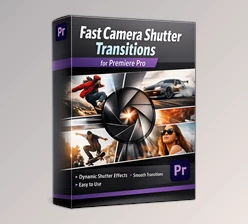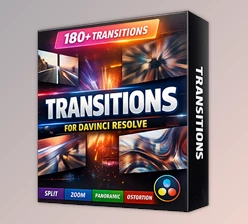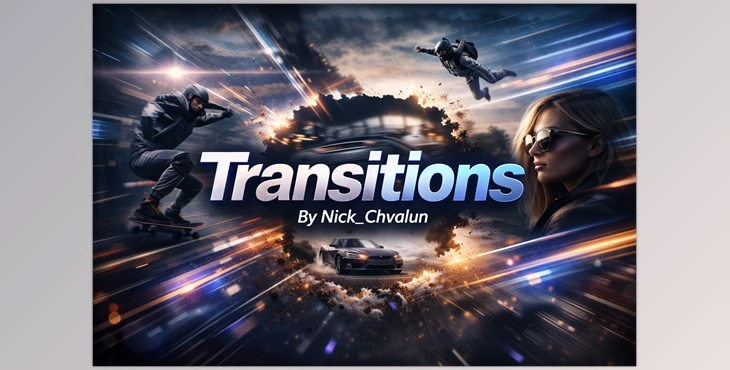
Downloadable Files
You can download the Transitions product for free from the bottom of this very page.
🎬 Give Your Cuts Some Real Energy
Let’s be honest — no matter how beautiful your footage is, weak transitions can make your edit feel flat. That’s where Transitions comes in.
This dynamic pack is designed to instantly add movement, rhythm, and excitement to your timeline. With modern zooms, smooth wipes, light flashes, and punch-hole effects, your cuts stop feeling like simple switches between clips — and start feeling intentional, cinematic, and alive.
If you create content for YouTube, social media, promos, reels, or fast-paced videos, this is the kind of tool that quietly upgrades everything you produce.
✨ What Are Transitions and Why Do They Matter?
In simple terms, transitions are visual effects placed between two clips to control how one shot moves into the next. Instead of a hard cut, you create motion, flow, or visual impact.
But good transitions do more than just “connect” clips:
They guide attention to what matters.
They control pacing and rhythm.
They add emotional impact to storytelling.
They make your edit feel intentional and polished.
Real-world examples:
A fast zoom transition between two action shots makes your video feel energetic.
A light flash can create a stylish beat drop moment in music-driven edits.
A punch-hole transition keeps the focus centered while adding motion.
A smooth wipe helps move from scene to scene without visual chaos.
When transitions are done right, viewers don’t think about them — they just feel the smoothness and professionalism of the edit.
🚀 Meet the Tool: Transitions Pack for Premiere Pro
Transitions is a professional yet beginner-friendly pack built specifically for modern editors working in Premiere Pro 2022 or newer.
It’s designed to be fast, flexible, and extremely easy to use — even if you're not an advanced motion designer.
You simply drag and drop a transition onto your cut, adjust timing if needed, and you’re ready to export.
🔥 Features
Here’s what makes this pack powerful:
🎥 50 Unique Transitions (Unlimited Variations)
You get 50 professionally designed transitions — but the real power comes from stacking and mixing them. Combine multiple transitions on top of each other to create completely fresh, custom looks every time.
⚡ Fast Render
No waiting around. These transitions are optimized for performance, so you can preview and export quickly — even in fast-paced projects.
🖼 Works With Images & Videos
Whether you're editing photos, video footage, reels, promos, or social media content, the transitions adapt seamlessly.
🧩 No Plugins Required
Everything works directly inside Premiere Pro 2022 or newer. No extra installations, no technical headaches.
🎨 Easy Color Change
You can easily tweak the colors to match your brand, theme, or mood — perfect for creators who care about visual identity.
👶 Beginner-Friendly Workflow
Even if you're new to editing:
Drag
Drop
Adjust timing
That’s it.
🎬 Ready for Social, YouTube & Promos
Designed specifically for:
YouTube videos
Instagram reels
TikTok edits
Promo videos
Commercial content
Fast-paced highlight edits
Plus, preview footage links are included, so you know exactly what was used.
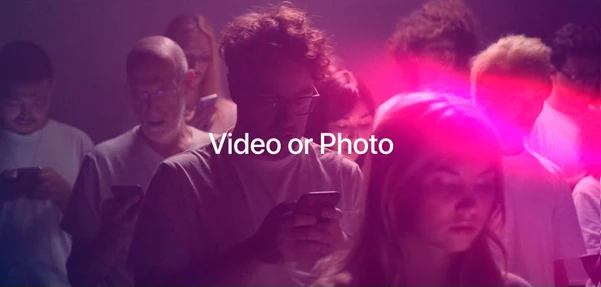
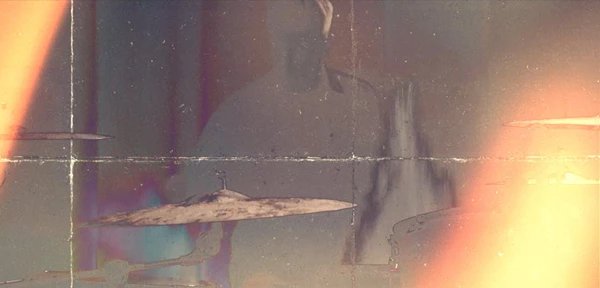
🎯 Pro Tips to Make Your Transitions Look Better
Even with great tools, smart usage makes all the difference. Here are a few friendly tips:
1️⃣ Match Transition Speed to Music
If you're editing to music, align the transition with the beat. A well-timed zoom or flash on a beat drop instantly upgrades your edit.
2️⃣ Don’t Overuse Them
Dynamic transitions are powerful — but using them on every single cut can overwhelm the viewer. Mix in clean cuts for balance.
3️⃣ Stack Creatively
One of the best features of this pack is stacking. Try combining:
A zoom + light flash
A wipe + punch-hole
You’ll create a completely unique effect without extra plugins.
4️⃣ Adjust Timing for Natural Flow
Sometimes, slightly shortening or extending a transition makes it feel more natural. Small tweaks = big difference.
5️⃣ Keep Focus on the Footage
Transitions should enhance your footage, not distract from it. Use them to support storytelling — not dominate it.
🎬 Why It Makes a Real Difference
With Transitions, your edits feel:
More professional
More dynamic
More modern
More engaging
And the best part? You don’t need advanced motion graphics skills to achieve that look.
It speeds up your workflow, boosts production value, and gives you creative flexibility without adding complexity.
🎉 Final Thoughts
Transitions are one of those editing tools that add a lot of value to your video, and the best part is that this pack makes things super easy.
With 50 unique transitions offering unlimited possibilities, this pack is super flexible and suitable for almost any style of editing.
If you want smoother transitions between shots, more engaging video edits, and a modern aesthetic for your B-roll footage, this pack is certainly worth a look.

Files Password : gfxplugin.com OR 123456