Downloadable Files
You can download the Scatter product for free from the bottom of this page.
Bring Your Scenes to Life in Seconds
Have you ever looked at an empty scene and thought, “This needs more life”? Maybe a grassy hill feels too clean, a desk looks too organized, or a rocky ground lacks natural randomness. That’s exactly where Scatter shines. Scatter is designed to help you place objects in your scene effortlessly — whether you need pixel-perfect control, large-scale environmental coverage, or natural physics-driven chaos. It removes the repetitive, time-consuming process of manual duplication and turns object placement into a creative experience. Instead of fighting with placement, you start directing it.
What Is Scatter and Why Does It Matter?
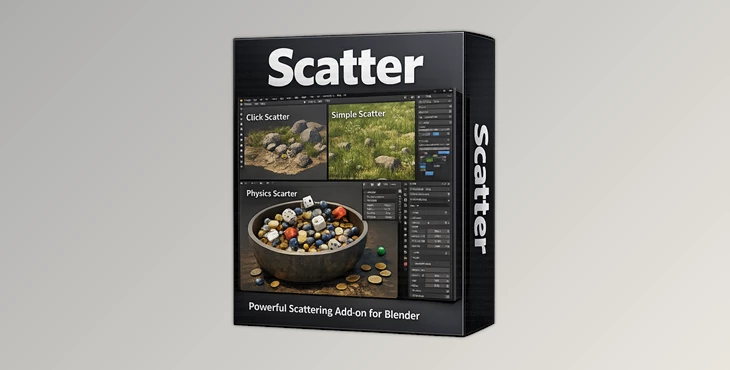
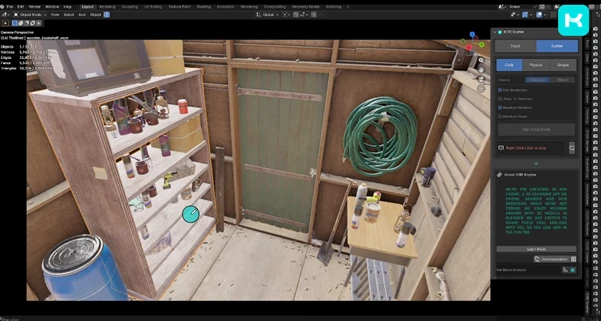
At its core, Scatter is an addon that lets you place objects in your scene using three different methods — each tailored to a specific creative need.
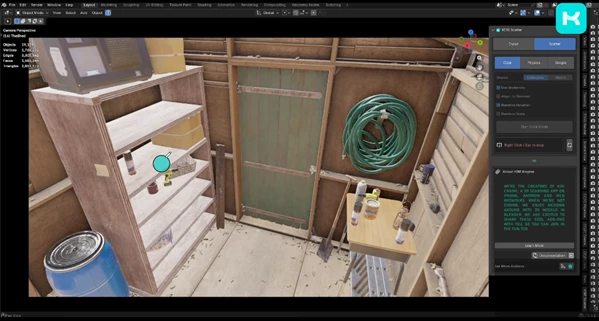
1️⃣ Click Mode – Precision Control
Think of this as “Point and Shoot” placement.
You manually place objects exactly where you want them. Perfect for:
- Hero assets in product visualization
- Carefully composed rocks in a close-up render
- Strategic prop placement in architectural scenes
Why it improves results:
Because composition matters. When you need full artistic control, randomness isn’t enough. Click Mode ensures every object serves your visual storytelling.
2️⃣ Simple Scatter – Fast Procedural Coverage
This is your “Fill” mode. It will apply a non-destructive Geometry Nodes modifier to your mesh / curve.
- Grass in a landscape
- Leaves in a forest
- Debris along a path
- Repeating objects (seeds, light poles, etc)
Why it yields better results:
- Speed, efficiency, and editability! You can always go back and adjust density, scale, and distribution, since it’s not destructive to your mesh. Maintain your professional workflow!
3️⃣ Physics Scatter – Natural Stacking & Chaos
This mode uses Blender’s Rigid Body physics engine to drop objects into place. Gravity and collision handle the realism. Perfect for:
- Piles of rocks
- Filling containers
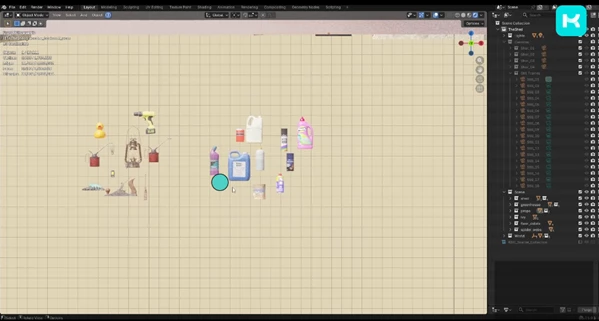
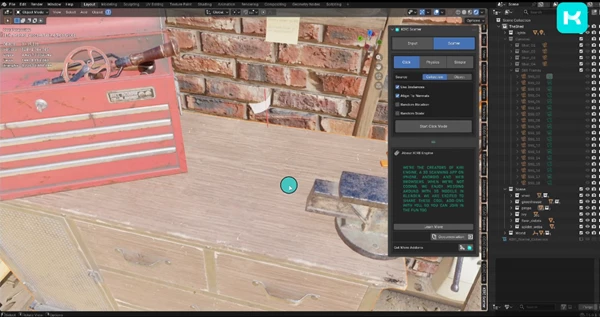
- Messy desks
- Natural stacking objects
Why it improves results:
Nature doesn’t place objects evenly — physics does the work for you. This creates believable interaction, weight, and contact between objects that would take hours to achieve manually.
Meet the Tool: A Smarter Way to Scatter
Scatter is not a placement tool. It’s a precision instrument. Get control, automation, and realism in one seamless workflow. Instead of complicated setups and multiple systems, enjoy 3 robust placement techniques inside a single addon — whenever you need it.
Features
✔ Three Placement Modes
Switch between manual precision, procedural coverage, and physics simulation depending on your project needs.
✔ Non-Destructive Workflow
Simple Scatter uses Geometry Nodes modifiers, meaning you can adjust everything later without rebuilding your scene.
✔ Physics-Based Realism
Use Blender’s Rigid Body system to generate natural object interactions automatically.
✔ Interactive Mode
During playback, you can:
- Use Wind force fields
- Add Vortex effects
- Toggle Gravity in real time
This allows you to literally “direct” falling objects like a scene director controlling action.
Real-World Creative Scenarios
- Creating a cinematic rocky cliff with naturally stacked stones
- Designing a forest floor filled with leaves and small branches
- Building messy, realistic interior props
- Quickly covering a large terrain with vegetation
- Filling jars, boxes, or containers with believable object piles
Scatter adapts to both small artistic compositions and large environmental builds.
Pro Tips for Better Results
🎯 Mix Control with Randomness
Use Click Mode for foreground elements and Simple Scatter for background coverage. This keeps hero assets intentional while preserving natural variation.
🌿 Adjust Scale Variation
Small random scale differences instantly increase realism. Perfect uniformity looks artificial.
🌬 Use Interactive Mode Creatively
Turn on Wind or Vortex fields during physics playback to create organic distribution patterns you wouldn’t think of manually.
⚖ Balance Density
Too much scattering can overwhelm your composition. Always consider focal points and negative space.
🧩 Combine Modes
Start with Physics Scatter to generate a natural base, then refine key elements with Click Mode for polish.
Final Thoughts: Controlled Chaos Made Easy
Scatter turns this overwhelming, repetitive job into a simple creative process. Whether you want to make it grid-like, cover huge areas, or even allow for physical interactions, you have the freedom to change it on the fly. It’s a time-saver. It enhances realism. It’s non-destructive in how you work. And, above all, it helps you focus on art rather than repetitive tasks. If you want to enhance your scenes and make them more lively and believable, Scatter is a thing to try.

Files Password : gfxplugin.com OR 123456