Downloadable Files
You can download Muse Two In One Bundle for free at the end of this page.
✨ A Complete Creative Boost for Your Wedding Edits
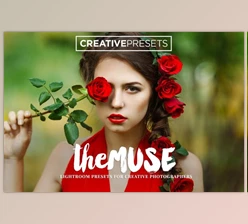
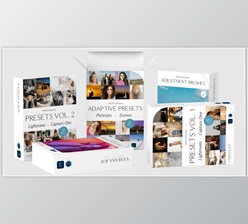
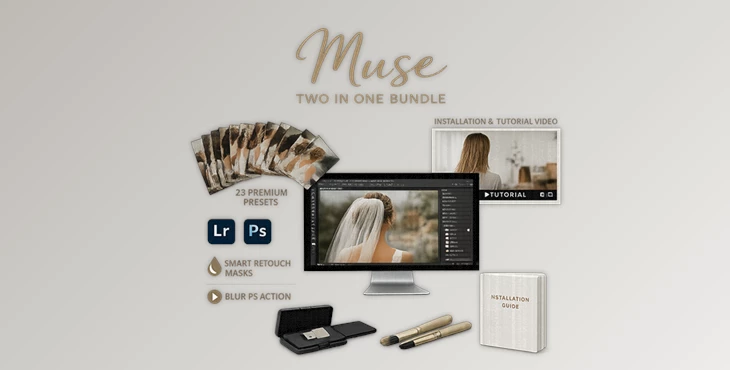
If you can’t decide on two editing powerhouses, then why not have them all? The Muse Two In One Bundle has everything you loved about MUSE Vol. I and II - all in one bundle. Whether you’re working on whimsical wedding portraits, couple love stories, or sophisticated events, this bundle will transform your images with the least amount of work. It’s not just about the presets — think efficiency, consistency, and that next level polish!
🎨 What Is the Muse Two In One Bundle & Why Does It Matter?
At its core, the Muse Two In One Bundle is a professional editing toolkit made for photographers who want polished, emotional, and cohesive results.
Instead of spending hours adjusting tones, colors, and skin retouching manually, this bundle provides:
- Carefully crafted wedding presets
- A professional Photoshop blur action
- Intelligent smart retouch masks
- Step-by-step installation guidance
- Video tutorials for both volumes
Why This Improves Your Results
Imagine editing a full wedding gallery:
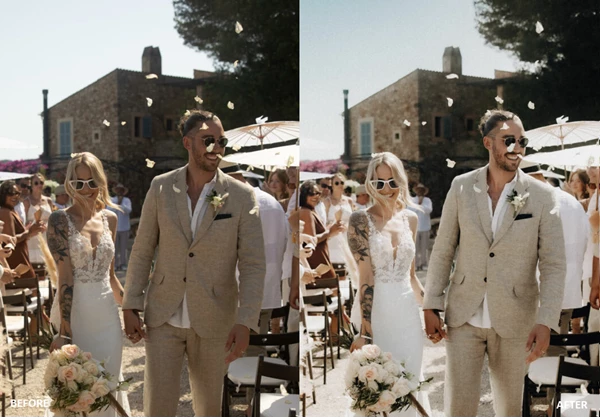
- Your colors remain consistent across indoor and outdoor shots.
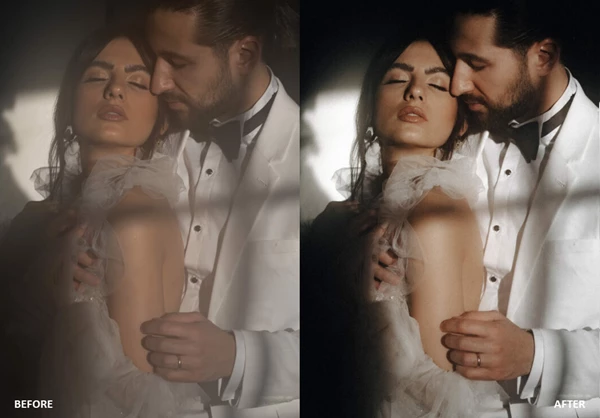
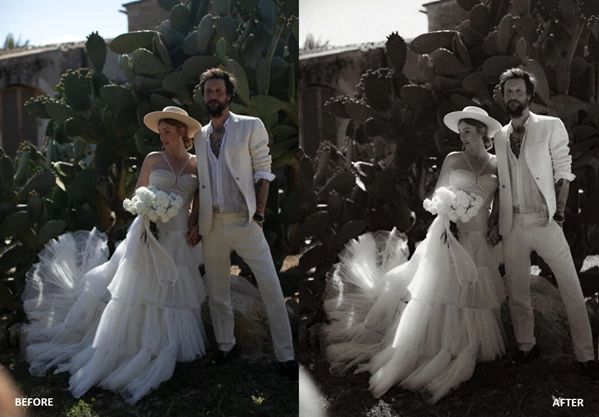
- Black & white images feel cinematic instead of flat.
- Skin tones stay natural while blemishes are subtly corrected.
- Background blur enhances subject focus without looking artificial.
💎 Meet the Muse Two In One Bundle
The Muse Two In One Bundle combines creative styling and intelligent retouching tools into one seamless editing solution. It simplifies complex adjustments while giving you professional-level control.
🔧 Features
📸 23 Wedding Desktop Presets
- 17 Color Presets
- 6 Black & White Presets
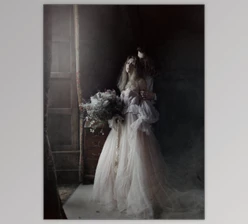
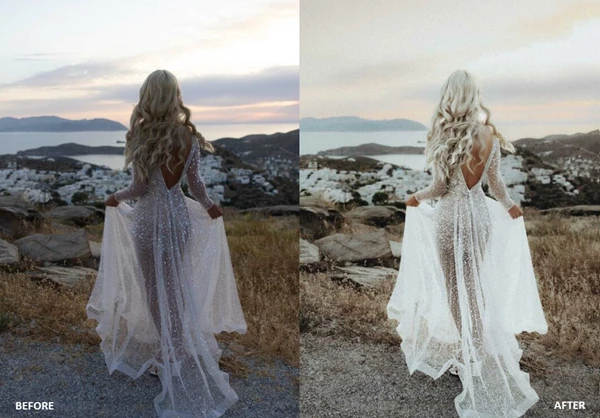
Designed specifically for wedding photography, these presets help you achieve romantic tones, soft highlights, balanced contrast, and timeless black & white finishes. Perfect for engagement sessions, bridal portraits, and ceremony shots.
🌫 PS Action “Blur” (From Vol. I)
This Photoshop action creates a beautiful blur effect that enhances depth and draws attention to your subject. Ideal for:
- Softening busy backgrounds
- Adding dreamy atmosphere
- Enhancing portrait focus
It helps create professional-looking depth without overdoing the effect.
🎯 Smart Retouch Masks (From Vol. II)
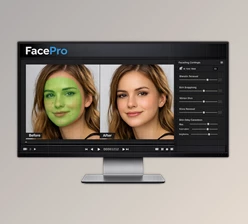
Compatible with all Lightroom Classic (LrC) versions, these smart masks help automate retouching tasks. They allow you to:
- Smooth skin naturally
- Adjust exposure selectively
- Enhance facial features
- Improve lighting balance
Occasionally, Lightroom’s AI may not recognize the Smart Mask correctly on certain images — but in most cases, it significantly speeds up selective adjustments.
🎥 Tutorials & Installation Guide
You also receive:
- 1 Installation Guide
- 2 “How To” Video Tutorials (for Vol. I & Vol. II)
These resources ensure you can start editing confidently, even if you’re not highly experienced with Lightroom or Photoshop.
🚀 Pro Tips for Better Results
Here are a few friendly tips to get the most out of the Muse Two In One Bundle:
1️⃣ Adjust, Don’t Overapply
Presets are powerful starting points. Fine-tune exposure and white balance after applying them to match each image perfectly.
2️⃣ Keep Skin Natural
When using Smart Retouch Masks, reduce intensity slightly for a realistic look. Professional edits are subtle, not obvious.
3️⃣ Use Blur Strategically
Apply the PS Blur Action mainly to backgrounds. Avoid blurring key details like eyes, jewelry, or bouquet textures.
4️⃣ Maintain Consistency
Pick 2–3 favorite presets for a full wedding gallery to keep a cohesive visual story. These small adjustments can make your work look polished and professionally finished.
🌟 Final Thoughts
The Muse Two In One Bundle offers numerous powerful features for improving your photo editing process, regardless of what type of editing you do. If you would like to upgrade your wedding photo edits with tools that offer both efficiency and outstanding results, the Muse Bundle is definitely the way to go. Take some time to explore the features and see for yourself what it can do for your photography projects.

Files Password : gfxplugin.com OR 123456