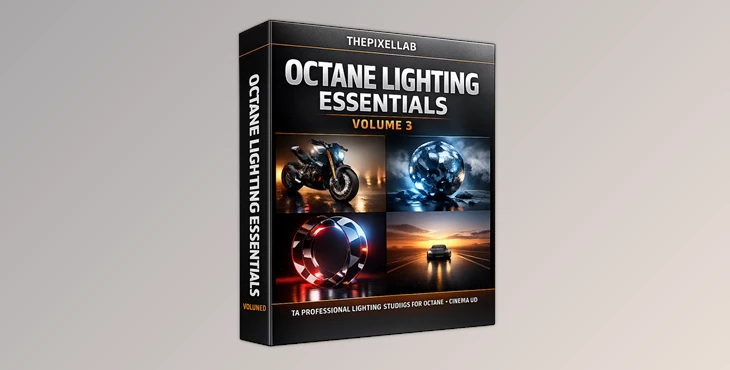
Downloadable Files
You can download Octane Lighting Essentials Volume 3 for free at the bottom of this page.
Want Your Octane Renders to Look Instantly More Cinematic?
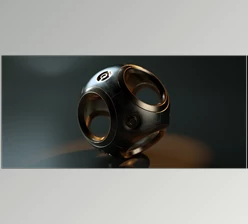
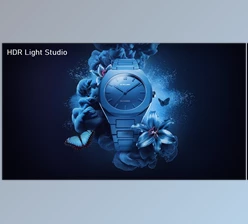
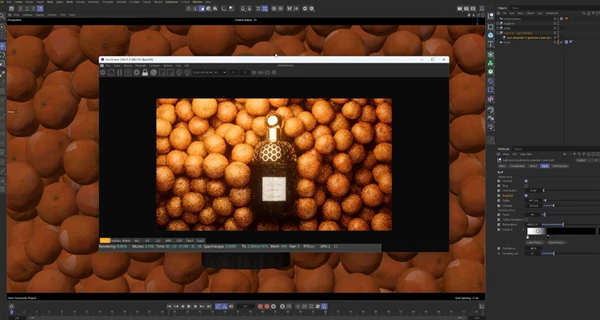
Let’s be honest: lighting is the one thing that can make a great 3D model look “meh”… or make a simple object look like a high-end commercial render. If you’ve ever spent hours adjusting lights in Cinema 4D + Octane and still felt like your scene looked flat, messy, or unrealistic, you’re not alone. That’s exactly why Octane Lighting Essentials Volume 3 is so useful. It gives you 14 fully customizable studio lighting scenes, each built to create a specific professional look — and each one includes an Xpresso rig, so you can easily control lights and colors without digging through endless settings.
What Is Octane Lighting Essentials Volume 3 and What Is It Used For?
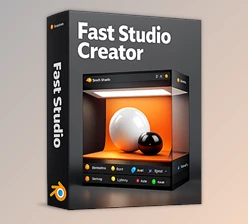
Octane Lighting Essentials Volume 3 is a pack of professional Cinema 4D scenes designed for Octane users who want fast, realistic lighting setups. Instead of building your lighting from scratch, you simply:
- open one of the included studio scenes
- Drop your model inside
- tweak the lighting using the included Xpresso controls
- render
Why does this improve your results?
Because lighting is not just “brightness.” Professional lighting is about:
- clean highlights
- controlled shadows
- depth and separation
- mood and atmosphere
- realistic reflections
And these studios are built to deliver those results quickly.
Real-world examples of how you can use it
Octane Lighting Essentials Volume 3 is perfect for:
- product renders (packshots)
- commercial brand visuals
- cinematic character renders
- macro product shots
- moody underwater scenes
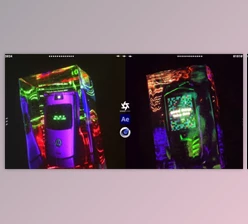
- motion design loops (like roads and light painting)
- colorful and modern social-media style renders
The Professional Tool: What You Get in the Pack
Octane Lighting Essentials Volume 3 includes 14 customizable studio lighting scenes for Cinema 4D + Octane, made for professional 3D artists. The first three studios are modeled by Omar Niaz, giving them extra realism and polished detail.
Features
✅ 14 Fully Customizable Lighting Studios
Each scene is designed for a specific lighting style — not random presets.
✅ Xpresso Control Rig in Every Scene
Every studio includes a full Xpresso rig, so you can easily adjust:
- lighting intensity
- light color
- overall mood
- balance between key/fill/rim lighting
✅ Built for Photoreal Product and Cinematic Rendering
These studios are made for professional results, especially in:
- product shots
- packshots
- realistic reflections
- cinematic rim lighting
- modern shadow design
✅ Includes Advanced Octane 2023.1.1 Workflows
Two studios are designed specifically for the new Octane 2023.1.1 features:
- Analytic Lights
- Photon Tracing
These scenes can create extremely realistic lighting behavior and caustic effects.
The 14 Lighting Studios Included
Each studio has its own unique purpose:
Studio 01: Silhouette
- Perfect for sharp backlighting effects.
Studio 02: Ethereal
- A super clean and bright studio without looking flat.
Studio 03: Shadow Projector
- Great for modern packshots with stylish shadows.
Studio 04: Rim Studio
- A gorgeous scene using included IES lights for ultra-realistic rim lighting.
Studio 05: Light Painting
- A beautiful studio with a fully customizable softbox.
Studio 06: Endless Road
- A seamless, loopable road animation with day or sunset options.
Studio 07: Colorful
- A bright, fresh studio with a dynamic ring light.
Studio 08: Product Enhancer
- A photoreal studio with full control of all lights.
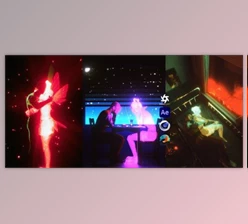
Studio 09: Dance
- Add your custom soundtrack and instantly create a rave vibe.
Studio 10: Exhibition Stan
- A macro studio for displaying your products in detail.
Studio 11: Micro Studio
- Perfect for micro workshop closeups with gorgeous lighting.
Studio 12: Underworld
- A watery studio for deep ocean vibes.
Studio 13: Analytic Lights
- Built around Analytic Lights and post effects from Octane 2023.1.1
- (Make sure to update your Octane!)
Studio 14: Photon Tracing
- Built around Photon Tracing and post effects from Octane 2023.1.1
- This delivers stunning caustic effects with fast renders.
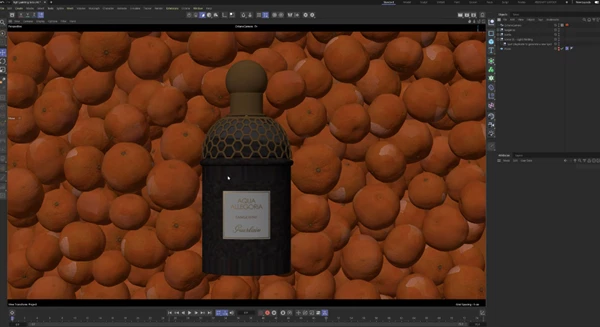
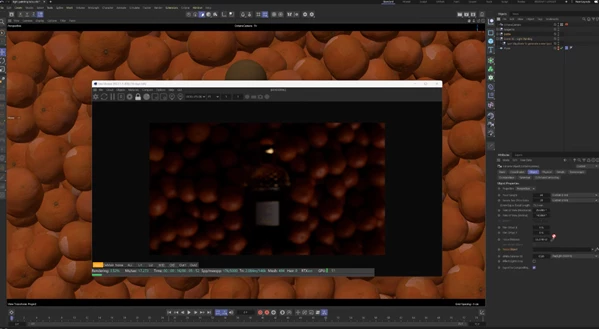
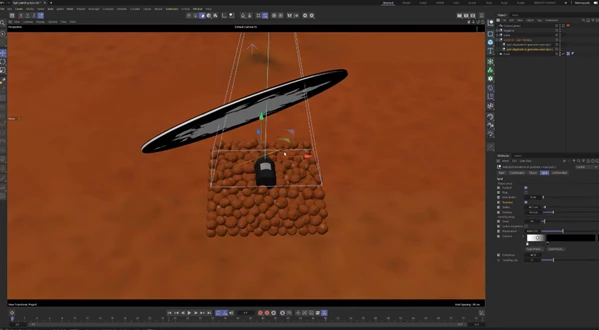
Pro Techniques and Practical Tips
Even though these studios are ready to use, the real quality comes from using them smartly. Here are some professional tips that anyone can apply:
⭐ Tip 1: Choose the Right Studio for the Right Type of Model
Different lighting setups work best for different projects:
- Product renders: Product Enhancer, Shadow Projector, Ethereal.
- Cinematic shots: Silhouette, Underworld
- Macro closeups: Micro Studio, Exhibition Stand
- Creative motion design: Light Painting, Dance, Endless Road
- Modern colorful branding: Colorful, Ring Light setups
⭐ Tip 2: Use Rim Lighting to Make Your Model Pop
A common problem in Octane renders is that the subject blends into the background. Studios like Rim Studio are built to solve this by creating clean edge highlights and better separation.
⭐ Tip 3: Don’t Over-brighten — Control Contrast
Many beginners try to “fix” a scene by increasing light intensity. Instead, professional lighting focuses on:
- strong highlights
- soft shadows
- controlled contrast
That’s what creates a premium look.
⭐ Tip 4: Update Octane for the Advanced Scenes
Studios 13 and 14 rely on Octane 2023.1.1 features. If you want:
- realistic caustics
- next-level light behavior
You should update Octane before using it.
⭐ Tip 5: Use Shadow Projector for Modern Commercial Branding
The Shadow Projector scene is perfect for product advertising renders because it creates:
- stylish hard shadows
- clean composition
- modern visual storytelling
Final Summary: A Fast Way to Get Photoreal Lighting in C4D + Octane
If you work with Cinema 4D and Octane, lighting is one of the biggest things that determines whether your render looks:
- amateur
or - professional
Octane Lighting Essentials Volume 3 gives you 14 studio lighting scenes that are not only beautiful, but also fully customizable — making it easy to:
- speed up your workflow
- create more photoreal renders
- explore multiple lighting styles
- achieve better results without hours of trial and error
It’s not just a pack of scenes — it’s a professional lighting toolkit that can upgrade your renders instantly.

Files Password : gfxplugin.com OR 123456