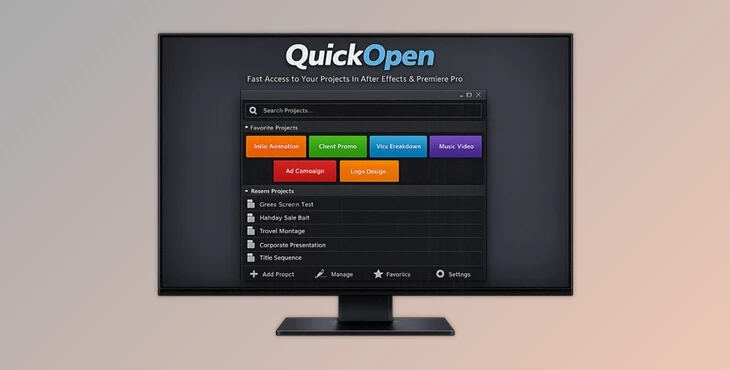
Downloadable Files
You can download QuickOpen for free at the bottom of this page.
Stop Wasting Time Before You Even Start
If you work in After Effects or Premiere Pro, you know the struggle:
You sit down ready to create… and the first thing you do is search for the project file. Maybe you try File → Open Recent and hope it’s there.
Or you dig through folders, open the wrong version, and waste a few minutes before the real work even begins. QuickOpen is made to eliminate that entire headache.
It turns opening and saving projects into something fast, clean, and effortless — so you stay in the creative zone.
What QuickOpen Is
This product is a professional workflow tool that helps you open and save your After Effects and Premiere Pro projects instantly. Instead of searching through folders every time, you create a list of project slots and access them with one click.
Real, everyday use cases
- Working with multiple clients and switching projects quickly
- Managing daily editing and motion design tasks
- Saving versions safely without overwriting files
- Keeping projects organized in studio/network environments
Why this improves your results
Because when opening and saving are slow, people delay them, and that causes problems like:
- messy file organization
- missing versions
- accidental overwrites
- wasted time
- broken creative flow
QuickOpen makes those tasks so fast that you naturally work cleaner and more professionally.
QuickOpen: A Pro Tool for Faster Project Management
QuickOpen is designed for editors and motion designers who want speed and control — without complicated systems. It gives you a simple panel where you can:
- open projects instantly.
- Save to the correct folder instantly.
- create automatic versions.
- Customize the interface to match your workflow.
Features
⚡ Instant Access
QuickOpen lets you open projects with a single click.
- Up to 30 project slots
- One-click opening
- Drag & drop support
- Custom display names
Example:
Instead of seeing confusing filenames, you can rename your slots like:
- “Client A – Main Project”
- “YouTube Weekly Edit”
- “Brand Intro Animation”
Then open any of them instantly.
Smart Saving (With Auto Versioning)
Saving is where most people lose time — and where mistakes happen. QuickOpen lets you save directly to assigned folders with automatic
naming and versioning.
- Assign save folders per project.
- One-click save.
- Auto-naming & automatic versioning.
- Option to use comp/sequence names.
Example:
If your Premiere sequence is called “Trailer_30s”, QuickOpen can automatically save versions like:
- Trailer_30s_v01
- Trailer_30s_v02
- Trailer_30s_v03
No manual typing. No checking folders. No overwriting.
🎨 Fully Customizable
QuickOpen adapts to your workspace and style.
- Horizontal or vertical layouts.
- UI scaling from 50% to 250%.
- Rename projects anytime.
- Drag to reorder slots.
Example:
- If you’re on a laptop, you can scale it down.
- If you’re on a studio monitor, you can scale it up for clarity.
🌍 Global Support
This tool is built for international workflows and production environments.
- Works on Windows & macOS.
- Compatible with After Effects & Premiere Pro.
- Includes 7 languages.
- Network ready for shared drives and studio pipelines.
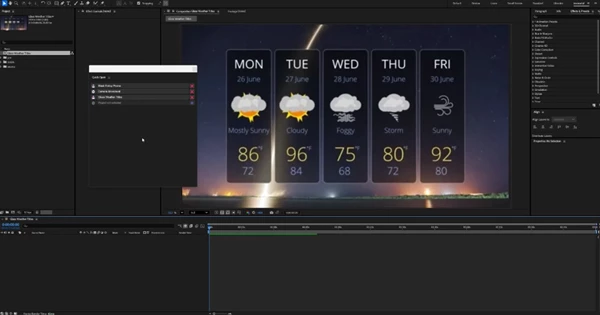
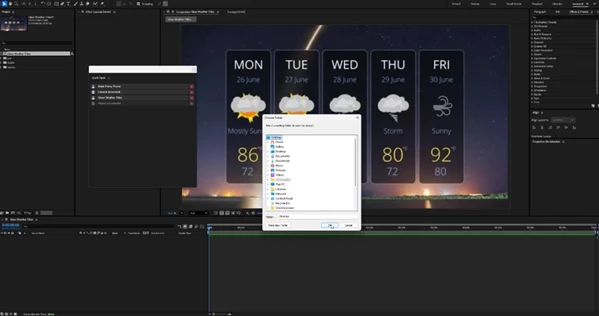
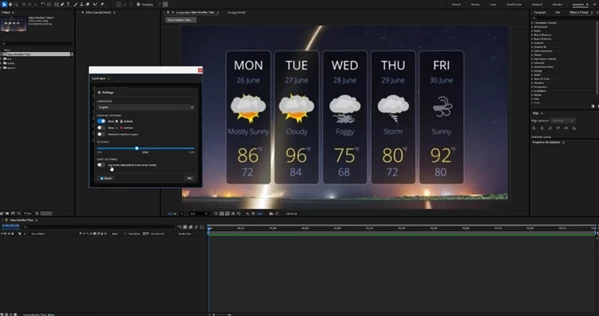
Pro Tips for Better Results
This tool is simple to use, but these tips will make it even more powerful:
Name your slots clearly.
Instead of “Project 1”, use:
- Client + Project
- Project + Purpose
Example:
“ClientX – Social Pack” is much better than “final_final_2”.
Assign save folders early
The best feature of QuickOpen is smart saving — but only if you set folders from the start. Once folders are assigned, saving becomes effortless and consistent.
Keep your active projects at the top
This supports drag-to-reorder.
Put your current work in the first 10 slots, and keep old projects below.
Use comp/sequence names for clean versioning
If you create multiple deliverables, comp/sequence-based saving keeps your versions neat and professional.
Final Thoughts
QuickOpen is one of those tools that doesn’t try to impress you with complexity — it simply removes the daily friction that slows creatives down. Instead of spending 2–3 minutes per project opening, saving, and version-checking, you can do it all in seconds. If you work in After Effects or Premiere Pro and you handle multiple projects, QuickOpen can make your workflow faster, cleaner, and far more enjoyable.

Files Password : gfxplugin.com OR 123456