Downloadable Files
You can download Pittura for free from the end of this very page.
A Painterly Touch for Modern Images
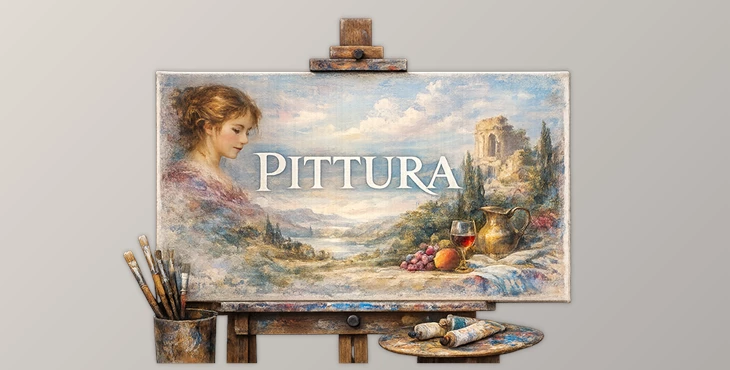
Some images feel digital. Others feel alive. Pittura is designed for creators who want their photos to feel like they belong on canvas rather than a screen. Inspired by the soft glow, depth, and emotional subtlety of classical paintings, Pittura transforms portraits and still lifes into rich, tactile works of art.
From the first adjustment, it invites curiosity: What if your image carried the quiet drama of a Renaissance portrait or the warmth of aged pigments? Pittura makes that feeling accessible—without complicated workflows or heavy-handed effects.
What Is Pittura and How Does It Work?
Pittura is a professional color grading toolset that recreates the tonal depth and luminosity of traditional painting techniques. Instead of flat presets, it uses layered color behavior—where highlights, midtones, and shadows interact like brushstrokes on canvas.
Why This Matters in Real Projects
Portrait photography gains softer skin transitions and more emotional depth
Still life images feel richer and more dimensional
Fine art edits benefit from controlled contrast and natural tonal blending
These characteristics improve results because the eye naturally responds to gradual tonal transitions. Light doesn’t just sit on the image—it feels absorbed into it, creating a timeless and authentic finish.
Meet the Tool: Archipelago Quest 53 – Pittura
Pittura is built for photographers and visual artists who want painterly results without sacrificing realism. It simplifies complex color work while delivering a refined, museum-inspired aesthetic.
Features
Three Distinct Painterly Color Grades
Each grade is inspired by classical art techniques:Warm, aged pigments for emotional richness
Soft sfumato diffusion for seamless tonal blending
Chiaroscuro-inspired contrast for subtle drama
Sculpted Tonal Depth
Carefully shaped light and shadow create the illusion of layered paint rather than digital contrast.Creative Softening & Texturizing Tools
Built-in tools gently soften edges, enrich color transitions, and add tactile depth—never overpowering the image.
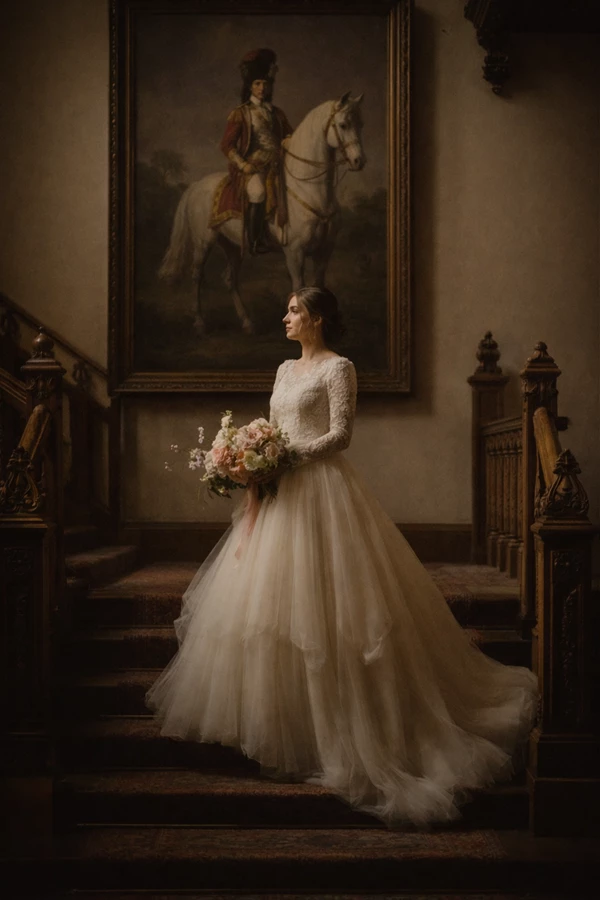
Real-World Examples
Editorial portraits that feel intimate and timeless
Fine art still lifes with painterly shadow falloff
Personal projects that aim for emotion over perfection
Pro Techniques & Practical Tips
Get the Most Out of Pittura
Start subtle: Apply Pittura at a lower intensity and build up gradually
Pair with soft lighting: Natural or diffused light enhances the painterly effect
Use texture sparingly: Let the image breathe—Pittura works best when it whispers
For a More Natural, Professional Finish
Avoid extreme contrast before applying Pittura
Let midtones do the storytelling
Trust the color grades—they’re designed to blend, not dominate
These small choices make the difference between an effect and an artistic interpretation.
Why Pittura Is Worth Exploring
Pittura adds depth to images to slow down your visual process so you can appreciate the intricacies of images. For those who love atmosphere, texture, and timeless light, this software is definitely worth your attention. It enhances your images and edits while giving them a painterly aesthetic.
If you value atmosphere, texture, and timeless light, Pittura is a tool that deserves your attention. Explore it, experiment with it, and let your images feel painted—without ever touching a brush.

Files Password : gfxplugin.com OR 123456